

Topology
Draws device links from Zabbix maps, LLDP/CDP neighbours and trigger dependencies, works out the blast radius of a device going down, and runs remote ping / traceroute from the Zabbix server or proxy. Topology and blast radius in all editions; remote diagnostics Professional and above.
Topology draws the links between devices from data already in Zabbix. Select a device to see its open problems and the blast radius if it goes down, and to run remote diagnostics. Topology and blast radius are read-only and available in every edition. Remote ping / traceroute belongs to the alert_investigation feature and needs a Professional or Enterprise license.
Where links come from
| Link | Source | Direction |
|---|---|---|
| Zabbix map link | A link between two hosts on a Zabbix map | Undirected |
| LLDP neighbour, CDP neighbour | An item whose key contains lldp or cdp and whose latest value is the name of another known host, matched on the short name, case-insensitive | Undirected |
| Trigger dependency (upstream → downstream) | When a trigger on host A depends on a trigger on host B, B is upstream of A | Directed |
A neighbour name with no matching host in Zabbix produces no link. With none of the three sources, the page says no links were found and lays the devices out in a grid below.
Steps
- (Optional) Pick a host group in the page header. Without one, every host inside the host-group allowlist is shown.
- Select a device on the graph to open its details on the right.
The header shows the number of devices, links and unlinked devices. Colors on the graph mark the Selected device, Impacted device and Disabled devices.
Device details
The details show the device's state (Monitored, Disabled or In maintenance) and its Open problems (the latest 20). Problems in Zabbix and Latest data open the matching pages in the Zabbix frontend.
Blast radius
Blast radius estimates which devices are affected if this device goes down, and highlights them on the graph:
- link cut: remove the device from the network formed by map and LLDP/CDP links; every piece that loses its path to a core device is affected.
- trigger dependency: everything downstream of the device and of the devices from step 1.
Core devices are set with RST_TOPOLOGY_ROOTS as comma-separated host names or host IDs. Without it, the largest remaining piece is assumed to stay connected.
Remote diagnostics
Remote diagnostics runs a Zabbix global script from the Zabbix server or proxy to ping or traceroute the device; nothing logs in to the device. If the device is monitored by a proxy and the script is set to run on the proxy, it runs there.
Prerequisites
- A Professional or Enterprise license, including a trial.
- Analyst or administrator role, and the administrator has not taken the run-script permission away from that role.
- Zabbix has global scripts named
PingandTraceroute(Zabbix ships both). Change the names withRST_DIAG_SCRIPT_PINGandRST_DIAG_SCRIPT_TRACEROUTE. - The script's scope is "Manual host action", its type is "Script", and it runs on the Zabbix server or proxy. Scripts that run on the agent are refused.
- The Zabbix API account the gateway uses is allowed to run the script.
Steps
- Under Remote diagnostics in the device details, select Ping or Traceroute. In Community both buttons carry a lock badge and open an upgrade dialog.
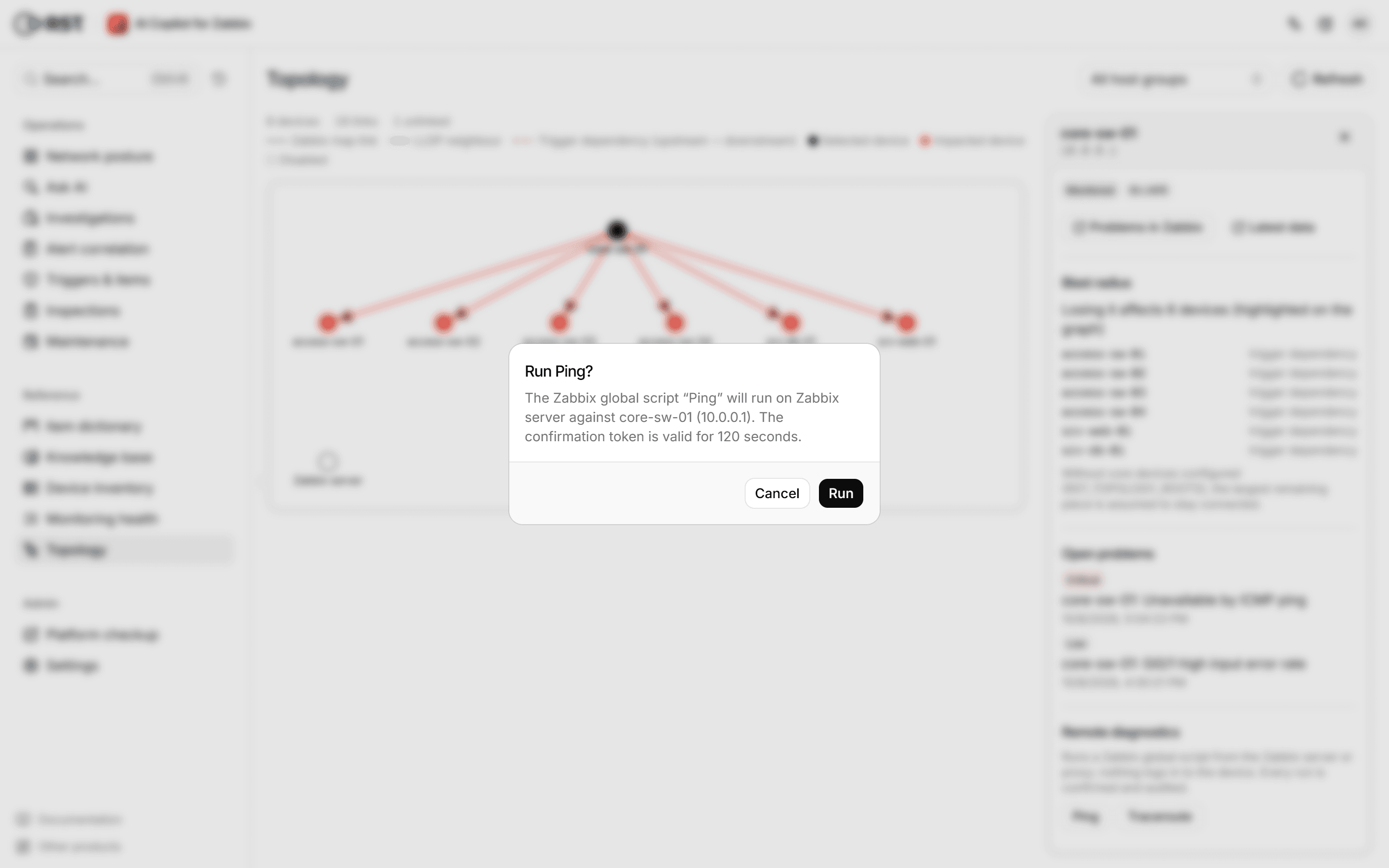
- The confirmation shows which script runs on which server or proxy against which device and IP. Select Run within 120 seconds.
- The script output is shown.
Each account can run at most 5 diagnostics per minute, set by RST_DIAG_RPM. Preparation, runs and failures are recorded in the Audit log; a run's record holds the first 2,000 characters of the output.
Network posture
The on-call board: open problems, unreachable devices, busy links, flapping interfaces, a problem timeline, the noisiest triggers and the latest alerts. Read straight from Zabbix, no model calls. All editions.
Monitoring health
Checks each device's monitoring coverage and hygiene, with a health score and remediation; identifies network devices from inventory and sysDescr and judges them against a local EOL catalog. Read-only towards Zabbix. All editions.