

Knowledge base
Upload runbooks and SOPs; problem investigation, alert correlation, result explanations, trigger generation and the platform checkup retrieve and cite them. Needs an embedding model. Available in every edition.
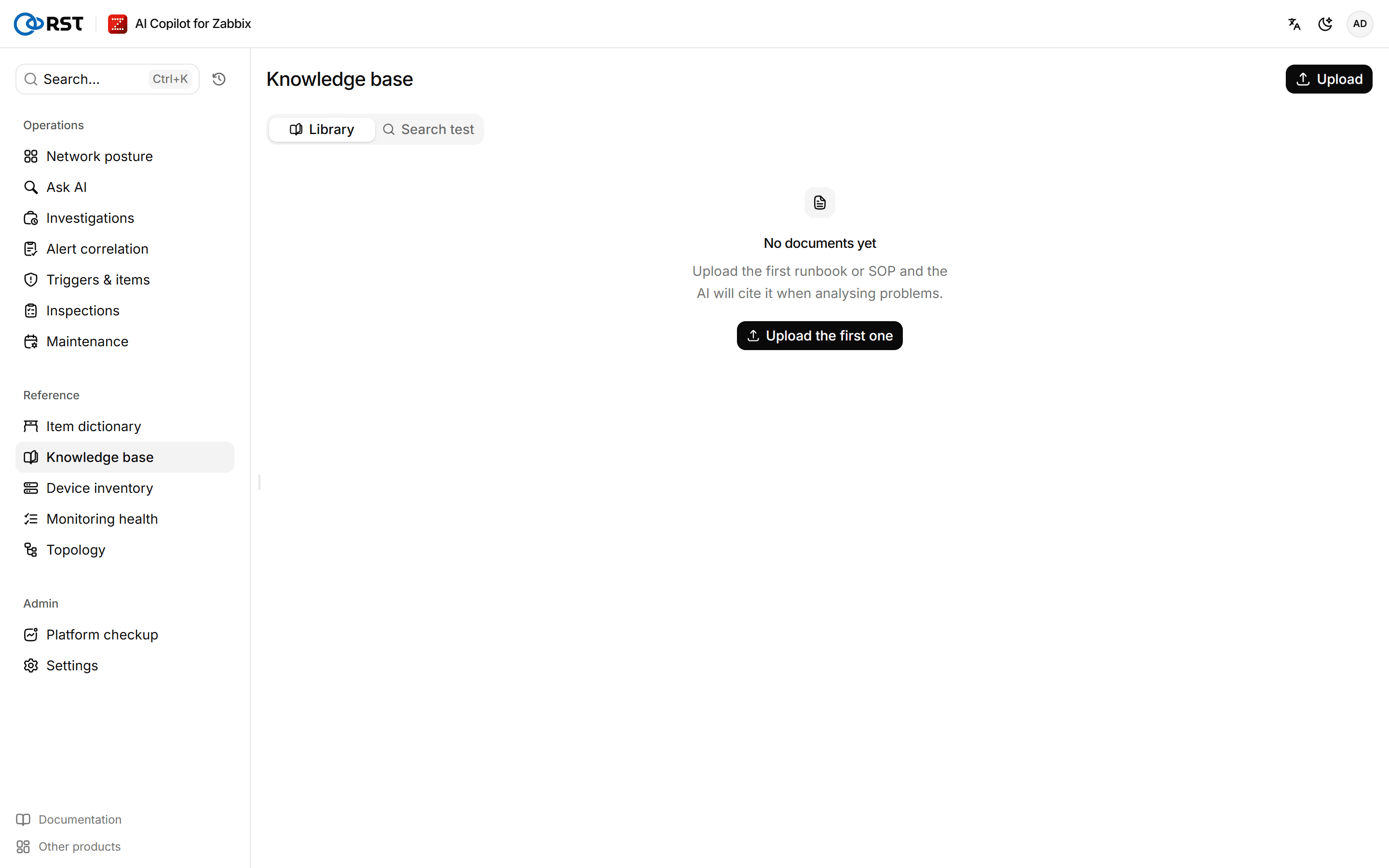
The knowledge base holds your team's own runbooks, SOPs and fixes. It sits in the Reference group of the sidebar. Before the model analyses a problem, the gateway searches the knowledge base and adds the relevant passages to the prompt. The knowledge base is stored in state/kb_store.json on the gateway (RST_KB_STORE); include it in your backups.
Enable the knowledge base
The knowledge base needs an embedding model. Without one, the page says the knowledge base is off; AI features keep working, they just skip retrieval.
Prerequisites
- The administrator role.
Steps
- Open AI settings under Settings and find Runbook embedding model.
- Enter the Model ID. Leave the endpoint and key empty to reuse the chat model's endpoint and key.
- Select Test connection. Vector dimensions fills in automatically.
- Turn on Enable and save.
If you switch to an embedding model with different dimensions, the existing index no longer matches and the save is refused; rebuild the knowledge base index first.
Upload a document
Prerequisites
- The administrator role.
- The knowledge base is enabled.
Steps
- On the Library tab, select Upload.
- Enter a Title and paste Markdown or plain text into Body. 5,000 to 20,000 characters per document works well.
- (Optional) Under Metadata (optional), add key-value pairs such as
source=network-wiki, up to 6. Metadata is stored with each chunk, so search results show where a passage came from. - Select Submit and embed.
The gateway splits the body into chunks of about 1,200 characters (neighbouring chunks overlap by 150), embeds each one and stores it. Library overview shows the number of Documents and Chunks and when the last one was indexed (Last indexed).
Deleting a document removes all its chunks and cannot be undone.
Test retrieval
Steps
- On the Search test tab, enter a question.
- Choose how many results to return, then select Search.
Results are listed highest score first. If the hits are poor, rephrase the question, or check that the document title and body use the terms people use on site.
Features that use the knowledge base
| Feature | When it retrieves |
|---|---|
| Problem investigation | Investigating a single problem, exporting the investigation report |
| Alert correlation | Scoring each correlated incident and recommending an action |
| Ask AI | Explaining a result or data |
| Triggers & items | Generating a trigger |
| Platform checkup | The AI read, which notes when it used the knowledge base |
Each retrieval takes the few highest-scoring chunks and keeps only those scoring at least RST_RAG_SCORE_THRESHOLD (0.75 by default). With a multilingual embedding model, relevant passages can score between 0.4 and 0.7; lower the threshold if needed.
Item dictionary
List the item keys in a host group with value types, latest values and distinct-value counts; copy them into a question or insert them into a chat query. Available in every edition.
Reports
Daily, weekly and monthly reports: problem counts, time to resolve, device availability, link capacity and fill-up forecast, SLA compliance and AI usage. Generate on demand, or on a schedule with archiving and delivery. Professional and above.