

Investigations
Automatic archive of problem investigations and alert correlations, kept per account, with follow-up questions about a device and pushing a finding to notification channels. All editions.
Investigations archives two kinds of AI analysis automatically and is available in every edition. A record is created when a problem investigation finishes and when an Alert correlation run finishes. You do not save anything by hand.
Records are kept per account; each account sees only the analyses it started. They are stored on the gateway and removed after RST_ANALYSIS_TTL_DAYS (30 days by default).
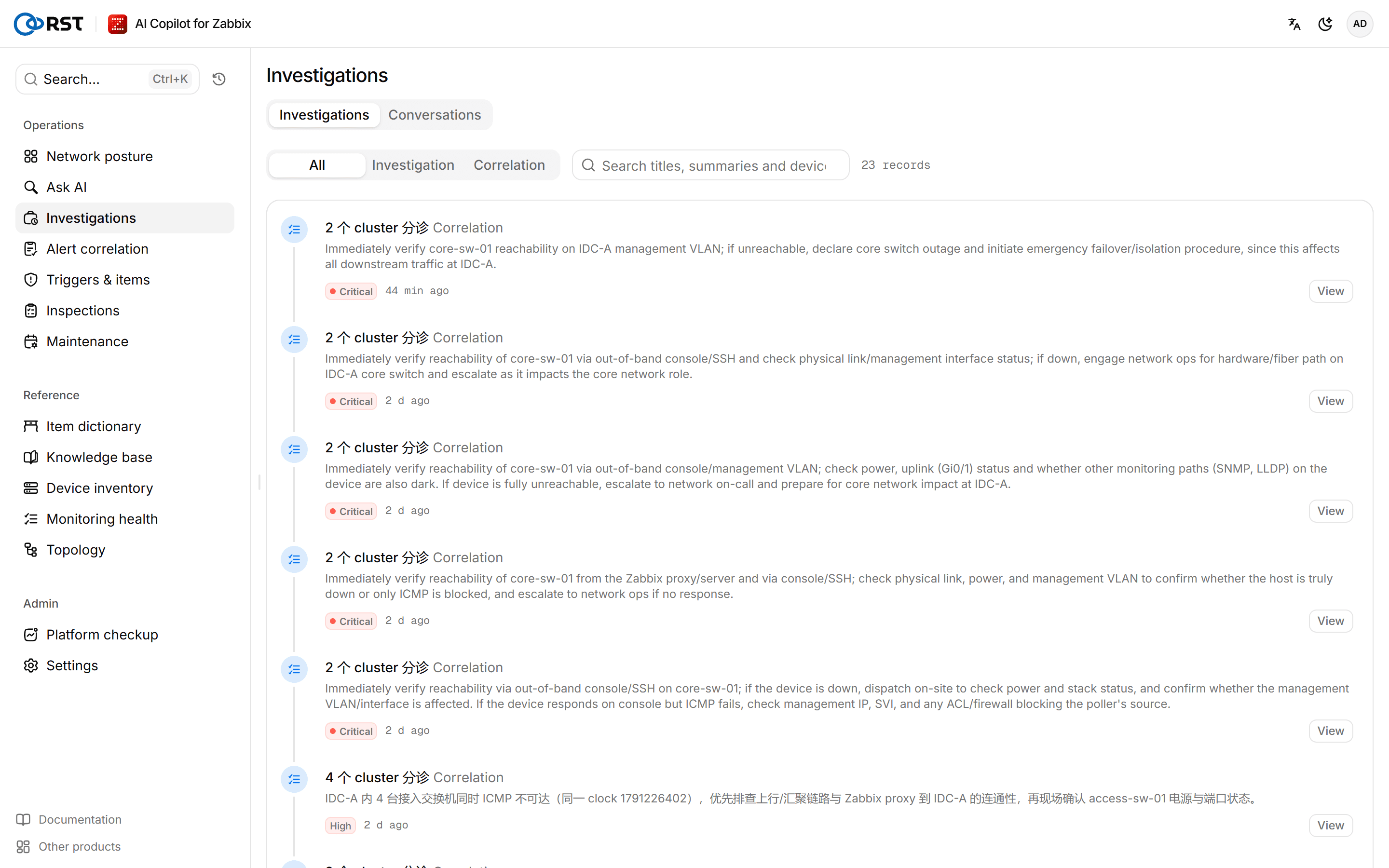
Find a record
Steps
- At the top, pick a type: All, Investigation or Correlation.
- (Optional) Type a keyword in Search titles, summaries and devices….
- The list loads 30 records at a time; select Load more for older ones.
Ask a follow-up question
Steps
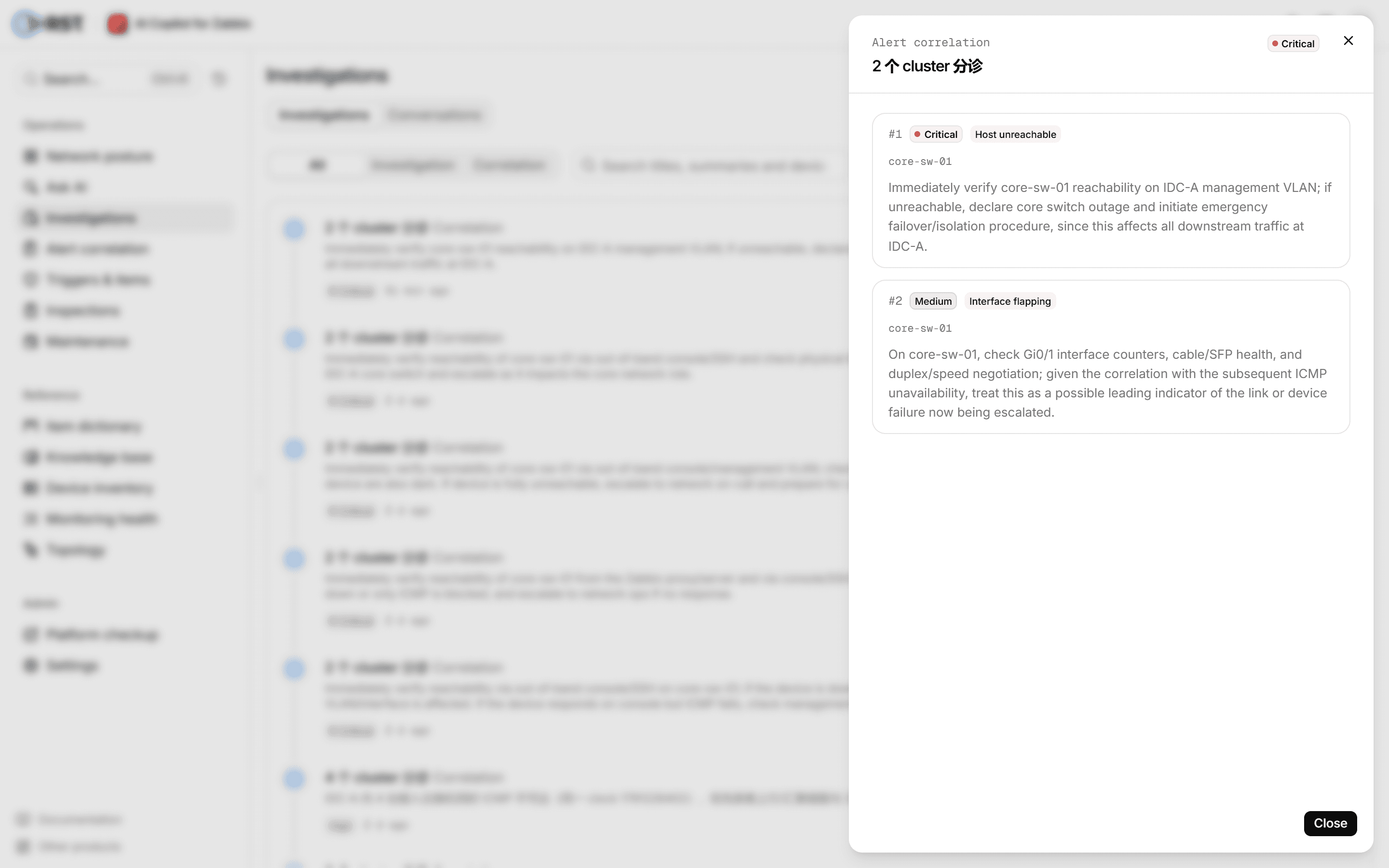
- Select a record to open its details.
- Select Ask about this device.
The device goes to Ask AI as a new question: what problems it has had in the last 24 hours.
Push an investigation finding
An investigation record has Push in its details. It sends the finding to the Outbound channels whose severity threshold the finding meets.
Prerequisites
- A Professional or Enterprise license, including a trial.
- Analyst or administrator role.
- At least one channel set up under Outbound channels.
Steps
- Open an investigation record.
- Select Push.
On success you see how many channels it went to. If no channel meets the severity threshold, nothing is sent and you are told so.
What a record holds
| Type | Content |
|---|---|
| Investigation | The full problem investigation: conclusion, false-positive verdict, timeline, impact chain, affected objects, recommended actions, lookup steps |
| Correlation | That run's alert storms, root-cause devices, groups, severities and recommendations |
Ask AI
Ask Zabbix questions in plain language. The gateway turns each question into a read-only Zabbix API call, runs it and returns a result table; follow-up questions continue the same conversation. All editions.
Live problems
Ingests problem events by polling or a Zabbix webhook and writes a one-line AI summary for each. Filter and acknowledge problems in the alert feed, and run an AI investigation on any one of them. Ingestion, summaries and acknowledgement in all editions; AI investigation Professional and above.