

Search commands
Used directly from the Splunk search bar. `| copilot` generates and runs SPL from natural language; `| splexplain` explains a query and proposes an optimised rewrite. Since 1.7.0.
Two custom search commands ship with the app (commands.conf) and work in any Splunk search bar, report or dashboard. Licence, roles, masking and audit are the same as on the home page: the commands call the backend modules directly, not over HTTP.
| copilot
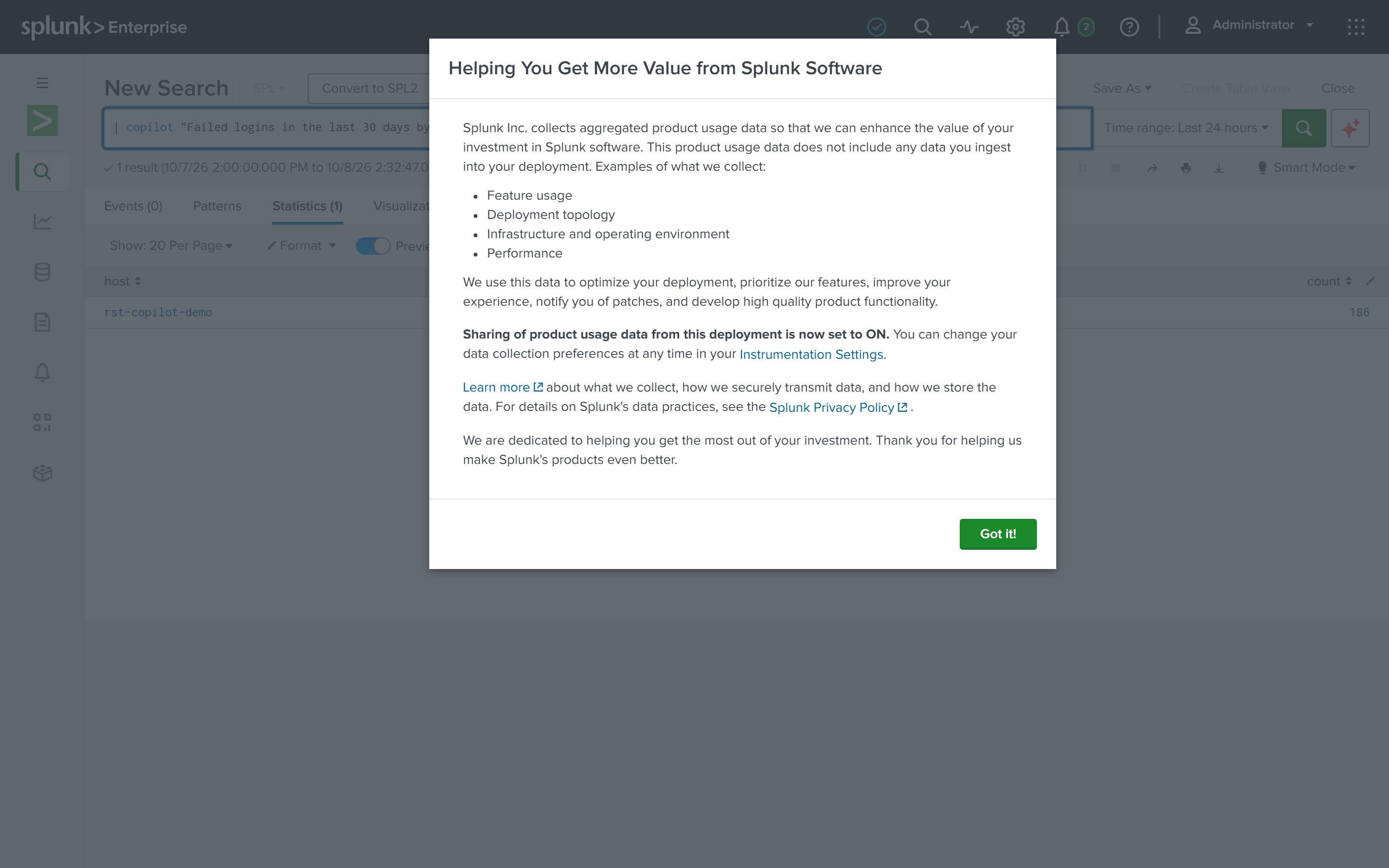
| copilot "failed logins in the last 30 days by host" index=rst_demoThe command generates SPL, passes it through the read-only check, executes it as the current user and returns the rows as its output. The generated SPL is attached to the job as an info message, visible at the top of the search page.
| Argument | Default | Notes |
|---|---|---|
| First positional | required | The question, in quotes |
index= | auto | Target index. Otherwise chosen from the allow-list |
run= | t | f skips execution and outputs one row with spl, confidence and explanation, for inspecting before running |
| Behaviour | Notes |
|---|---|
| Display | Results show in the Events view (Splunk's layout for a generating command with no _time column). Append | table _time … for a timeline |
| Time window | The command sets its own window (earliest= in the generated SPL) and ignores the page's time picker |
| Determinism | Generation is non-deterministic: the same question may group by the host metadata field one time and by an extracted dest the next; both are correct. Copy the generated SPL to make it fixed |
| Duration | On the 1.9.0 test box | copilot takes 15 to 50 s including the dry run |
| splexplain
index=* | stats count by host
| splexplain
Or with an explicit query:
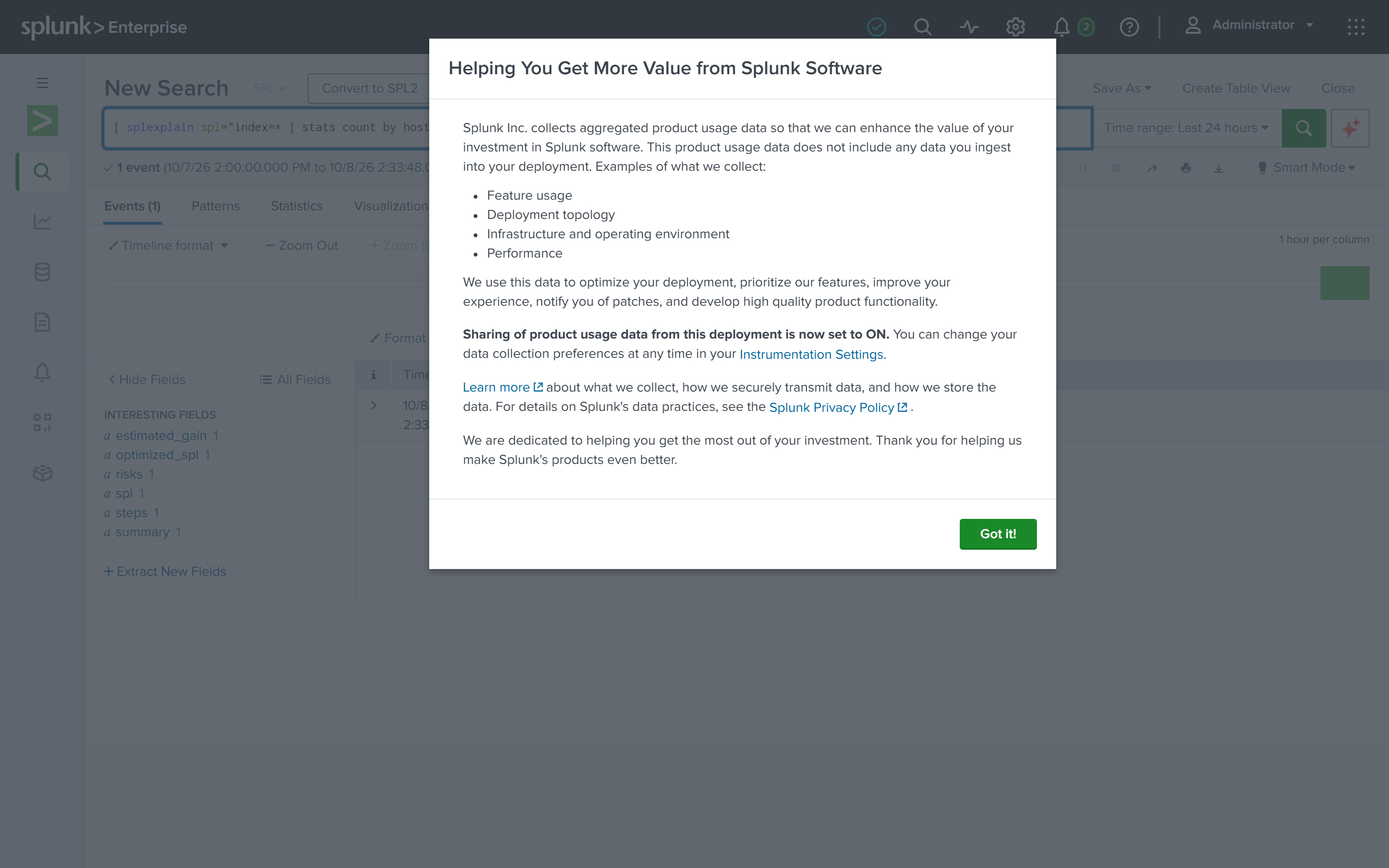
| splexplain spl="index=* | stats count by host"One row out: explanation (what the SPL does), risks (full-index scan, no time window, late filtering, leading wildcards), optimized_spl (the rewrite), why (the reasoning). Rewrites are read-only: tstats, earlier filtering, dropping index=*, fields pruning, adding a time window; never a write command.
As a streaming command on an upstream search it handles at most 20 rows per run, one model call each. The home page's Explain this SPL button uses the same core.
Save as Report or Alert
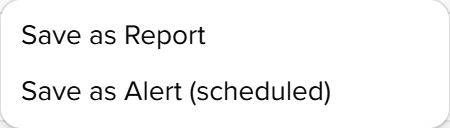
The Save to Splunk menu on a home-page answer stores the generated SPL as a saved search in the search app: a Report is unscheduled; an Alert carries a cron and a trigger, written the same way as a detection rule deployment. Analysts can save Reports; Alerts need schedule_search like rule deployment.
Permissions and audit
| Item | Notes |
|---|---|
| Session | Commands run with the searching user's session; invisible indexes stay invisible |
| Capability | copilot_use is enough for both. Generated SPL passes the same read-only gate as the home page |
| Audit | Every call writes an audit event (via=search_command), filterable by action in Audit log |
| Python | The commands declare python.required = 3.9, 3.13. The selfcontained package runs agentic under 3.13, otherwise the requests engine |
Smart query
Natural-language log queries. The model writes read-only SPL, dry-runs it and executes; empty results come with a reason and a fix; a correction made in conversation becomes a knowledge-base rule.
Investigations
The archive of investigation, triage, explanation and report conclusions. Browse by type and time, search, and follow up on the home page.