

Metric catalog and knowledge base
Descriptions of each MIB's and vendor's metrics from the content pack, and the runbooks that investigations and queries cite.
Metric catalog
The metric catalog lists the metric descriptions from the content pack, per MIB and vendor. PromQL generation uses this catalog.
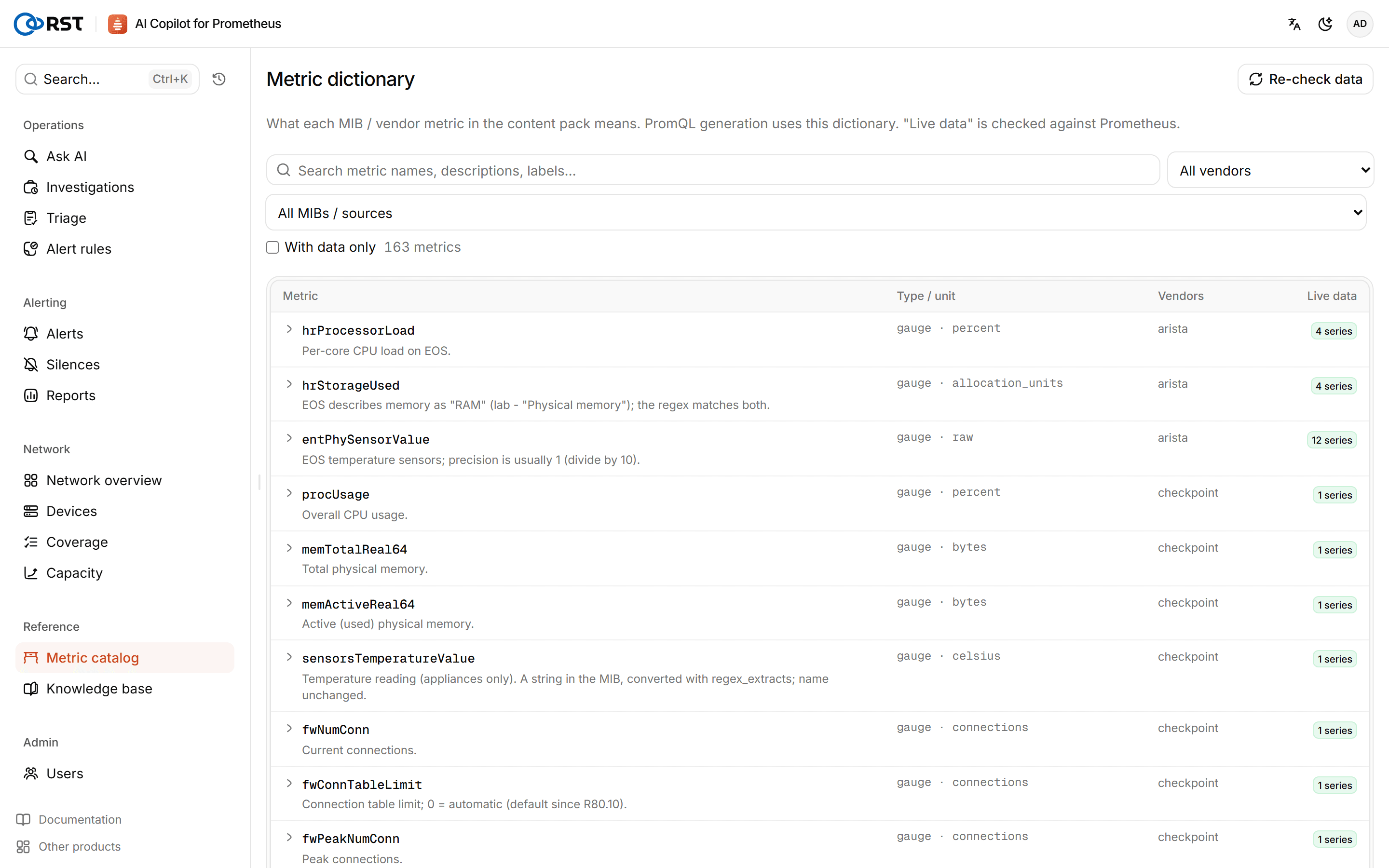
- Covers standard MIBs such as IF-MIB, HOST-RESOURCES-MIB, ENTITY-MIB and ENTITY-SENSOR-MIB, the private MIBs of Huawei, H3C, Cisco, Ruijie, Juniper, Fortinet, Sangfor and others, and the recording rules of the network rule pack.
- Filter by vendor and MIB source; With data only shows only metrics that currently have series in your Prometheus.
- Each metric shows its type and unit, key labels, value meanings (enumerations), common expressions and caveats.
- Ask: opens Ask AI with the metric.
The catalog is updated with the signed content pack; see Upgrades, rollback and backups.
Knowledge base
The knowledge base (the page is titled Runbooks) holds operations runbooks. Alert investigation, triage, result readouts and the monitoring health check search it and cite what they find.
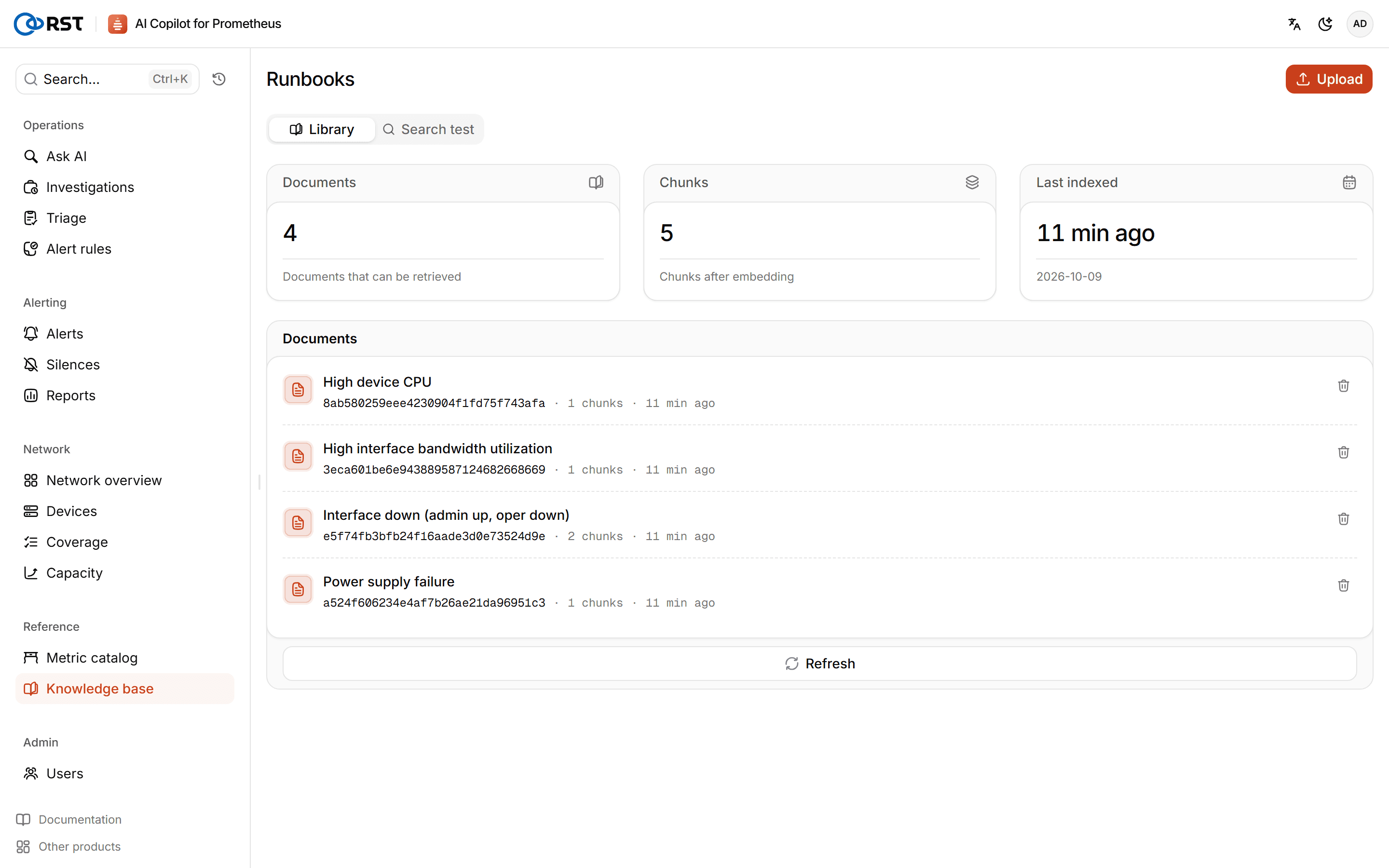
- Import: imports the network runbooks built into the content pack. Import again after a content-pack update.
- Upload: enter a title and body and up to 6 metadata fields, which show where a passage came from when it is retrieved. Uploads are split into passages and embedded.
- Library: view and delete documents.
- Search test: type a sentence and see the matching passages and their similarity, to check that a runbook can be found.
The knowledge base needs the database and an embedding model set in AI settings. Without them the page says the knowledge base is unavailable.
Monitoring health
Check the health of Prometheus and Alertmanager themselves, with a verdict and advice for each check and an AI readout that ties them together. Needs a Professional license.
Reports
Daily, weekly and monthly network reports: alerts, the most utilized links, errors and discards, device availability, capacity risk and AI investigation findings. Needs a Professional license.