

Quick start
Install the gateway on one Linux host with a single command, connect your Prometheus and Alertmanager, and sign in.
A single-host install needs a Linux host with Docker, network access to your Prometheus and Alertmanager, and one install command. For SSO and offline installs see Installation.
Prerequisites
- x86_64 Linux (Ubuntu 20.04, 22.04 or 24.04, RHEL or CentOS 8 or later, Kylin, UOS and similar), at least 2 vCPU, 4 GB RAM and 20 GB disk.
- Docker Engine 24 or later and Docker Compose v2.
- Prometheus 2.43 or later and Alertmanager 0.25 or later, reachable from the gateway host. Grafana is optional.
- A host name or IP for the operators, for example
copilot.corp.local. - A model is optional: any OpenAI-compatible endpoint (Volcengine Ark, a local vLLM or Ollama, and so on). Without one, queries fall back to keyword generation and are marked low confidence; you can add a model later under AI settings.
Inbound you only need 443; 80 is optional and redirects to HTTPS. Outbound the gateway needs Prometheus, Alertmanager and the model endpoint. Online activation of a commercial license also needs license.reallysec.com on 443; the one-command install and online updates also need github.com and release-assets.githubusercontent.com on 443.
Install
Install Docker
Skip this if the host already has Docker 24 or later.
curl -fsSL https://get.docker.com | sudo sh
sudo usermod -aG docker $USER   # takes effect after you log in again
docker compose version
Install with one command
Run this in an interactive terminal:
curl -fsSL https://github.com/Reallysec/RST-AI-Copilot-for-Prometheus/releases/latest/download/install.sh | sudo bashThe script downloads the newest signed release and checks its signature and SHA-256; if either check fails, nothing is installed. It then unpacks the bundle into /opt/rst-ai-copilot-for-prometheus and runs deploy.sh from there. Every edition uses the same bundle; without a license it runs as the Community edition.
Downloads come from GitHub Releases. The Tencent Cloud COS mirror for mainland China is not available yet, so --mirror cn falls straight back to GitHub. For hosts without internet access, see the offline install in Bundle install.
Answer the deployment prompts
Choose authentication 1 (the gateway's own sign-in), then enter the model (optional), time zone, Prometheus and Alertmanager addresses and credentials, the Grafana address (optional), the host name or IP, and the admin password. The password needs at least 8 characters. Every data source can be left blank and filled in later under Settings > Data sources. The script generates the internal secrets, writes .env (mode 600), starts the containers and prints the address. It takes about two minutes.
The script also creates state/machine-id and state/server_guid. Together they are the license's hardware fingerprint and must never be regenerated.
Check
curl -k https://copilot.corp.local/healthz   # {"status":"ok"}
curl -k https://copilot.corp.local/readyz    # db / prometheus
readyz needs a reachable database and Prometheus. prometheus_configured: false means no data source has been entered yet; that is expected, fill it in on the Settings page after you sign in.
Sign in
Open https://copilot.corp.local/v2/ and sign in as admin with the password you set. On first sign-in you read and accept the end user license agreement. The default certificate is self-signed by Caddy's internal CA; distribute its root certificate to the operators' machines or switch to your own certificate.
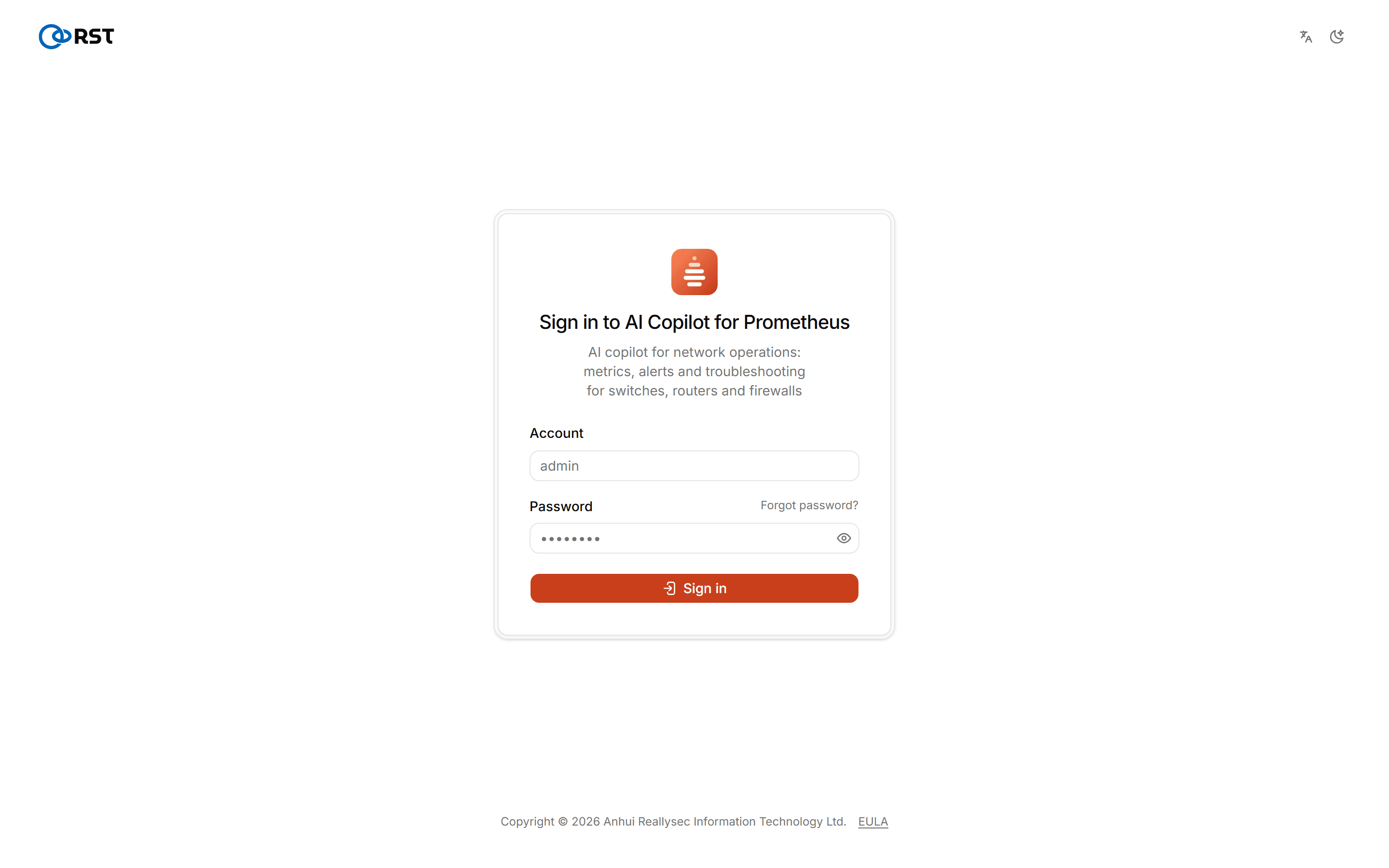
You land on the Ask AI page; see Tour.
Next steps
- Under Settings > Data sources, click Test connection for each source; Prometheus and Alertmanager should report their versions. For read-only accounts, label conventions and the inventory scrape job, see Data sources.
- For paid features, an admin imports a license on License; no reinstall is needed. See Editions for the differences.
- Back up
.env,./state/and the data volumes;scripts/backup.shin the bundle does all of it. See Upgrades, rollback and backups.
Upgrade
Run the install command again, or unpack the new bundle into the same directory and run sudo ./deploy.sh, keeping the existing .env. .env, state/ and the data volumes are kept and the license does not need to be activated again.
Never regenerate state/machine-id or state/server_guid, and do not run docker compose down -v. A change to either file counts as new hardware and the license has to be activated again.
Troubleshooting
/v2/ does not open
Check docker compose -f docker-compose.prod.yml logs caddy gateway. Open 443 in the firewall or security group and make sure CADDY_SITE_ADDRESS is the host name or IP operators actually use.
Sign-in says the password is rejected
RST_ADMIN_PASSWORD_HASH is missing from .env; see Configuration.
readyz returns 503 and prometheus is not ok
The gateway host cannot reach Prometheus, or the credentials or CA are wrong. For a private CA, put the certificate in ./certs and set RST_PROMETHEUS_CA_CERT.
For other symptoms see the FAQ.
RST AI Copilot for Prometheus
A self-hosted AI gateway for network operations that connects to your existing Prometheus and Alertmanager. Ask for metrics in plain language, triage and investigate alerts, generate alert rules, and get daily and weekly network reports.
Editions
What the Community, Professional and Enterprise editions include, and what a trial license covers.