

User guide
Account
Profile, password, language, theme and query preferences.
Open the account menu at the top right and choose Profile or Preferences.
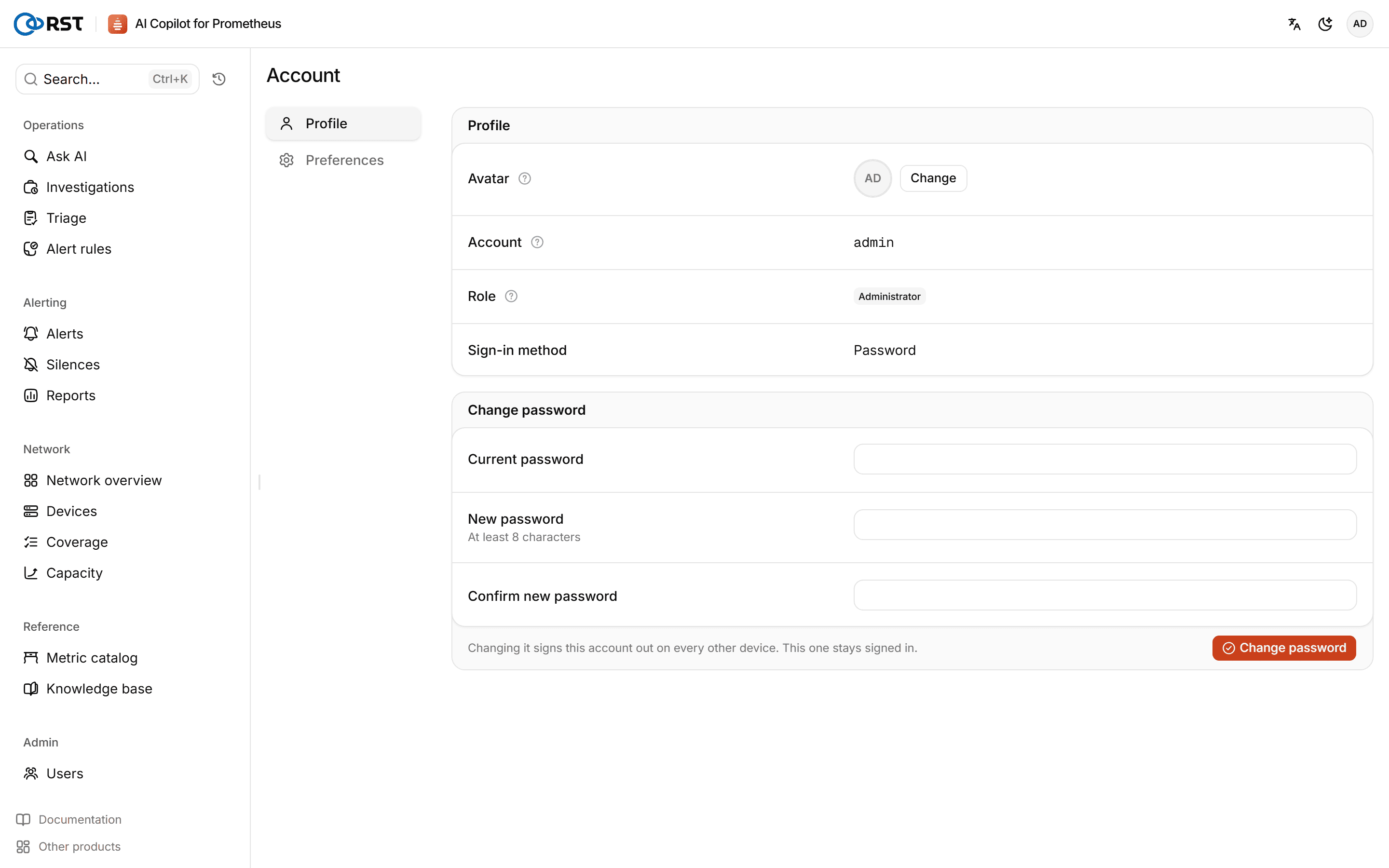
Profile
- Avatar: scaled to 96×96 and stored in your own preferences.
- Account, role and sign-in method (password, single sign-on and so on). Admins assign account names; you cannot change yours here.
- Change password: enter your current and new password (at least 8 characters). Your other sessions are signed out. Single sign-on users manage their password in the IdP.
Preferences
- Language: Chinese or English. Only the interface text changes; analysis returned by the backend is not affected.
- Theme: light, dark or follow the system.
- Queries: rows per page in result tables, and the columns you picked in result tables (remembered per query source; you can reset them all).
Changes are saved immediately.
Forgotten password
The product runs on your own servers and has no email channel for password recovery:
- With several accounts, ask an admin to reset your password on the Users page.
- With only
admin, an operator regeneratesRST_ADMIN_PASSWORD_HASHon the gateway host and restarts the gateway; see Configuration.