

Account
Avatar, password, and interface language for the current account, plus the default index and remembered columns for Ask AI. Changes save immediately and follow the account.
The Account page edits only the account you are signed in with. Open it by selecting Profile in the account menu. Administrators create accounts, assign roles, and disable accounts on Users.
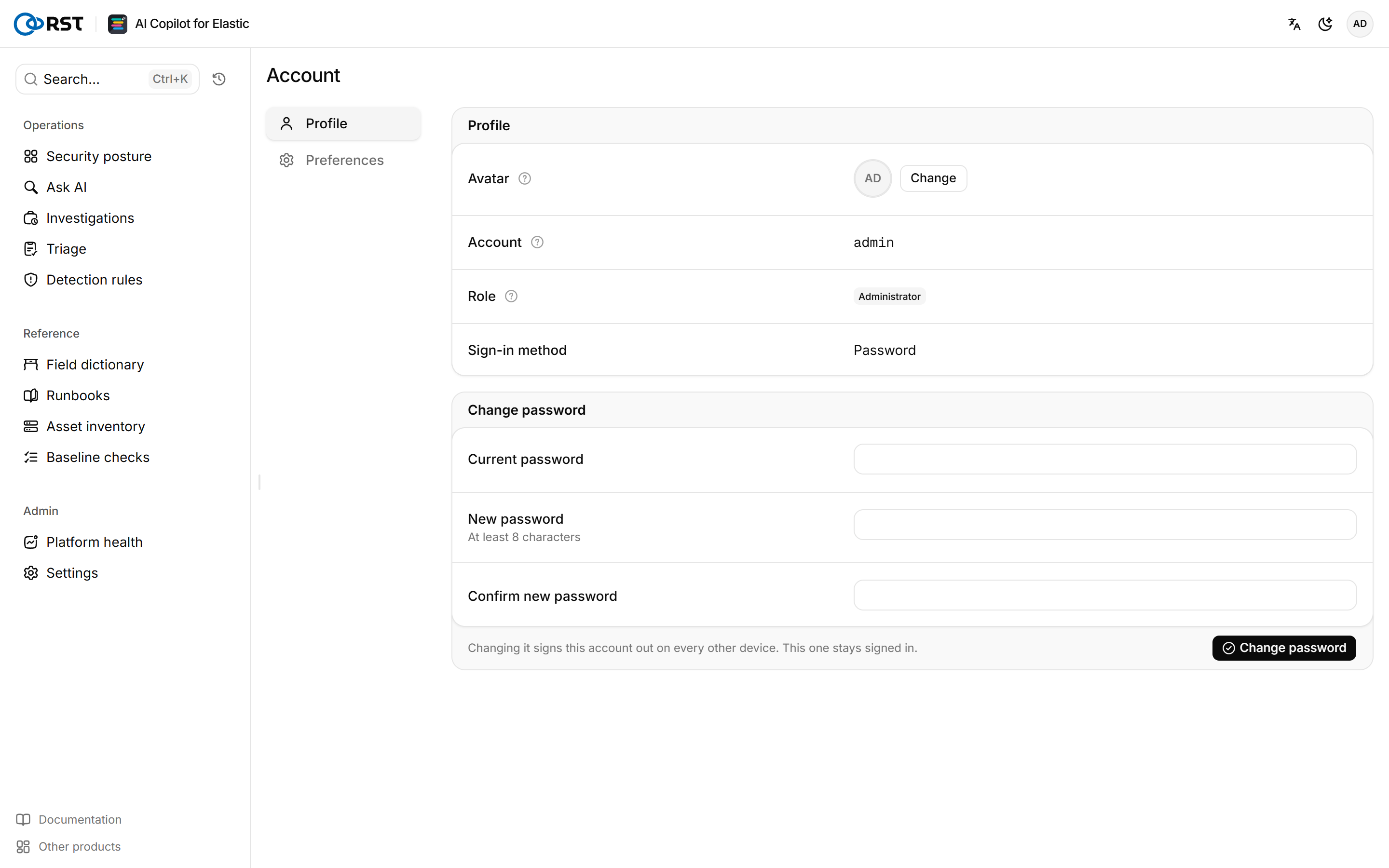
Profile
Account, Role, and Sign-in method are read-only. The sign-in method is Password, Single sign-on, Reverse-proxy identity, or Ops token. Your avatar is scaled to 96×96 and stored in your preferences.
Change your password
The new password needs at least 8 characters. Changing it signs the account out on every other device and keeps your current session.
Only password-login accounts can change their password here. Single sign-on and reverse-proxy accounts change it in the identity provider. On a single-account deployment (no RST_USER_DB_URL), the password lives in RST_ADMIN_PASSWORD_HASH in .env and the page returns password_in_env_only. Installing from the archive gives the command that generates a new hash. Put it in .env and restart the gateway.
Preferences
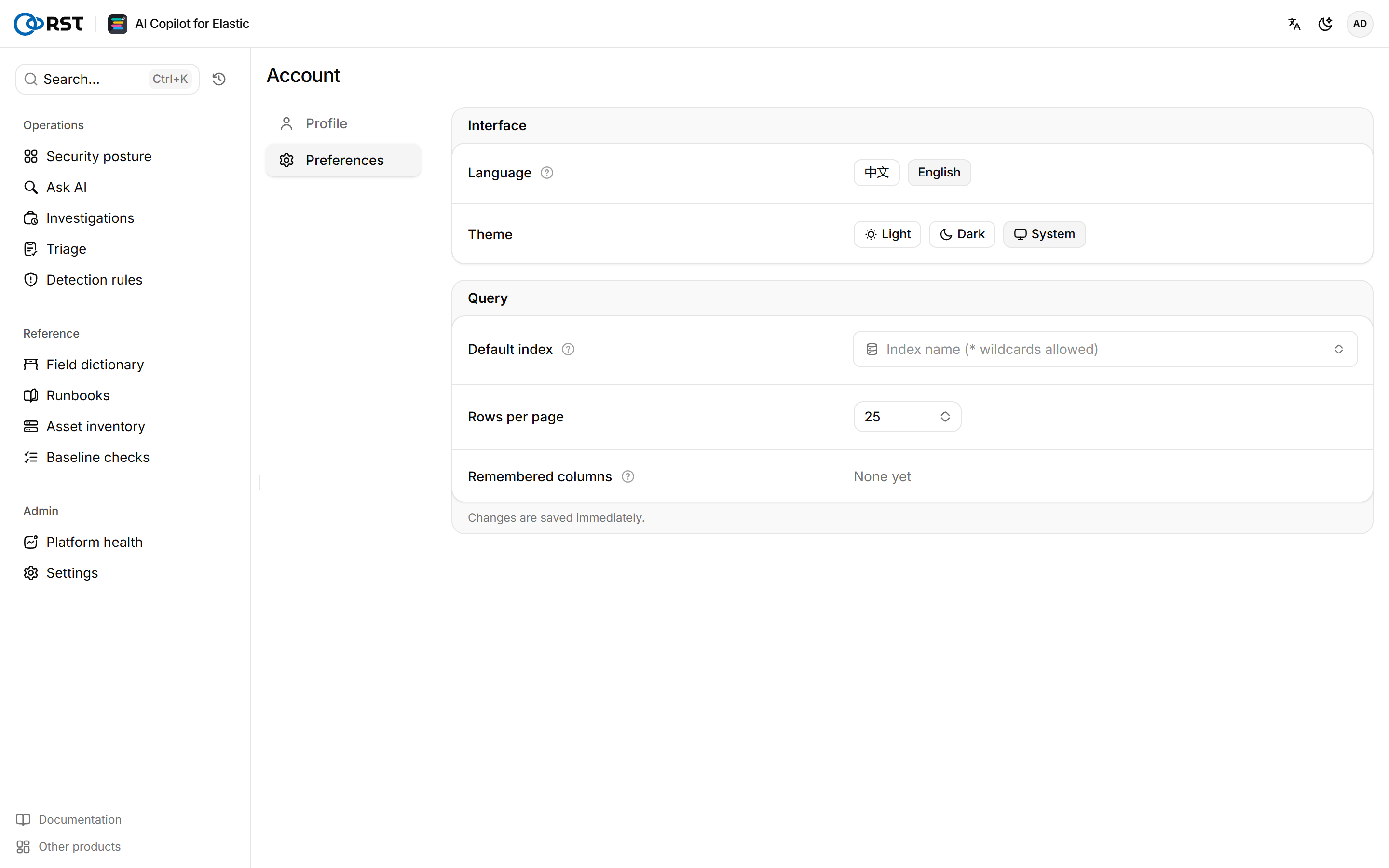
Default index is preselected when you open Ask AI. With Auto, the gateway picks an index from the question. Remembered columns are the result-table columns kept per index; select Reset all to clear them. Language also sets the language of model output and gateway-generated text: answers, triage verdicts, investigation reports, detection rules, platform health checks, reports, and notification templates. Saved content keeps the language it was generated in.
Preferences are stored on the gateway in the .rst_copilot_userstate index and follow you to any browser. If the gateway is unreachable, they stay in the current browser until it is back, and the navigation shows Not synced.
Outbound channels
Push reports and high-severity alerts to Feishu, DingTalk, WeCom, Teams, Slack, or email. Destinations, periods and alert threshold, mail server; failed deliveries retry and can be resent.
FAQ
Installation failures, refused sign-in, empty queries, failed activation, slow models. Causes and fixes by symptom.