

Investigations
Automatic archive of alert investigations, triage runs, and result readouts, with a jump from a record to a query on its subject.
Investigations archives three kinds of AI analysis and is available in every edition. The gateway writes a record when an alert investigation or a triage run completes, and when you select Explain these results in Ask AI.
Records belong to the account that produced them; each account sees only its own. They are stored in the .rst_copilot_analysis index in Elasticsearch (RST_ANALYSIS_INDEX), backed up with the cluster, and kept for 30 days (RST_ANALYSIS_TTL_DAYS).
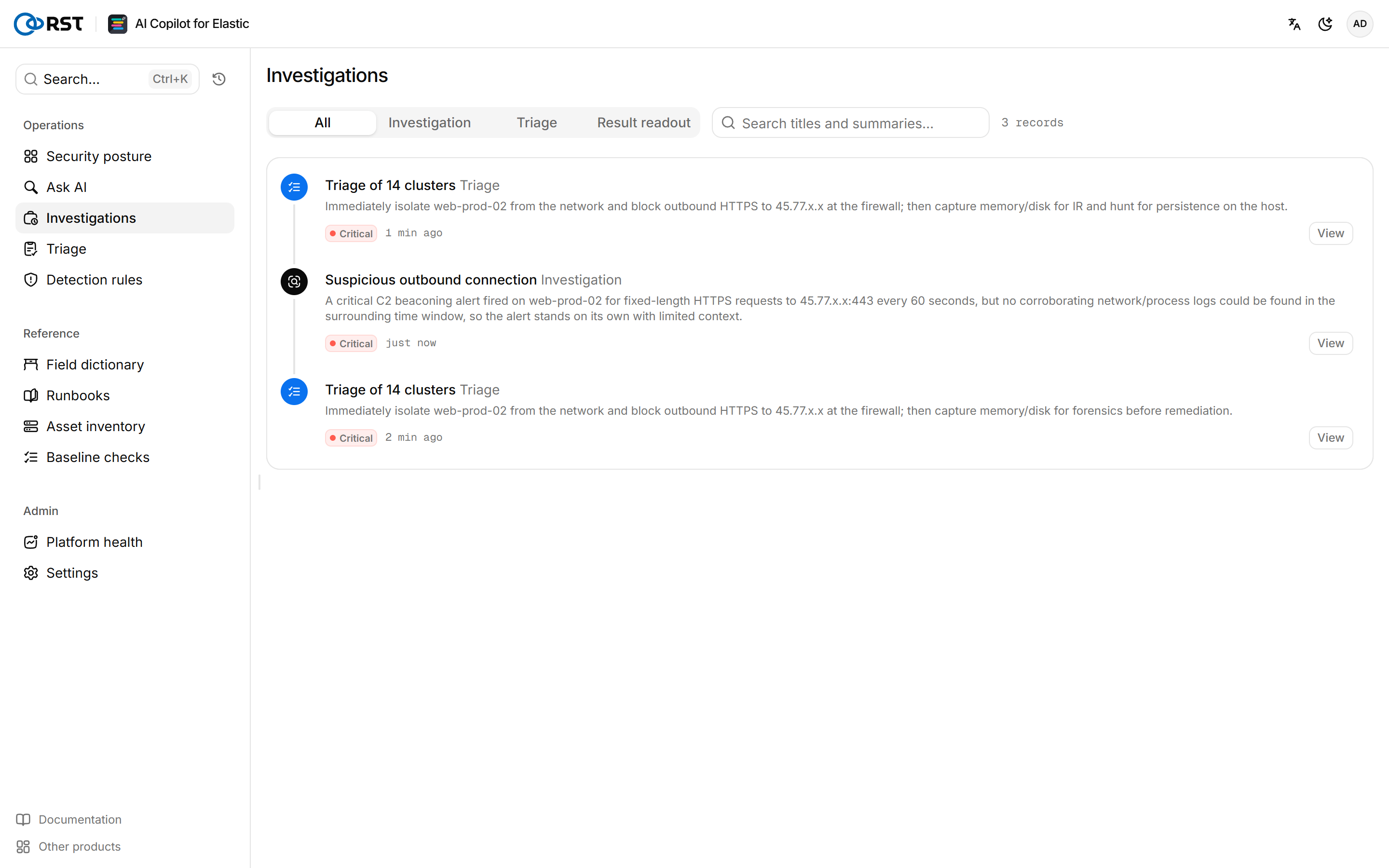
Find a record
At the top of the page, select All, Investigation, Triage, or Result readout. The search box matches titles and summaries.
Record content
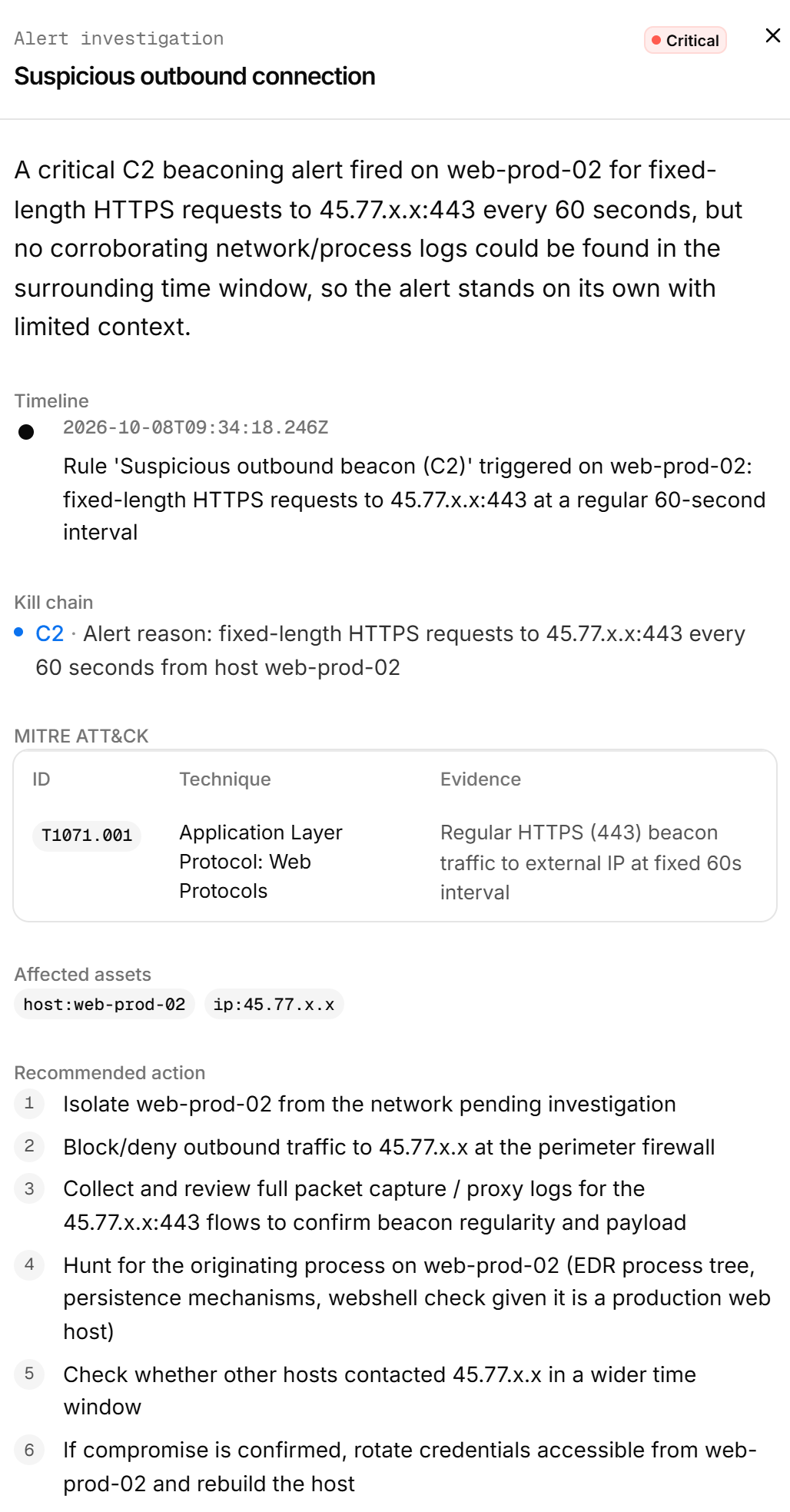
| Kind | Content |
|---|---|
| Alert investigation | The full report: verdict, false-positive assessment, timeline, affected assets, recommended action, retrieval trace |
| Alert triage | The run's clusters, severities, and recommendations |
| Result readout | The question, the query, and the model's reading of the results |
Select Ask about this subject in a record to take its host, IP, or account to Ask AI for further queries.
The archived investigations and triages count at the bottom of Security posture comes from these records.
Ask AI
Query logs and alerts in Elasticsearch in plain language. The gateway translates each question into read-only DSL and dry-runs it before execution.
Triage
Cluster a batch of alerts by intent and subject. The model scores each cluster, flags likely false positives, recommends actions, and ranks the queue. Paid.