

Quick start
Single-host installation with the install script or the delivery archive, through to the first login.
A single-host installation needs one Linux host, Docker, and an existing Elasticsearch 8.x or 9.x. The install script downloads the archive and runs deploy.sh; you can also download the archive yourself. For SSO and air-gapped activation, see Installation.
Prerequisites
- Ubuntu 20.04, 22.04, 24.04, or equivalent Linux with at least 2 vCPU, 4 GB RAM, and 20 GB disk.
- Docker Engine 24 or later and Docker Compose v2.
- An existing Elasticsearch 8.x or 9.x cluster reachable from the host. Kibana is optional. For a PoC or a host without ELK,
deploy.shcan start bundled Elasticsearch and Kibana; see Installing from the archive. - An OpenAI-compatible LLM endpoint with an API key and model name. On the Volcengine Ark coding plan, the model is
ark-code-latest. - A hostname such as
copilot.corp.local. A bare IP is not a valid TLS SNI and some browsers refuse the handshake. Without internal DNS, add a hosts entry on analyst workstations.
Inbound, open 443 (80 for the redirect is optional). Outbound, the host needs the LLM endpoint on 443 and Elasticsearch on 9200. Online activation of a commercial license also needs license.reallysec.com on 443. An unactivated Community install does not contact the license server.
Install with the script
install.sh downloads the latest archive, verifies its SHA-256, unpacks it into /opt/rst-ai-copilot-for-elastic, and runs deploy.sh. It does not install Docker and must run in an interactive terminal.
Steps
-
Install Docker as in the Install Docker step below.
-
Run the install script:
curl -fsSL https://github.com/Reallysec/RST-AI-Copilot-for-Elastic/releases/latest/download/install.sh | sudo bashEvery edition uses the same archive; without a license it runs as the Community Edition.
-
Answer the
deploy.shprompts as in the Run deploy.sh step below.
Then check the result with the Verify and Sign in steps. For air-gapped hosts and all script options, see Installing from the archive.
Install from the archive
Install Docker
Skip this step if Docker 24 or later is present.
curl -fsSL https://get.docker.com | sudo sh
sudo usermod -aG docker $USER   # takes effect after re-login
docker compose version
Get and unpack the archive
Download RST-AI-Copilot-for-Elastic-<version>.tar.gz and its .sha256 file from GitHub Releases. Every edition uses this one archive. The archive contains the images, so no registry access is needed.
sha256sum -c RST-AI-Copilot-for-Elastic-<version>.tar.gz.sha256
tar xzf RST-AI-Copilot-for-Elastic-<version>.tar.gz
cd RST-AI-Copilot-for-Elastic-<version>
Run deploy.sh
sudo ./deploy.shChoose 1 for authentication (built-in login) and 1 for the Elasticsearch source (existing cluster), then answer the prompts for the LLM, timezone, Elasticsearch and Kibana URLs, hostname, and administrator password. The script writes generated secrets to .env (mode 600), starts the containers, and prints the URL, in about two minutes.
The script also generates state/machine-id and state/server_guid. Together they form the license hardware fingerprint and must never be regenerated.
Verify
curl -k https://copilot.corp.local/healthz   # {"status":"ok"}
curl -k https://copilot.corp.local/readyz    # es / es_write / timezone
es_write in readyz must be ok. denied means the Elasticsearch account lacks privileges on .rst_copilot_*; see below.
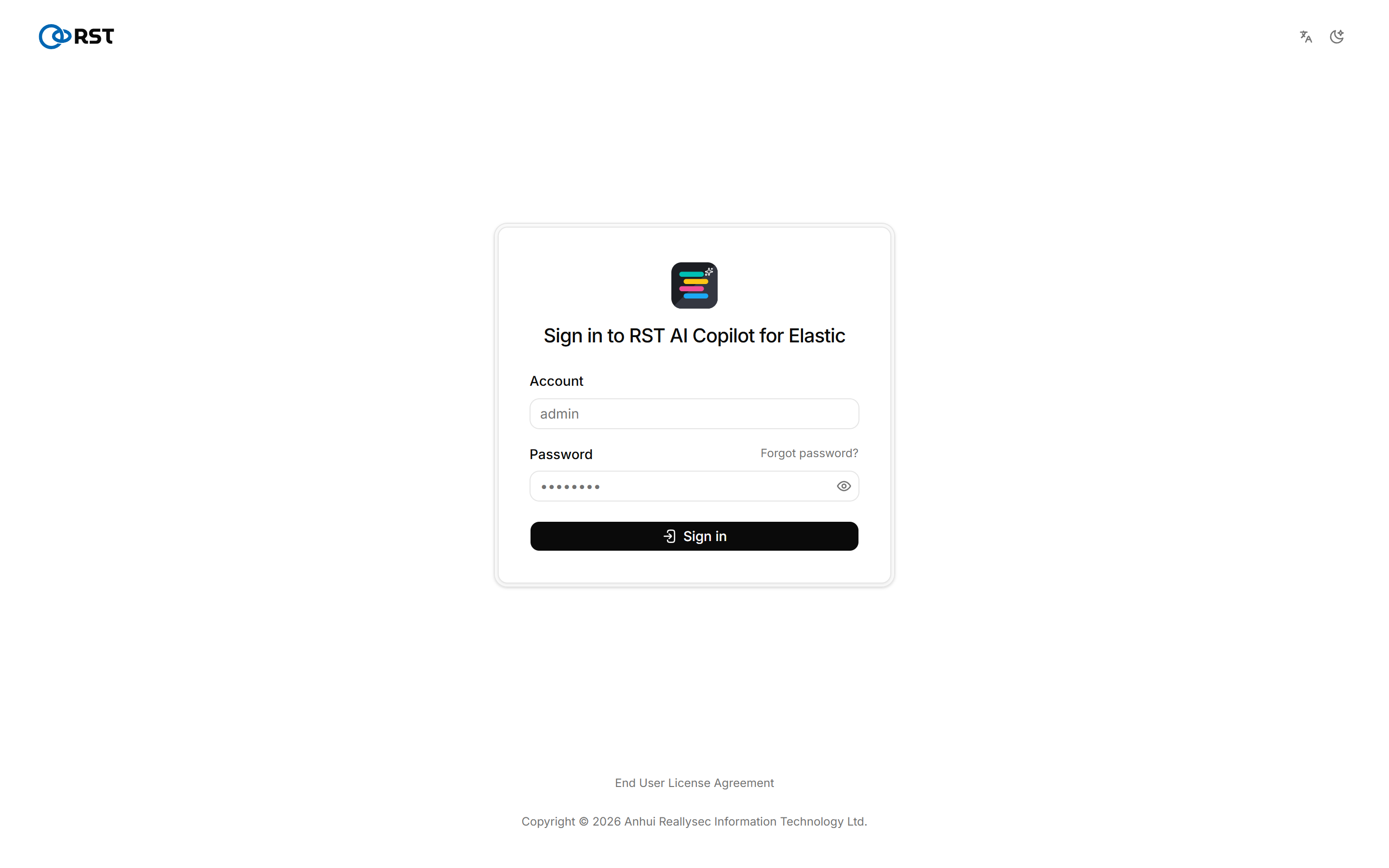
Elasticsearch account permissions
With Elasticsearch security enabled, the role for ES_USER needs at least these privileges.
| Indices | Privileges | Purpose |
|---|---|---|
Log indices, for example logs-* | read, view_index_metadata | Queries |
.rst_copilot_* | create_index, read, write, manage | Gateway-owned indices: audit, state, archives |
.alerts-security.alerts-*, .internal.alerts-security.alerts-* | read, view_index_metadata | Live alert ingest. Kibana's role page does not autocomplete these hidden indices; type the pattern |
Set RST_INDEX_WHITELIST=logs-*,filebeat-* in .env to limit which indices can be queried. See Elasticsearch permissions.
Next step
- To use the paid features, an administrator activates a license; no reinstall is needed. Without one the gateway runs as Community; see Editions for the differences.
- Configure the index whitelist, masking mode, and audit in Settings.
- Back up
./state/and export thegateway_statevolume with the bundledscripts/backup.sh, which does not cover./state/.
Upgrade
On a host installed with the script, run the install script again. It keeps .env and the host fingerprint in the install directory. Hosts installed with 1.2.20 or earlier keep their existing directory /opt/rst-elastic-ai-copilot.
On a manual installation, unpack the new archive into the same directory and run sudo ./deploy.sh again, keeping the existing .env. The script loads the new image, switches GATEWAY_IMAGE_TAG, and restarts. To roll back, restart on the previous image tag; license state is unaffected.
An online-activated commercial license also supports online update; see Upgrade and backup.
Do not regenerate state/machine-id or state/server_guid, and do not run docker compose down -v. The license treats a change to either file as new hardware and must be activated again.
Troubleshooting
/v2/ does not open
Read the logs with docker compose -f docker-compose.prod.yml logs caddy gateway. Open 443 in the firewall or security group, and set CADDY_SITE_ADDRESS to a hostname.
TLS handshake fails
CADDY_SITE_ADDRESS is a bare IP. Use a hostname and add a hosts entry on analyst workstations.
License suddenly invalid
state/machine-id or state/server_guid was regenerated. Restore the original files from backup.
For other symptoms, see FAQ.