

UI overview
The two sidebar groups and in-page tabs, the command palette, the account menu and roles, and global banners.
The interface is at https://<hostname>/v2/. The first account is the admin set during installation. There is no self-registration; add other accounts on the Users page. After sign-in, the Ask AI home page opens.
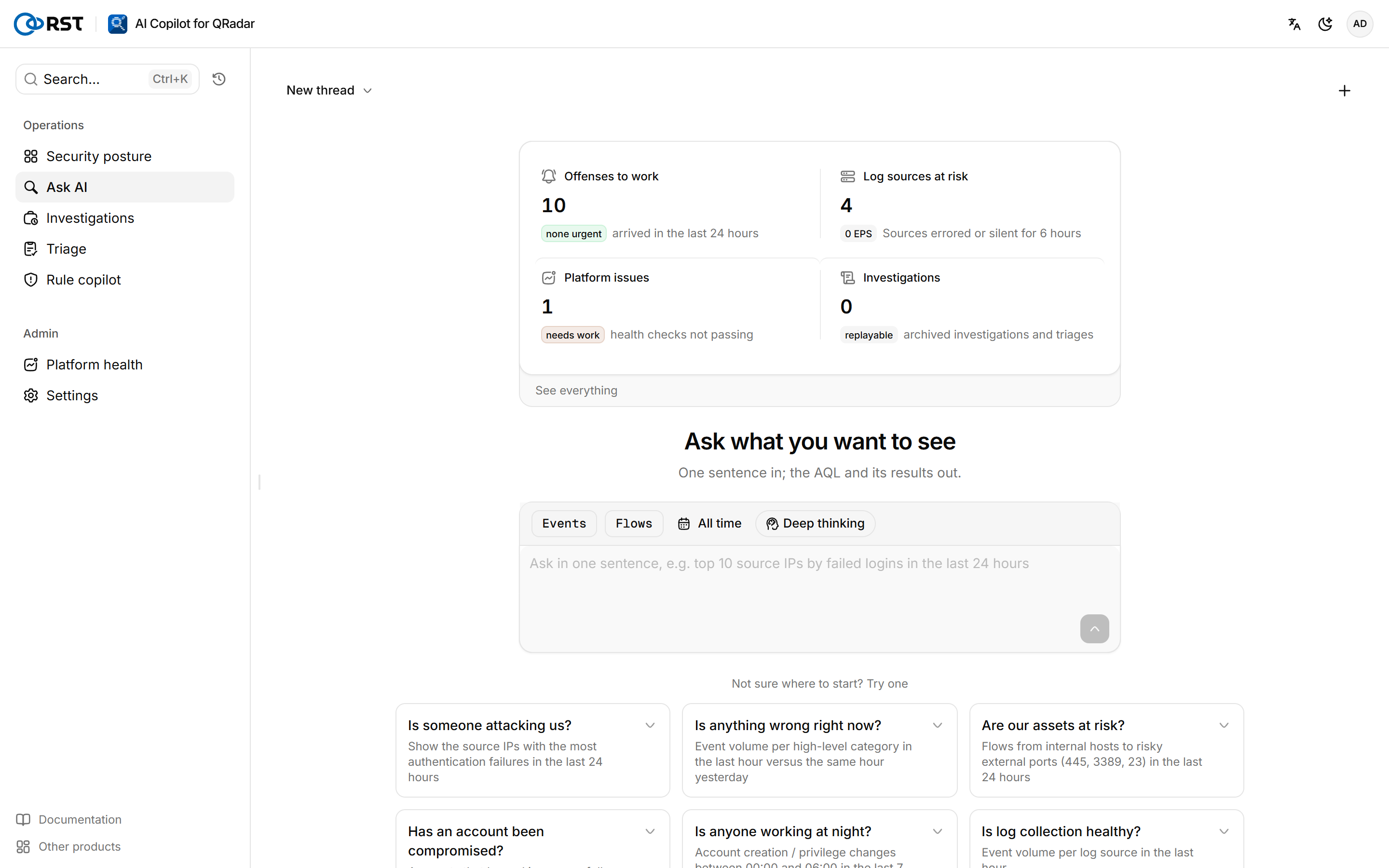
Pages
The sidebar has two groups, Operations and Admin. Security posture, Settings and Platform health carry tabs at the top that hold seven more pages.
| Group | Page | Content | Tabs |
|---|---|---|---|
| Operations | Security posture | Offense counts, high-severity count, log-source problems, platform issues | Offenses, Reports |
| Ask AI | Natural-language questions over events and flows | ||
| Investigations | Archive of investigations, triage runs and result readouts | ||
| Triage | Clusters and rates a batch of offenses. Paid | ||
| Rule copilot | Rule Wizard designs from natural language. Paid | ||
| Admin | Platform health | QRadar deployment check-up and AI reading, paid | Audit log, Outbound channels |
| Settings | QRadar connection, log-source whitelist, masking, version and updates | Users, AI settings, License |
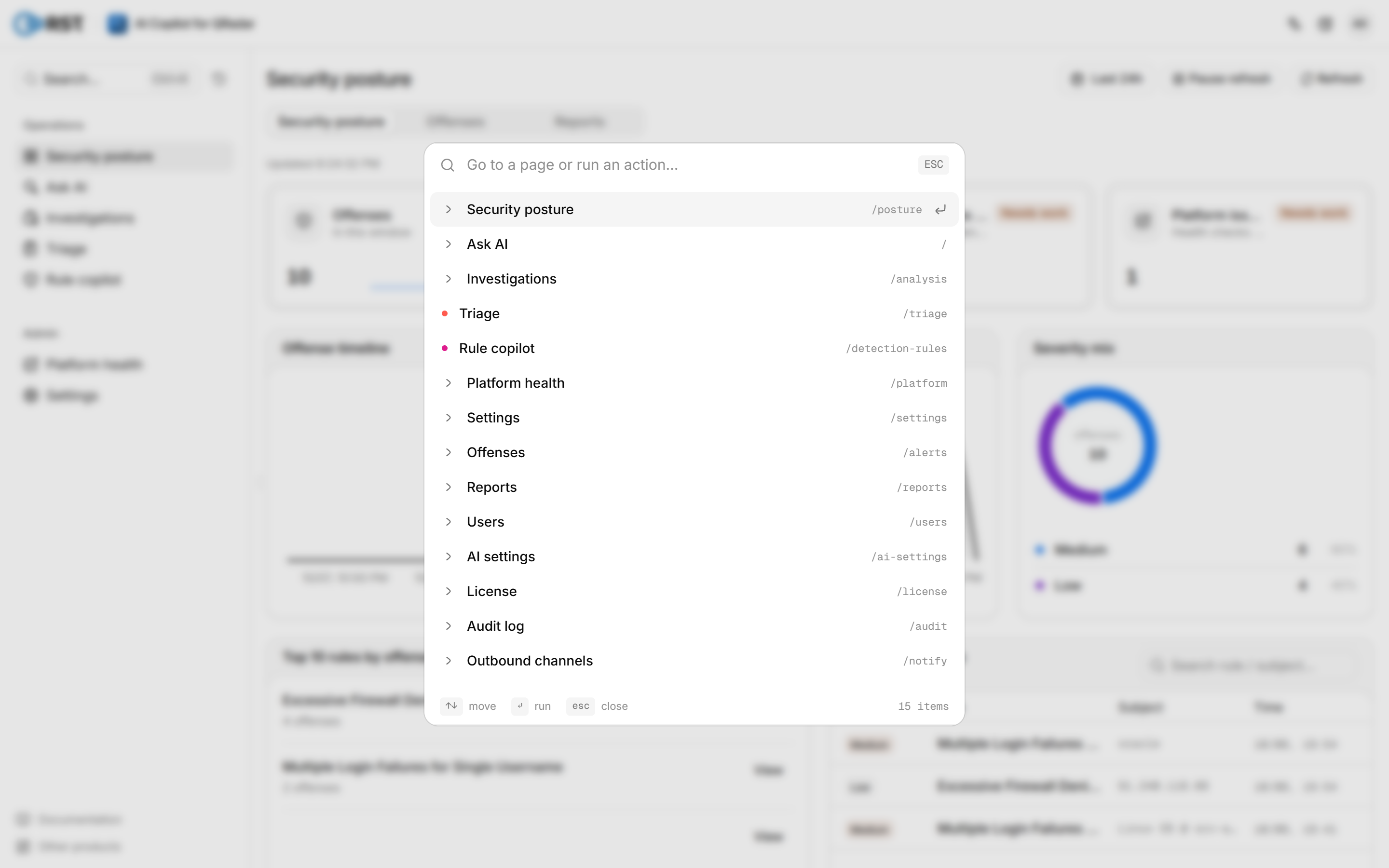
Press Ctrl+K (Cmd+K on macOS) or select Search… in the upper-left corner to open the command palette, and type a page name to jump to it. The palette also lists your Query history.
Accounts and roles
The account menu in the upper-right corner shows the current account and role, and offers Profile, language and theme switches, Documentation and Sign out. Language and theme are saved with the account and follow you to other browsers.
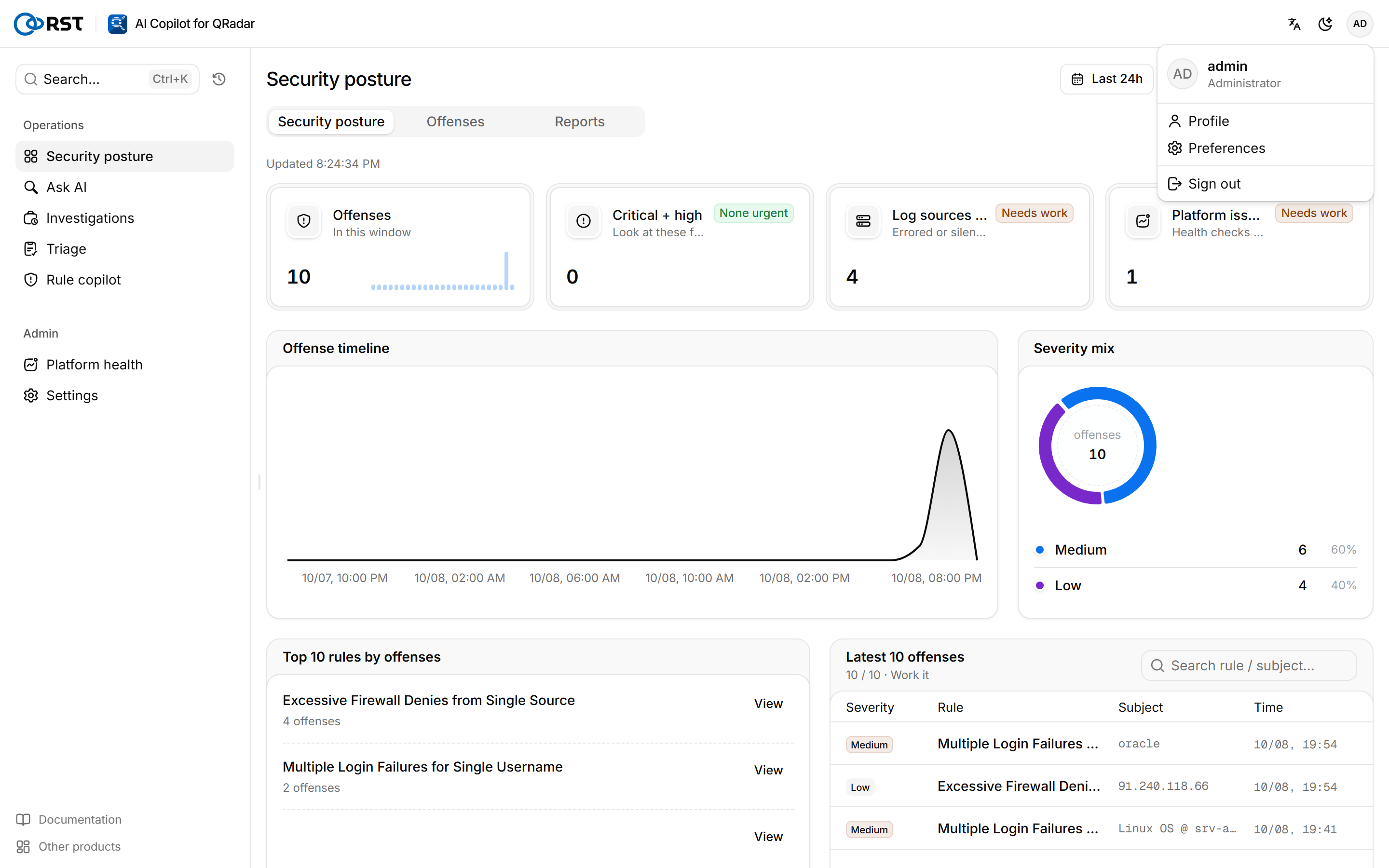
The interface language also sets the language of AI output: query explanations, investigation reports, triage verdicts, rule designs, reports and the platform check-up follow each analyst's interface language. Scheduled reports and notifications sent without a user use RST_OUTPUT_LANG; see the Configuration reference.
| Role | Permissions |
|---|---|
| Administrator | Change configuration and manage accounts |
| Analyst | Query and act on findings, including notes, closes and assignments written back to QRadar. Cannot change gateway configuration |
| Read-only | Query, search and read explanations; cannot change anything |
Global banners
Not connected to QRadar yet
No Console URL and SEC token are configured, or the Console is unreachable or the token has expired. Select Configure, then enter and test the connection in Settings.
Not synced
Query history, preferences, saved queries or triage state are held only in this browser for now. They sync once the gateway is reachable again.
Upgrade, rollback and backup
Upgrade the gateway with the install command, an archive, an online update or a manual image switch, upgrade from Community, roll back, and back up and restore. QRadar's own data is not backed up by the gateway.
Ask AI
Query QRadar events and flows in natural language. The gateway translates the question into read-only AQL and runs an Ariel search after a preflight.