

AI settings
The LLM providers the gateway uses, their failover order and reasoning effort, with each provider's health and 24-hour call volume.
AI settings is a tab of the Settings page. It manages the LLMs the gateway calls, and changing it requires the administrator role. Each provider is an OpenAI-compatible endpoint or an Azure OpenAI deployment. The configuration is stored on the gateway's state volume with API keys encrypted. The LLM_* settings in .env only seed the first provider on the first start.
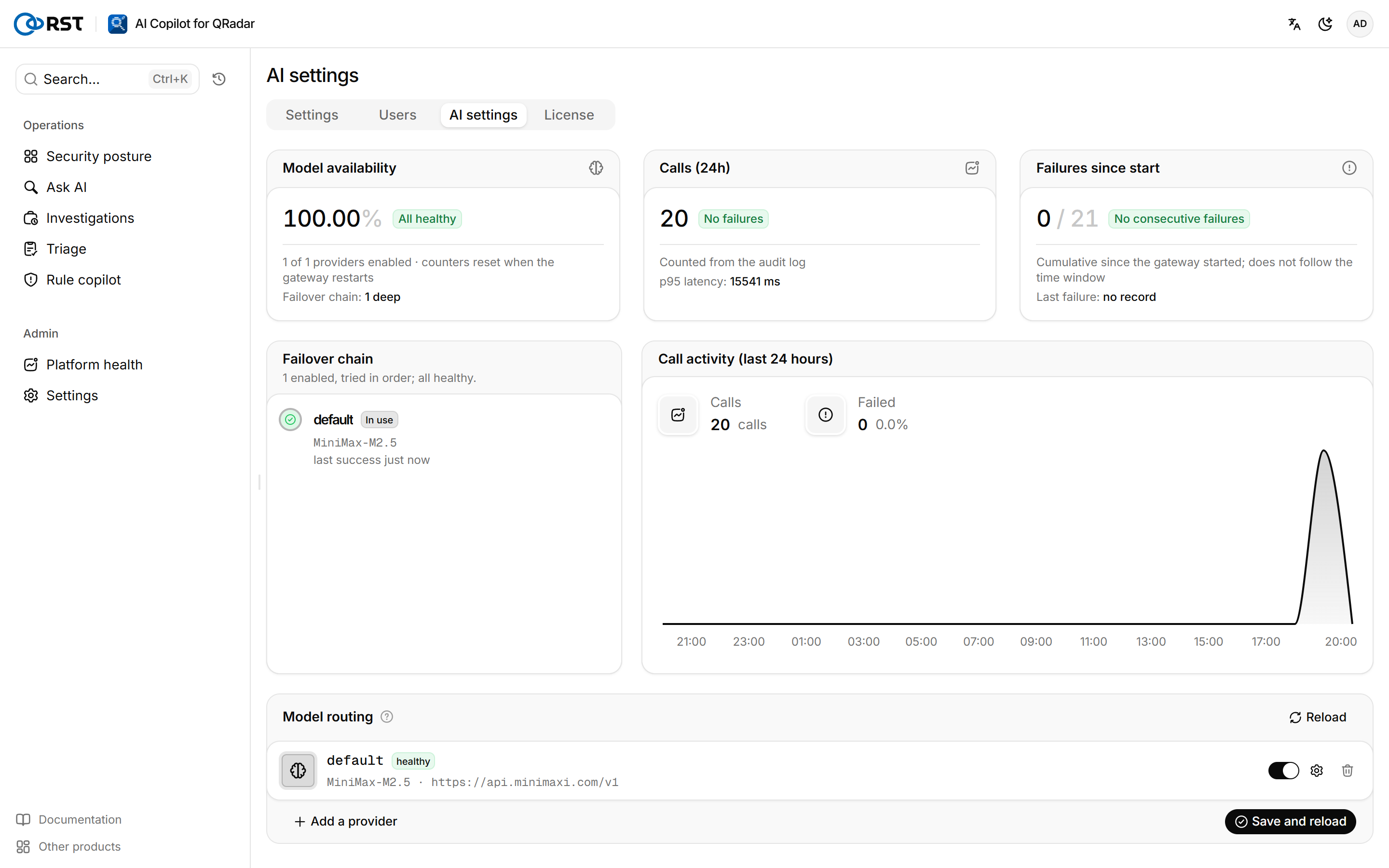
With several providers enabled, the gateway calls them in list order and moves to the next one after repeated failures. Failover is an Enterprise feature; other editions use only the first enabled provider.
Add or replace a provider
Prerequisites
- Administrator role.
Steps
- Under Model routing, select Add a provider.
- Expand its settings, select the Kind, fill in the Model, base URL and API key, and set Timeout (seconds) and Reasoning as needed.
- Turn on the provider's enable switch.
- When replacing, select Remove on the old provider.
- Select Save and reload.
The list order is the failover order; drag to change it. Saving an empty list makes every model call fail, so when replacing a provider, add the new one first, then remove the old one, then save.
| Field | Description |
|---|---|
| Kind | openai (and compatible gateways) covers Volcengine Ark, DeepSeek, Qwen, Ollama, vLLM and others. azure needs the API version and the Deployment name (not the model name) |
| Model | ark-code-latest on the Volcengine Ark coding plan, or the endpoint id of a dedicated endpoint |
| API key | Paste a new key. If one is saved, leave it empty to keep it; the last 4 characters are shown |
| Tags | Such as primary,cloud; labels only |
| Timeout (seconds) | Per-call limit, 180 by default. Triage, investigation and rule drafting can take minutes per call on a reasoning model; set 300 or more for slow models |
| Reasoning | See below |
Set the reasoning effort
Reasoning models (Doubao, GPT-5, Claude, Qwen3, Gemini 2.5 and others) think before they answer, which adds tens of seconds per call. Reasoning is set per provider:
| Level | Behavior |
|---|---|
| Auto (recommended) | Decided per task. Titles, angle suggestions and offense summaries use no reasoning; AQL generation uses low (RST_NL2AQL_REASONING); offense investigation, triage and rule design use high |
| Off | No reasoning for any task |
| Low, High | That level for every task |
The gateway recognizes the vendor from the base URL and model name and translates the level into that vendor's parameters. For models it does not recognize, it sends no reasoning parameter; if a request with the parameter is rejected with HTTP 400, it retries once without it. High on OpenAI o-series and GPT-5 is billed above the default.
If triage keeps timing out, first set that provider's reasoning to low and compare the results, then decide whether to raise the timeout or change the model.
Model activity

| Figure | Meaning |
|---|---|
| Model availability | How many enabled providers are healthy, and how deep the failover chain is. Counters reset when the gateway restarts |
| Calls (24h) | Calls, failures and p95 latency counted from the audit log. Not shown while auditing is off |
| Failures since start | Failures since the gateway started, whether a provider is failing repeatedly, and the last failure |
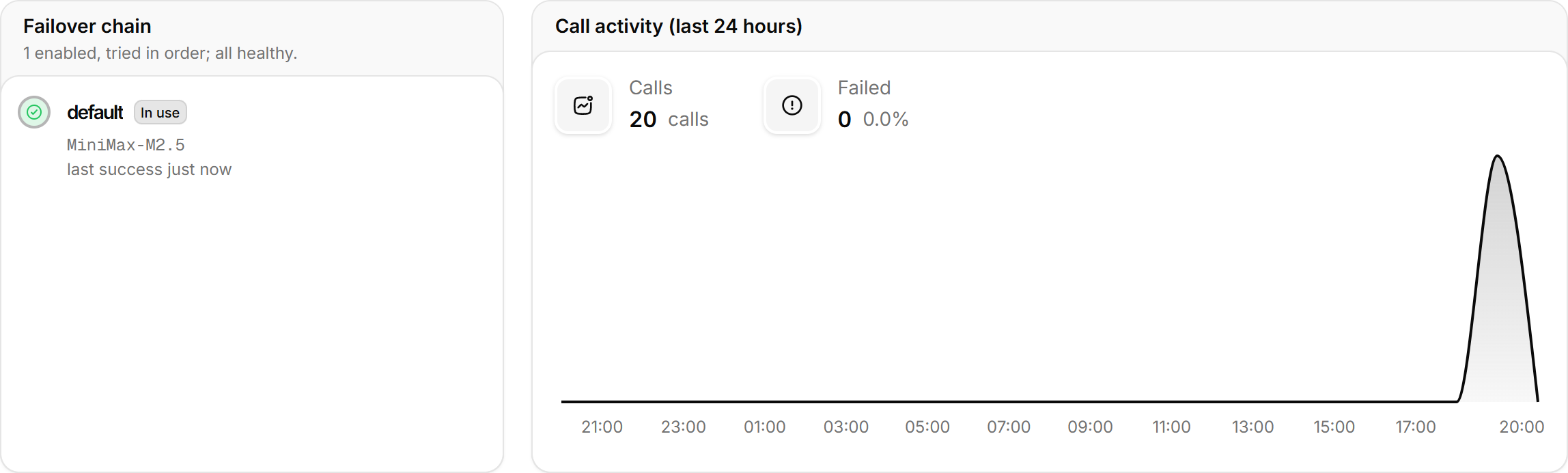
Failover chain and call activity lists the providers in order with the one in use, the last success and consecutive failures, next to the call curve for the last 24 hours. The call curve is visible to administrators only.