

Audit log
Records of sign-ins, queries, model calls, offense write-backs and settings changes: who, when, data source, action, outcome, latency and token usage. Filter and export; Enterprise forwards them to a SIEM, including back to QRadar.
The Audit log shows the audit events the gateway writes to copilot.db. It is a tab of the Platform health page, available in every edition and visible to administrators only. Auditing is turned on in Settings and is on by default; events are removed after RST_AUDIT_RETENTION_DAYS (180 days by default).
QRadar only records the authorized service the gateway uses; it cannot tell which analyst acted. For write-backs such as notes, closes and assignments, this page is the record of who did it.
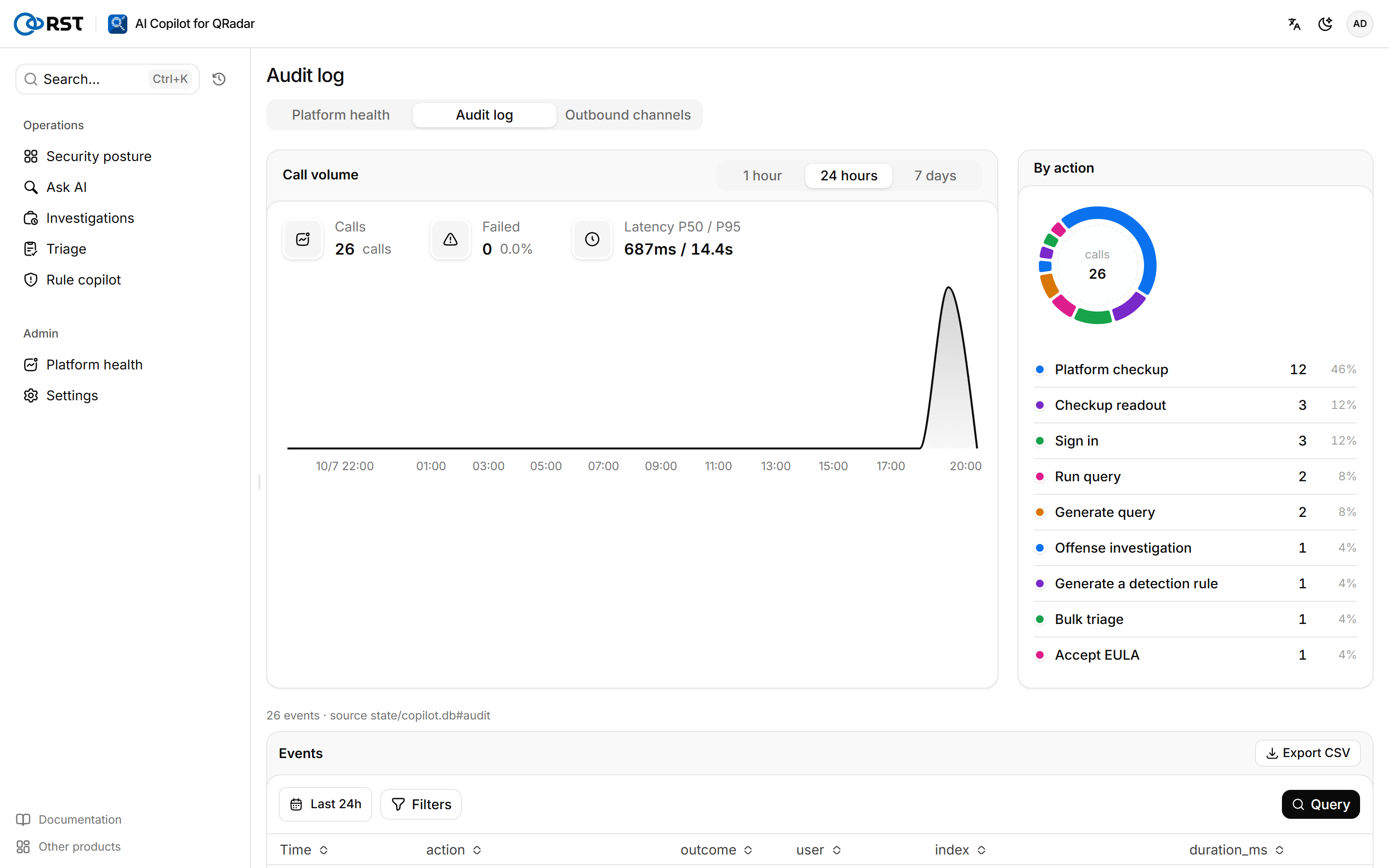
View the call overview
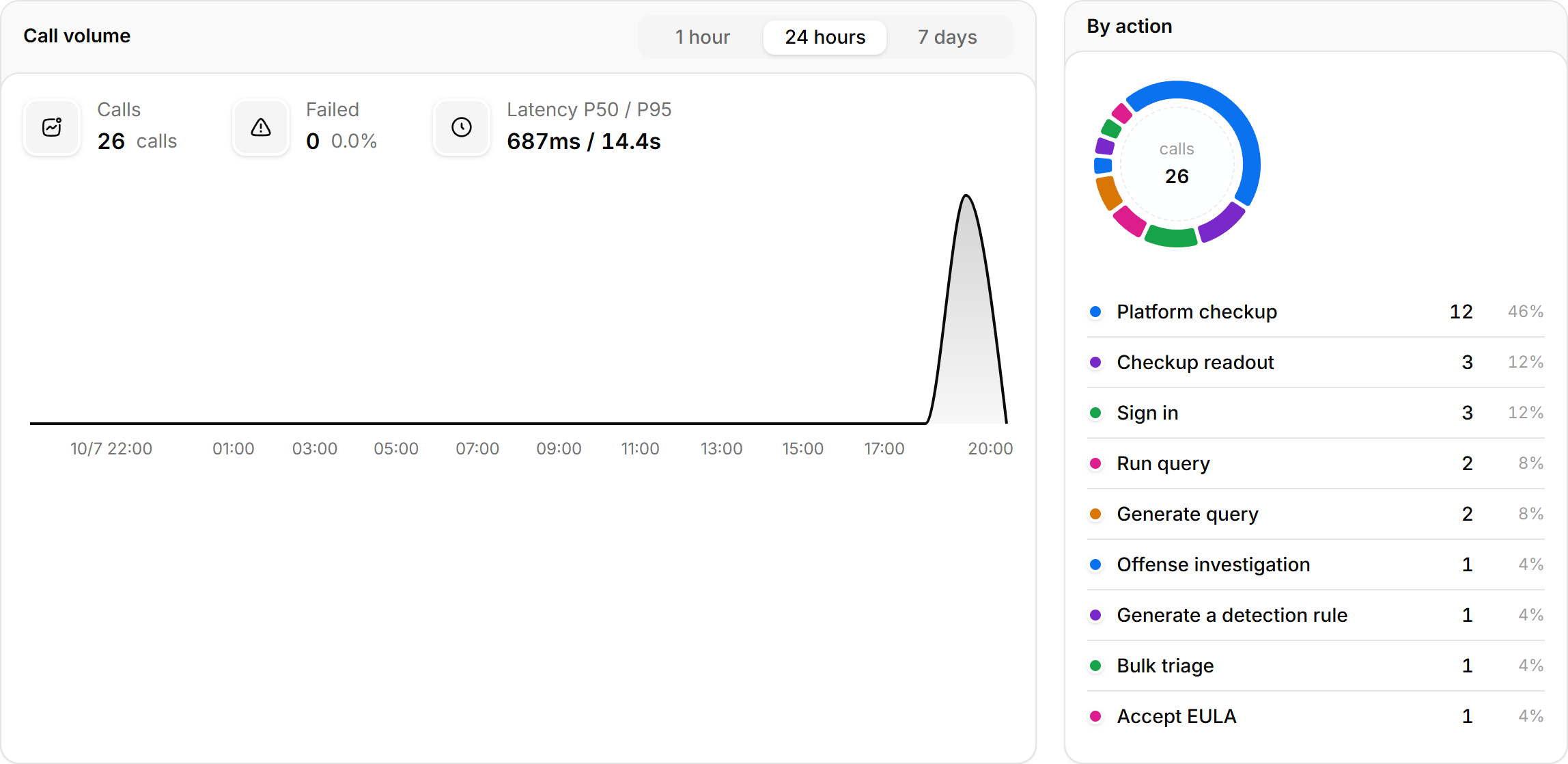
Call overview covers 1 hour, 24 hours or 7 days and shows calls, failures and Latency P50 / P95, with the Call volume chart and the split By action.
Find audit events
Steps
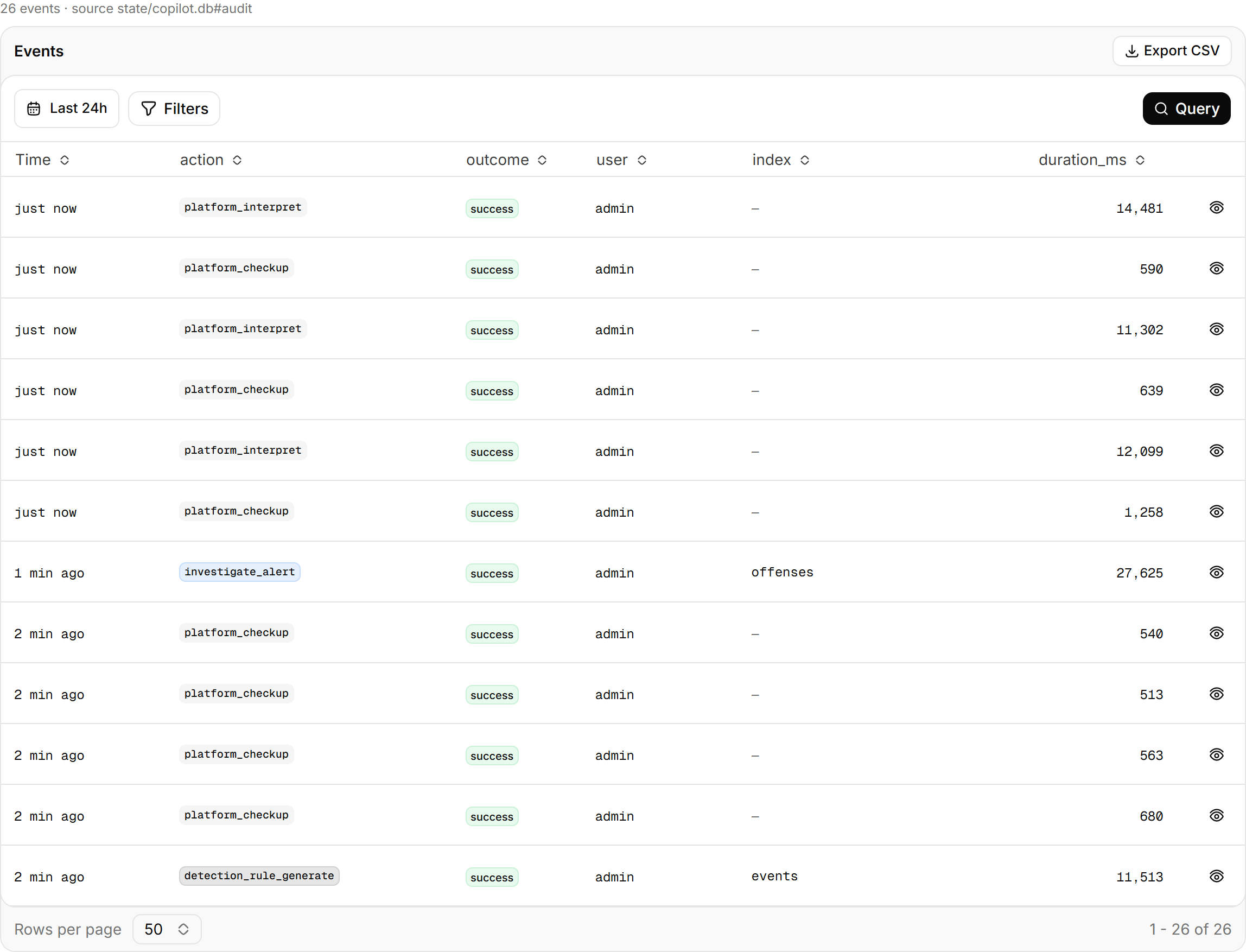
- Under Events, filter by Action, Outcome, User (exact match) or Source (events, flows).
- Select View details on an event.
- (Optional) Select Export CSV to export the current results.
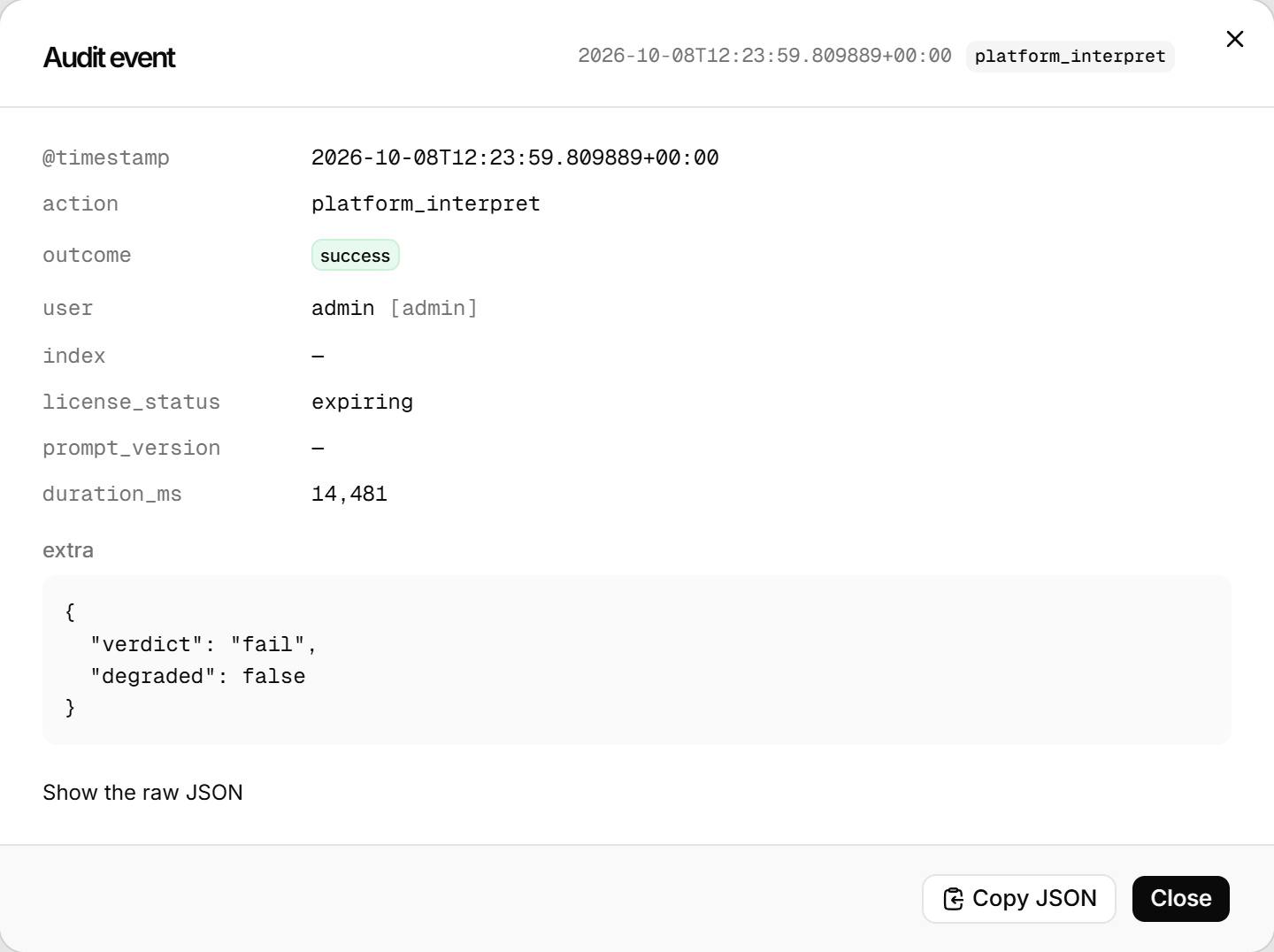
The details show time, user, action, data source, outcome, latency, model and token usage, and a summary of the masked content sent to the model. Select Show the raw JSON to see the raw event and copy it.
Forward audit events to a SIEM
Audit events can be forwarded to syslog (RFC 5424) and a webhook (POSTs JSON) at the same time. Configure this in Settings or under Audit forwarding in Outbound channels. Forwarding is an Enterprise feature.
The syslog target can be QRadar itself: create a Syslog log source for the gateway host in QRadar, and every query and offense action by the gateway becomes an event you can search and write rules on. Webhook targets must be in RST_AUDIT_WEBHOOK_ALLOWLIST, because events contain the actor, the AQL and the original question.
Actions
| Action | Source |
|---|---|
| Generate query, Run query, Explain a result, Explain a log | Ask AI. Run-query events carry the AQL that actually ran, including conditions added by the whitelist |
| Investigate an alert, Bulk triage, Incident report | Offenses, Triage |
| Offense action | Notes, closes and assignments written back to QRadar, with the offense ID, the action and the actor |
| Purge offense copies | Offense copies purged from the gateway |
| Generate a detection rule | Rule copilot |
| Platform checkup, Checkup readout | Platform health |
| Console hand-off, Operations report | The Console link in Ask AI, and Reports |
| Content pack applied, Content pack rolled back, Release staged | Online update |
| Sign in, Sign out | The sign-in page and the account menu |
| Feedback | Positive and negative feedback in Ask AI |
Saving Settings is also recorded, with the action settings.save and the names of the changed settings.
License
Community, Professional, Enterprise and trial compared, upgrading from Community, online and offline activation, and license states.
Outbound channels
Push reports and alerts to Feishu, DingTalk, WeCom, Teams, Slack or email: destinations, delivery schedule, mail server and delivery log. Failed deliveries retry automatically and can be resent.