

ID views
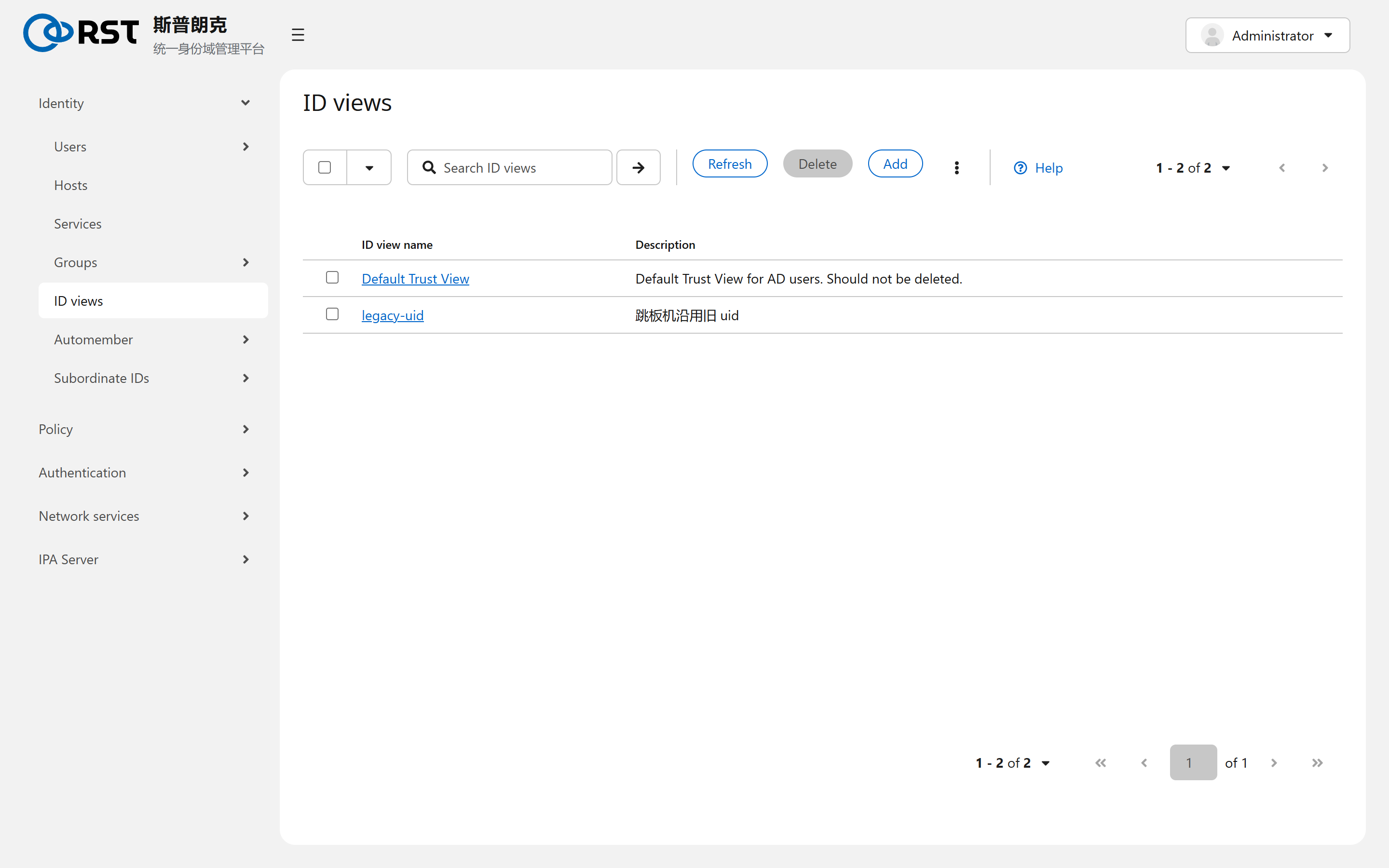
When an ID view is the right tool, which attributes an override can change, how a view is applied to hosts, and why Default Trust View must not be deleted.
This page covers the ID views page under Identity. An ID view gives a subset of hosts a different set of user and group attributes: uid, gid, home, shell, GECOS, SSH keys. The global directory is untouched; only hosts the view is applied to see the overrides.
| Use | Notes |
|---|---|
| Migration | zhangwei was uid 1500 on the legacy system and IPA allocated 60005. Until the old file server is re-chowned, the affected hosts keep seeing 1500 |
| Per-host differences | A different shell or home on certain hosts, such as a bastion that only grants rbash |
| POSIX attributes for AD users | Users from an AD trust have no uid or shell of their own; they come from overrides in Default Trust View or from the ID range algorithm |
Overrides
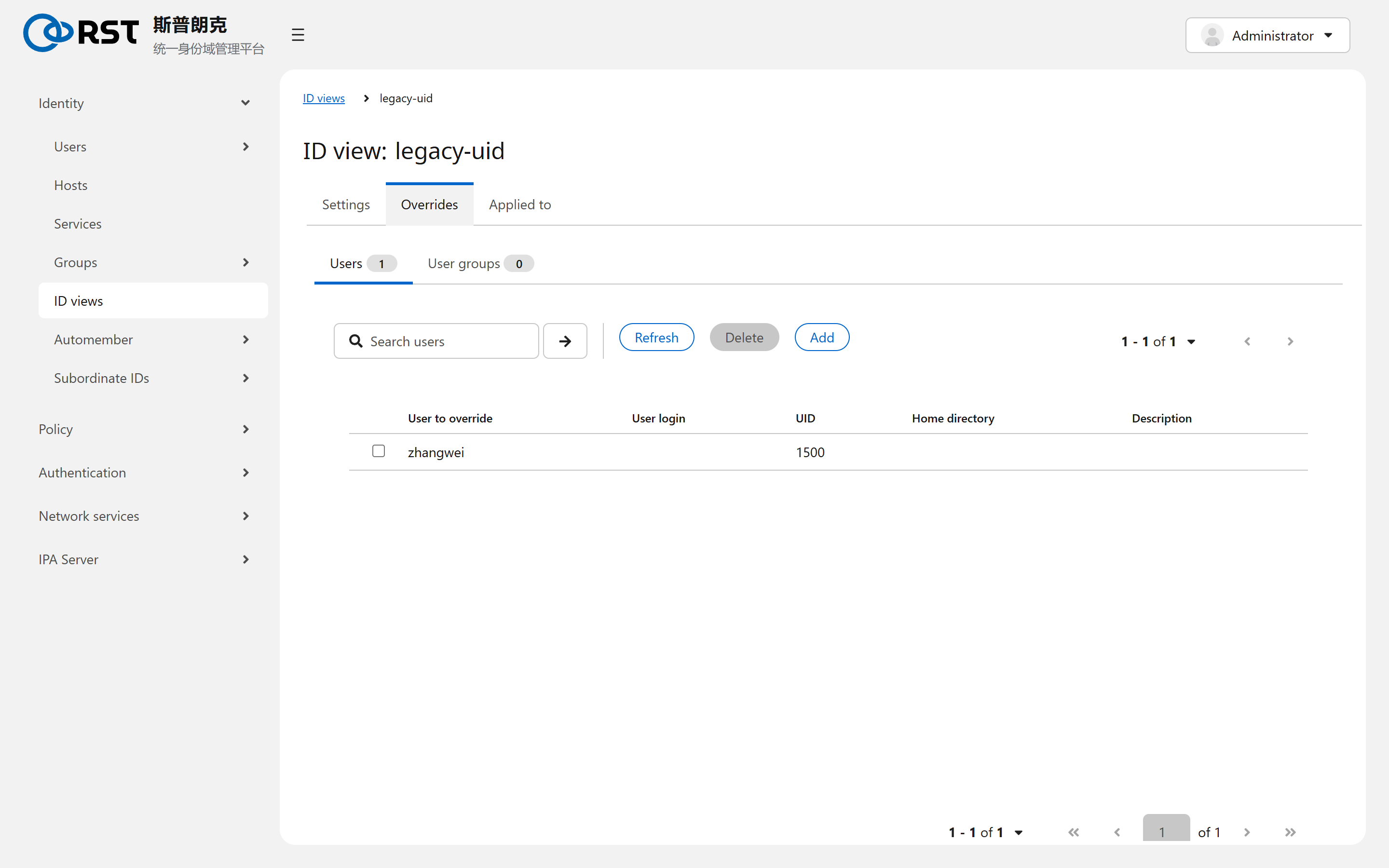
One override per user or group per view. Only the fields to change are filled in; empty fields keep the global value. The target of a user override can be an IPA user or an AD user (user@ad.example.com).
| Attribute | User | Group |
|---|---|---|
| Login or group name | Overridable | Overridable |
| UID or GID | Overridable | Overridable |
| Home, shell, GECOS | Overridable | None |
| SSH keys, certificates | Overridable | None |
Applied to
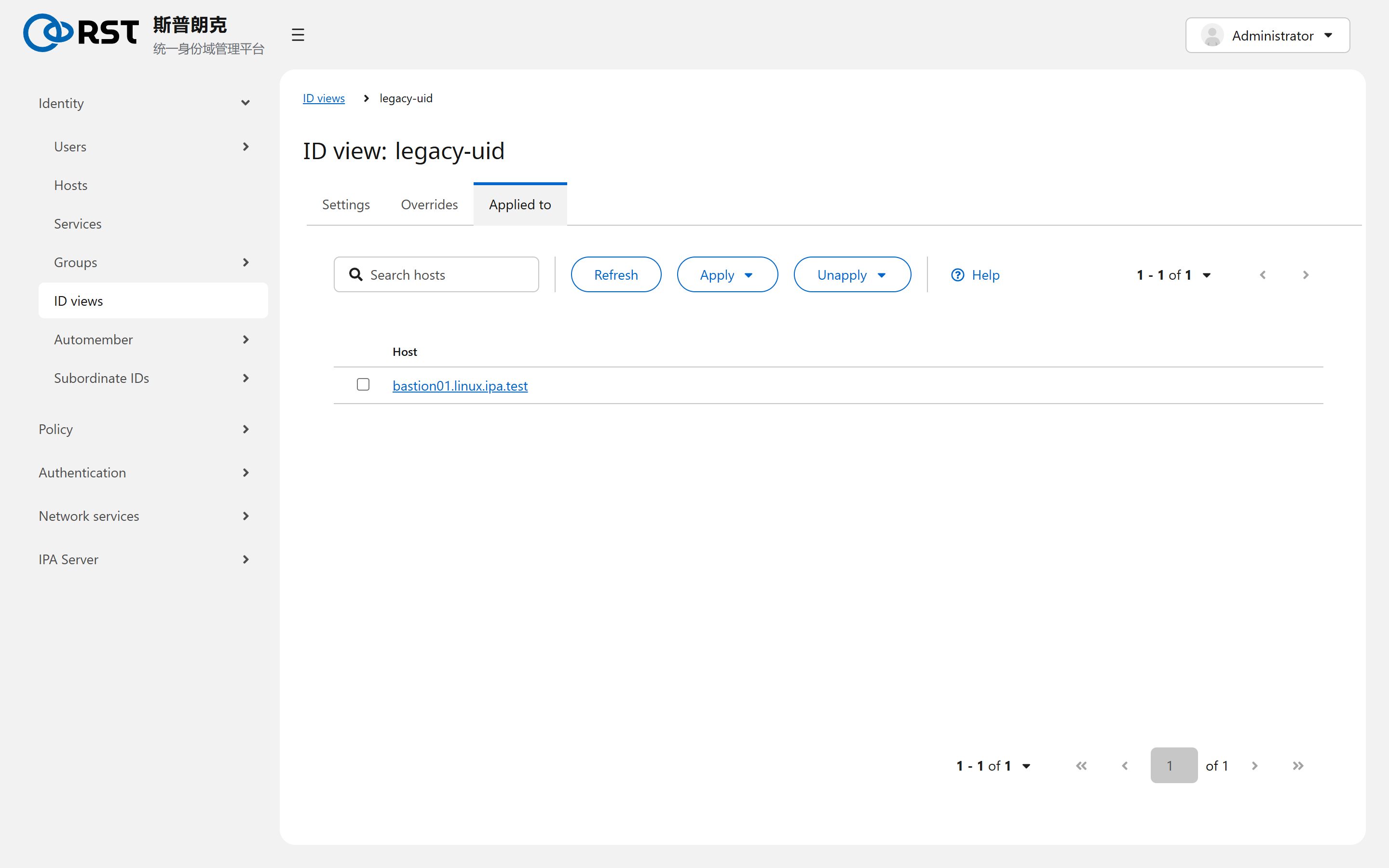
A view is applied to hosts or host groups. A host has at most one view at a time; applying another replaces it. IPA servers cannot have a view. The client's sssd cache must be cleared (sss_cache -E) or expire before overrides become visible.
Default Trust View is created when the AD trust is set up and applies to every host without an explicit view; overrides for AD users live there by default. Deleting it drops every Linux-side attribute override for AD users.
Boundaries
| Topic | Notes |
|---|---|
| File ownership | Overriding a uid does not change ownership on disk. After migration, either chown or keep the view permanently |
| Access evaluation | Overrides play no part in HBAC and sudo evaluation, which looks at global objects and group membership |
| Client requirement | Views work only on IPA clients running sssd 1.12 or later. Legacy systems talking plain LDAP to IPA do not see them |
Groups
POSIX, non-POSIX and External groups, how an External group brings an AD group into Linux policy, nesting and indirect members, and what netgroups are for.
Automember
Attribute regexes that place users and hosts into groups automatically. Rules apply to new objects only; existing ones need a rebuild.