

Certificate mapping
Requires the ca module. How a client certificate or smart card is matched to a user, the matching and mapping rule syntax, priority, the global Prompt for username switch, and checking a rule on the match page.
This page covers the Certificate mapping pages under Authentication. It requires the ca module. On a certificate login (smart card, PKINIT, the console's Log in with certificate) sssd holds a certificate and has to resolve it to a user. There are three ways: the whole certificate is stored on the user (exact match); the user's ipacertmapdata holds its issuer and subject; or a certificate mapping rule turns certificate fields into an LDAP query.
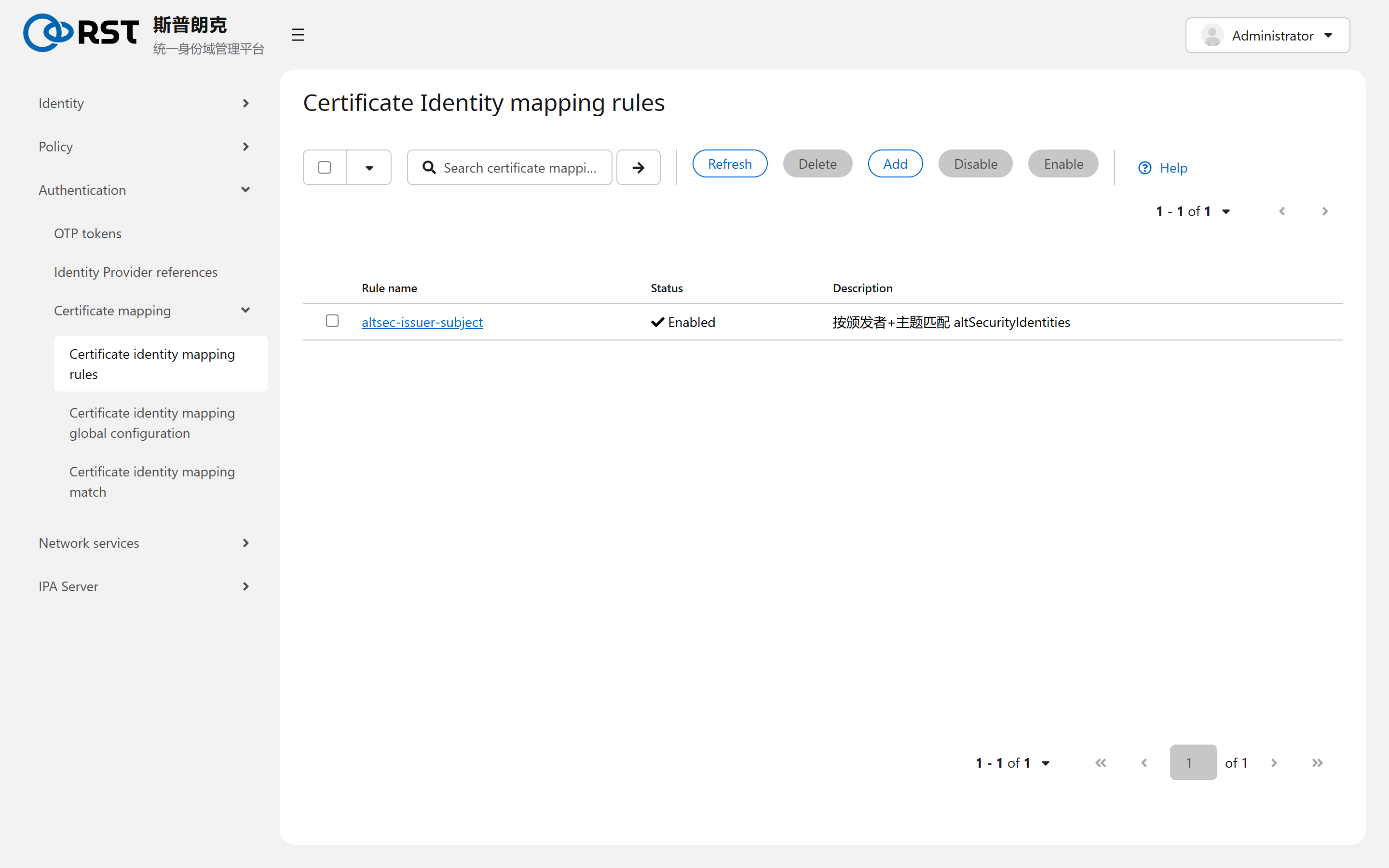
Rule
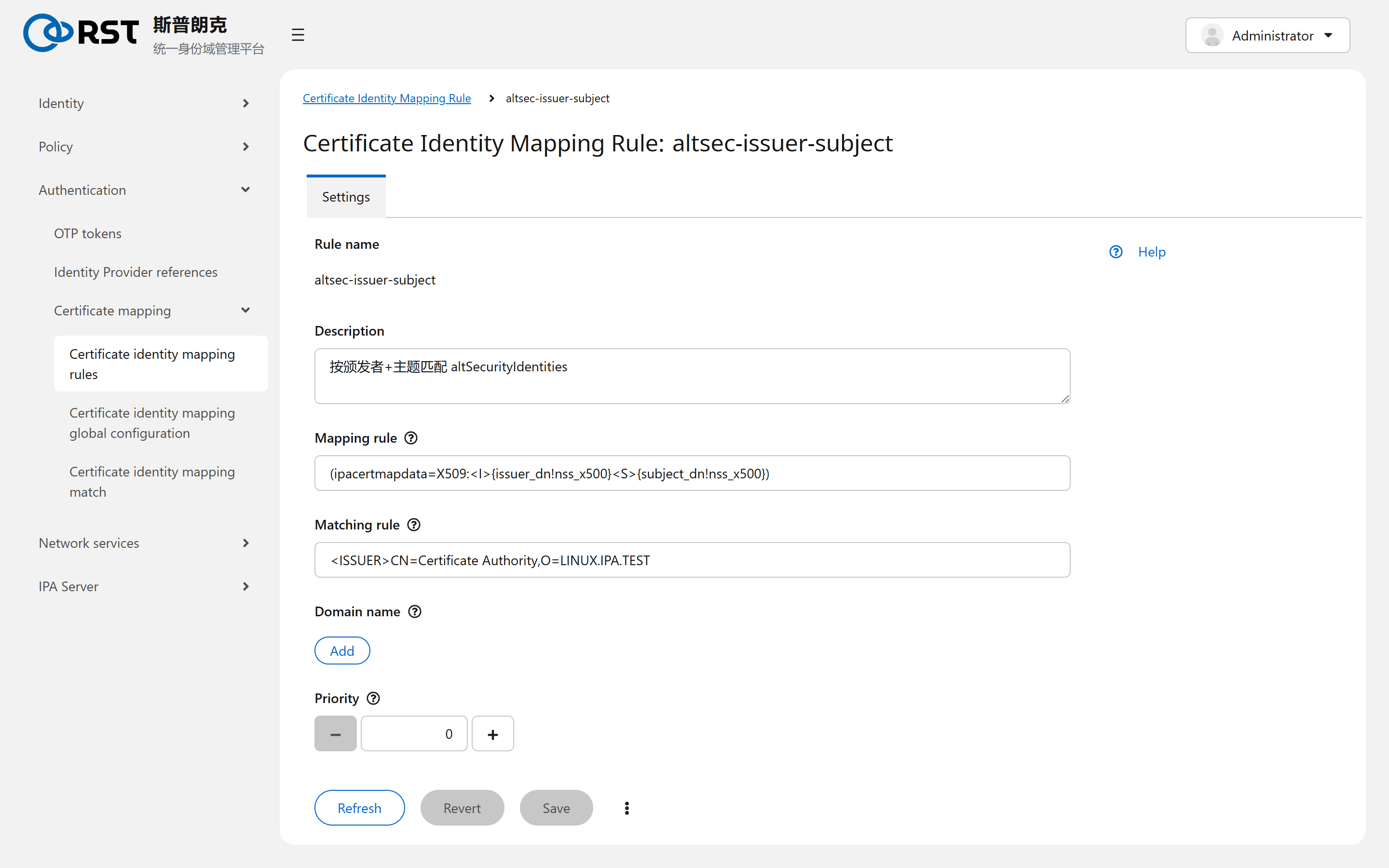
| Field | Meaning |
|---|---|
| Matching rule | Which certificates the rule applies to. <ISSUER>CN=Certificate Authority,O=LINUX.IPA.TEST matches IPA CA issued ones; <SUBJECT>.*,DC=ad,DC=example,DC=com matches an AD CA. Empty means all |
| Mapping rule | How to look up the user on a match. Placeholders include {subject_dn}, {issuer_dn}, {subject_rfc822_name} (e-mail SAN) and {subject_principal} (UPN SAN); conversions such as !nss_x500 put the DN in LDAP order |
| Domain name | Where to look. Empty means this domain; an AD domain name searches AD, for smart-card logins of AD users |
| Priority | Lower number tried first. The first rule that matches and finds a user ends the search |
| Enabled | Disabled rules are skipped |
Common mappings:
| Case | Mapping rule |
|---|---|
Certificate stored in the user's ipacertmapdata | (ipacertmapdata=X509:<I>{issuer_dn!nss_x500}<S>{subject_dn!nss_x500}) |
| Subject CN is the login | (uid={subject_cn}) |
| E-mail SAN matches the user's mail | (mail={subject_rfc822_name}) |
| AD smart card, UPN matches the AD user | (userPrincipalName={subject_principal}) with the AD domain, or (altSecurityIdentities=X509:<I>{issuer_dn!ad_x500}<S>{subject_dn!ad_x500}) |
A mapping query returning more than one user counts as a failure and the login is refused.
Global configuration
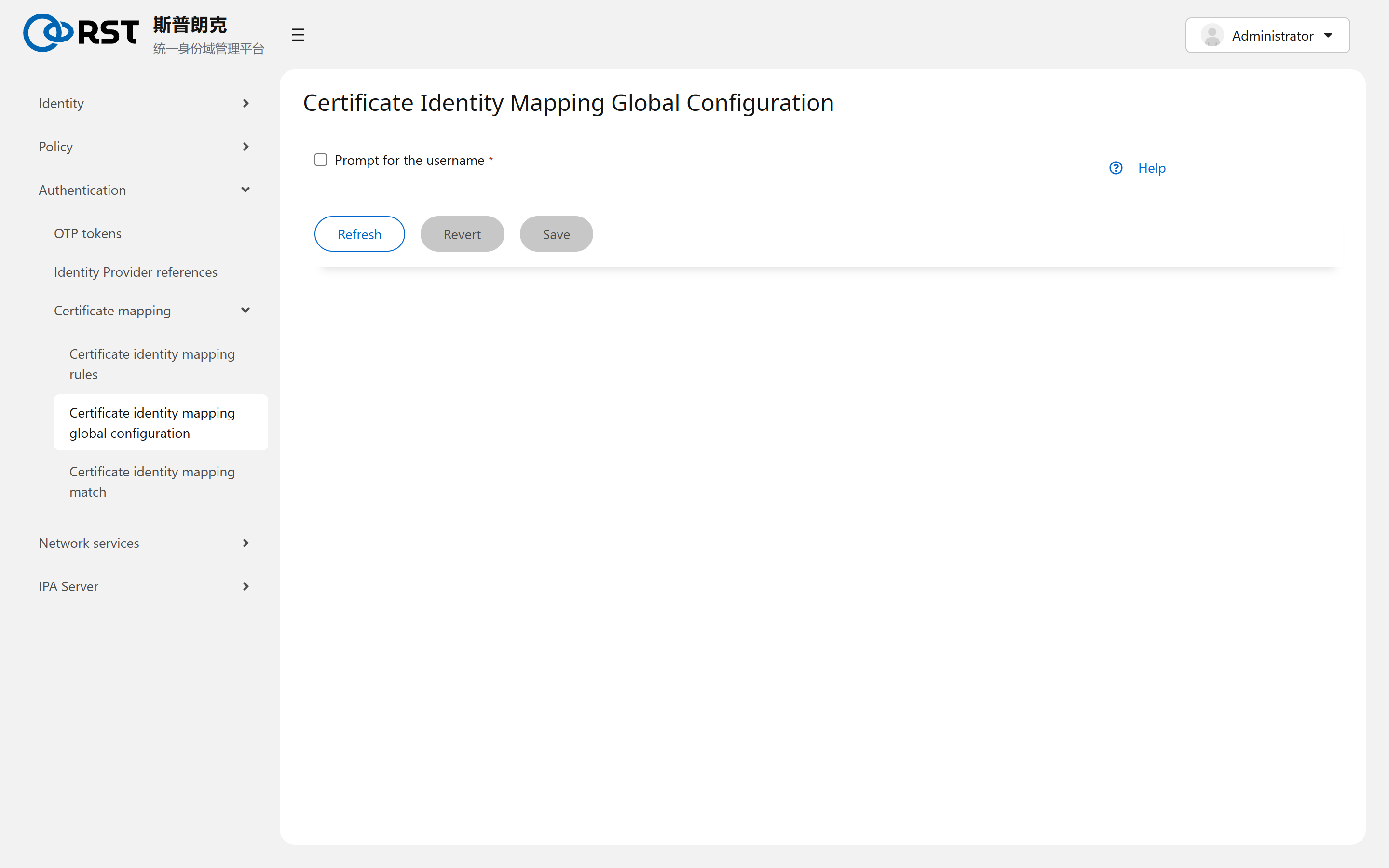
With Prompt for username ticked, a certificate login also asks for the login name and the mapping result must agree with it. Unticked, the certificate alone decides. Tick it when several certificates belong to one person or a mapping could be ambiguous.
Checking a rule
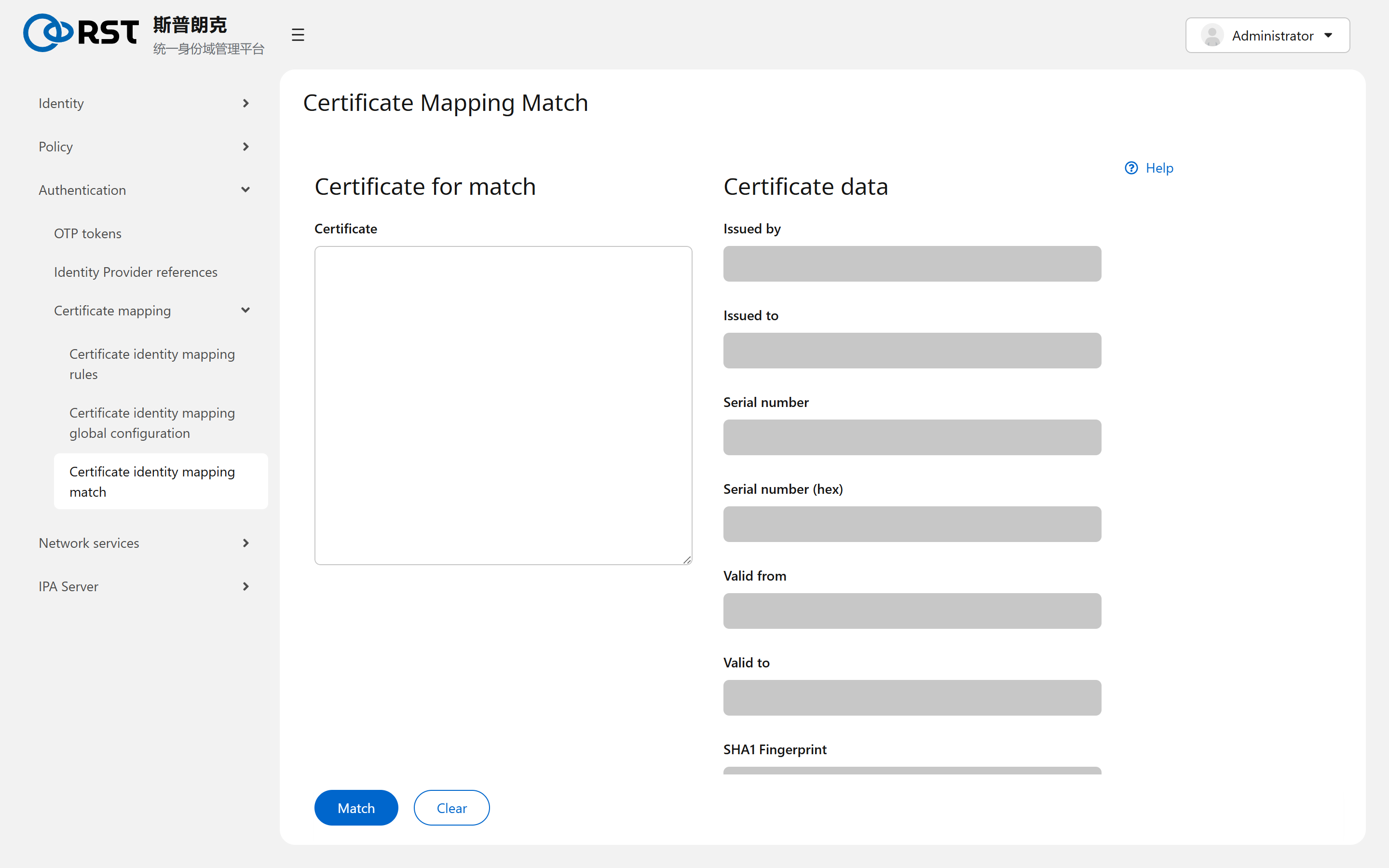
The Certificate Identity Mapping Match page takes a PEM certificate, decodes issuer, subject, serial, validity and fingerprint on the right, and Match lists the users the current rules resolve to. It is the same as ipa certmap-match cert.pem. Verify a rule here before relying on it.
Boundaries
| Topic | Notes |
|---|---|
| Client propagation | Run sss_cache -E after a rule change. sssd fetches rules on every certificate login, but user lookups are cached |
| AD users | Matching AD users needs the ad-trust module and an established trust |
| Certificate validity | Chain and revocation are decided by the client's sssd certificate_verification, not by the rules |
Identity Provider references
Register an external OIDC identity source (Keycloak, Okta, Azure AD, GitHub and others) in IPA so users log in through the device authorization flow and still obtain a Kerberos ticket.
DNS
Requires the dns module. IPA's own DNS with zones, records, forward zones and forward policy, per-server forwarders and global config; how host records are maintained automatically, and why this group does not apply with IPA_SETUP_DNS=false.