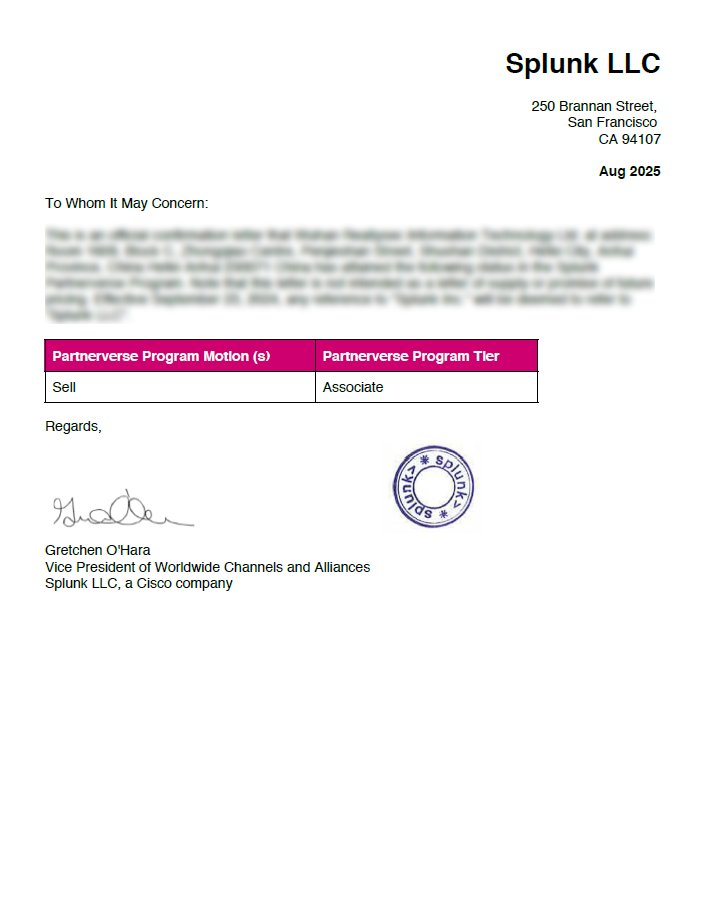

2025 Splunk Partner Certification Follow-up
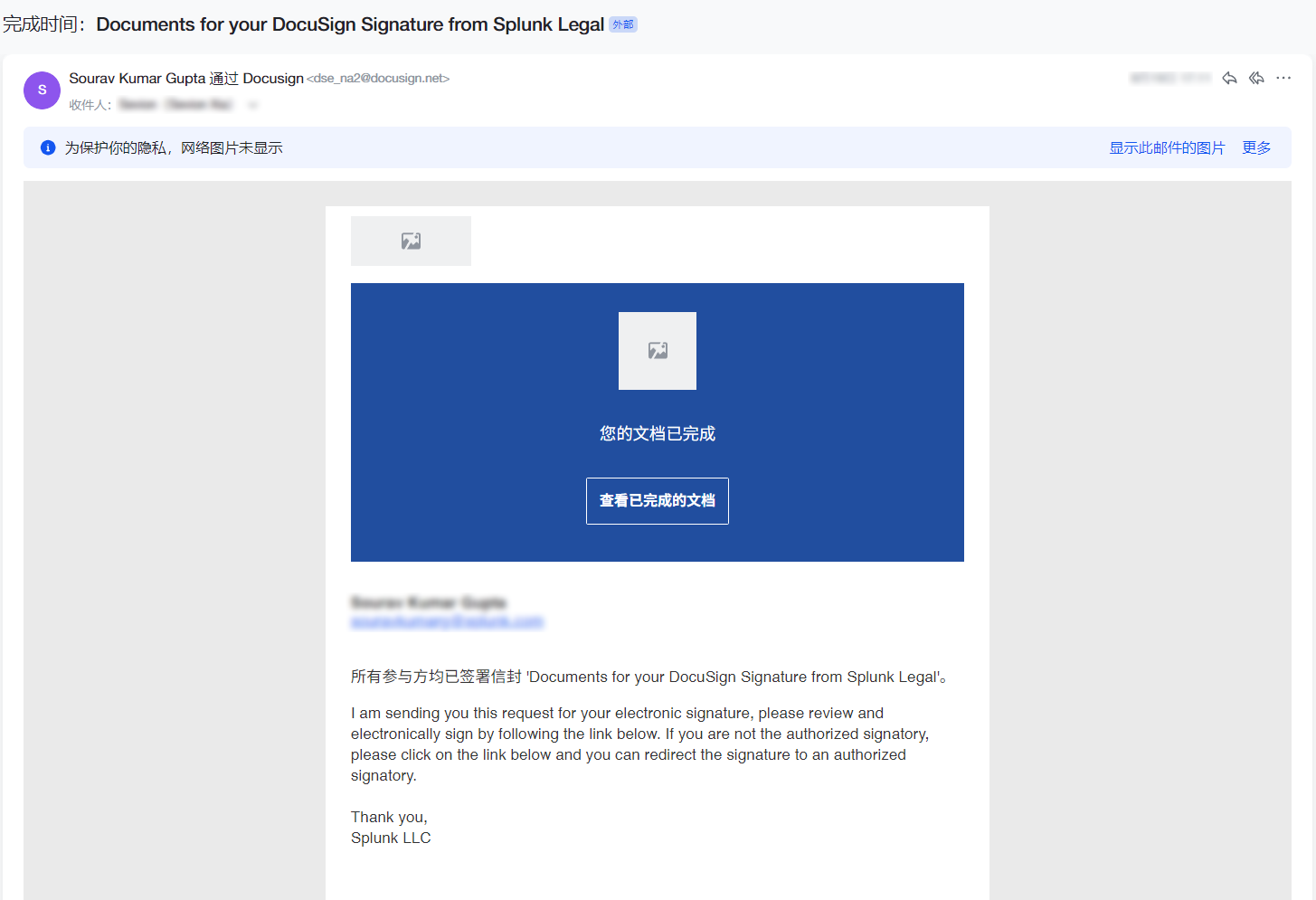
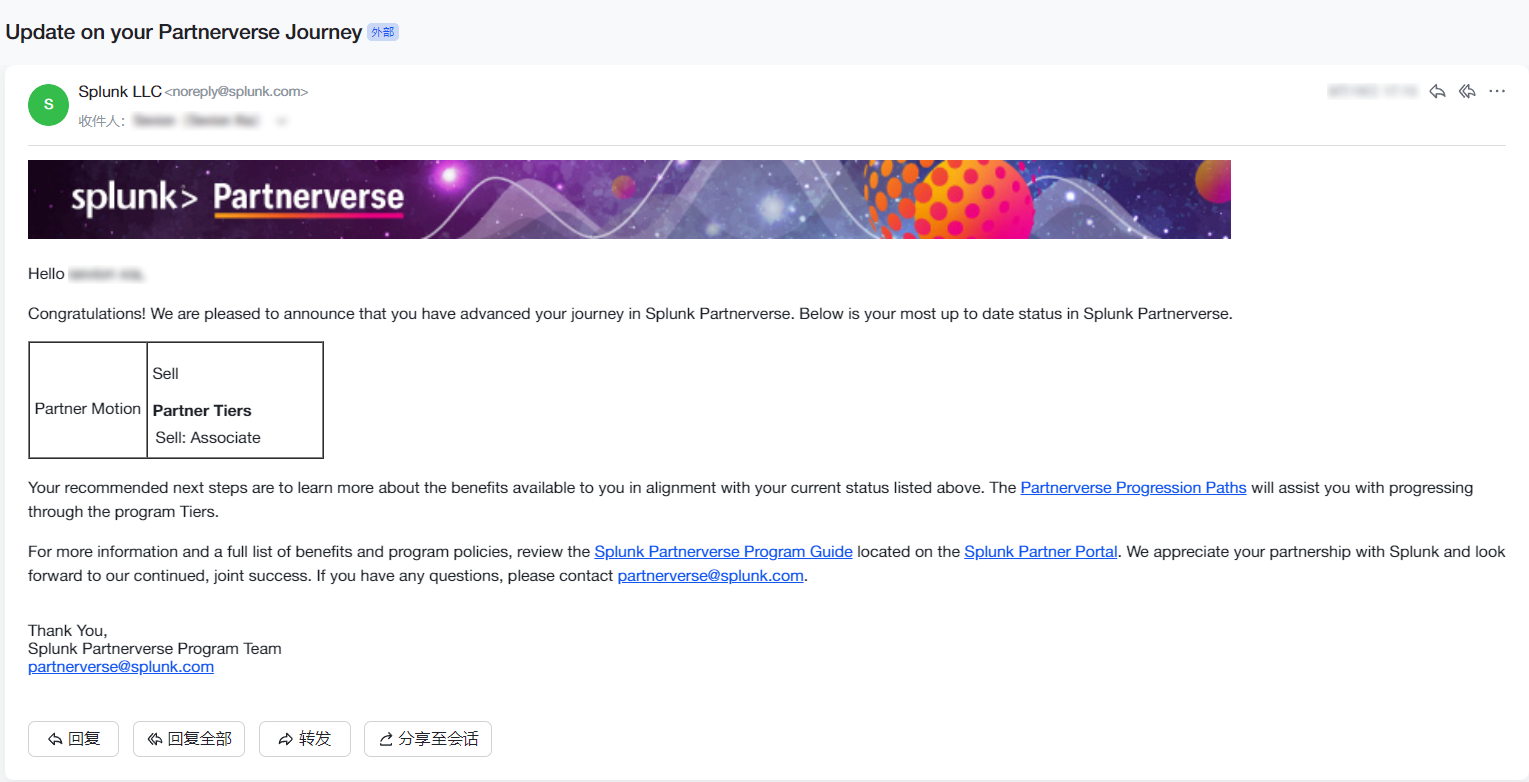
Signing the Splunk agreement through DocuSign after the certification application is submitted.
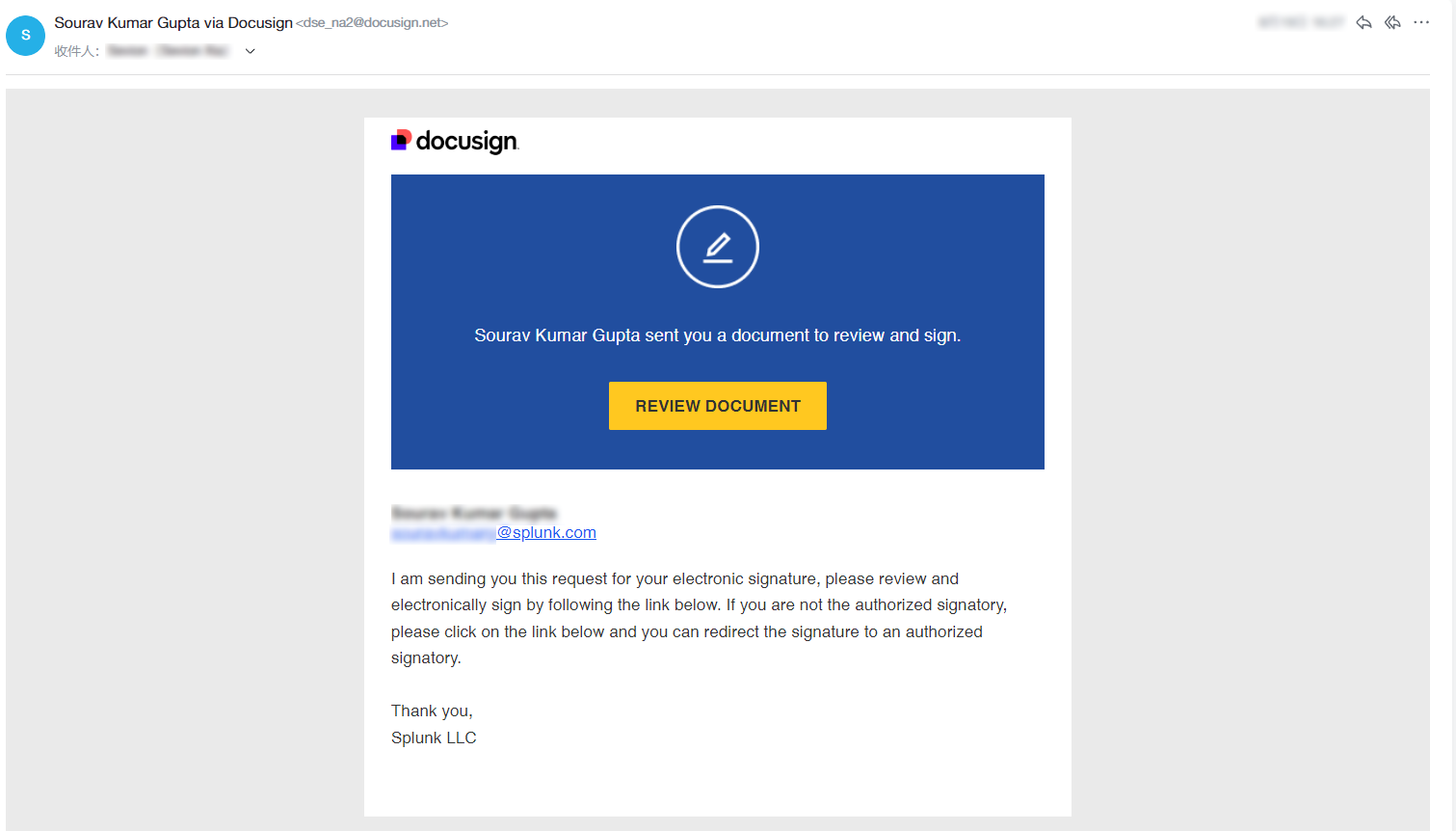
After the certification application is submitted, Splunk sends a signing request through DocuSign. This page covers signing it.
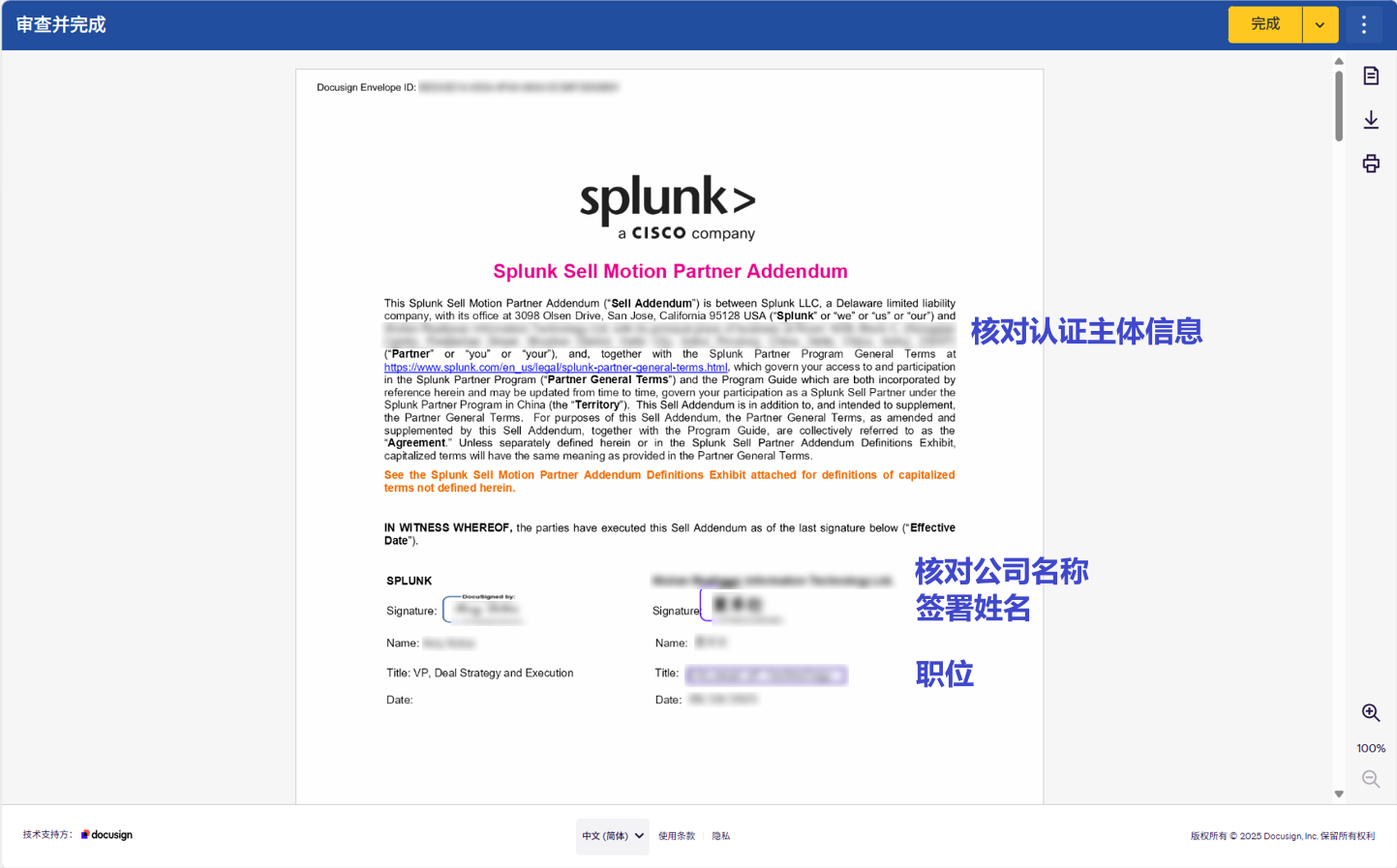
Check the registered inbox for the DocuSign request, then select Review Document to review and electronically sign the agreement. If you are not the authorized signatory, redirect it to the right person as prompted.