

Quick start
Install RST WAF on one Linux host, add your first site, observe it for a while and then switch to protection.
A single-host installation needs one Linux host, Docker, the offline package and the release public key. For multi-node, Kubernetes and licensing, see Installation.
Prerequisites
- Linux on x86_64 or aarch64, at least 2 GiB of memory (4 GiB recommended) and at least 5 GiB free in the Docker data directory.
- Docker Engine 20.10 or later and the Docker Compose plugin 2.24 or later.
- The package for your architecture,
rstwaf-<version>-linux-amd64.taror-linux-arm64.tar, and its.sha256file. - The release public key
rstwaf-release.pub, obtained through an independent channel. Contact us for the package and key. - Ports 80 and 443 free.
Install
Verify and install
sha256sum -c rstwaf-<version>-linux-amd64.tar.sha256
tar -xf rstwaf-<version>-linux-amd64.tar
cd rstwaf-<version>-linux-amd64
sudo sh install.sh --pubkey /path/to/rstwaf-release.pub
The installer verifies the signature, checks the host, loads the images, writes random secrets to /opt/rstwaf/.env, starts the services and runs a health check. It makes no internet connections.
Note the initial password
At the end, the installer shows the initial password for admin once. Record it now.
Open the console
By default the console listens on 127.0.0.1:9443 only. Open an SSH tunnel from an administrator's computer:
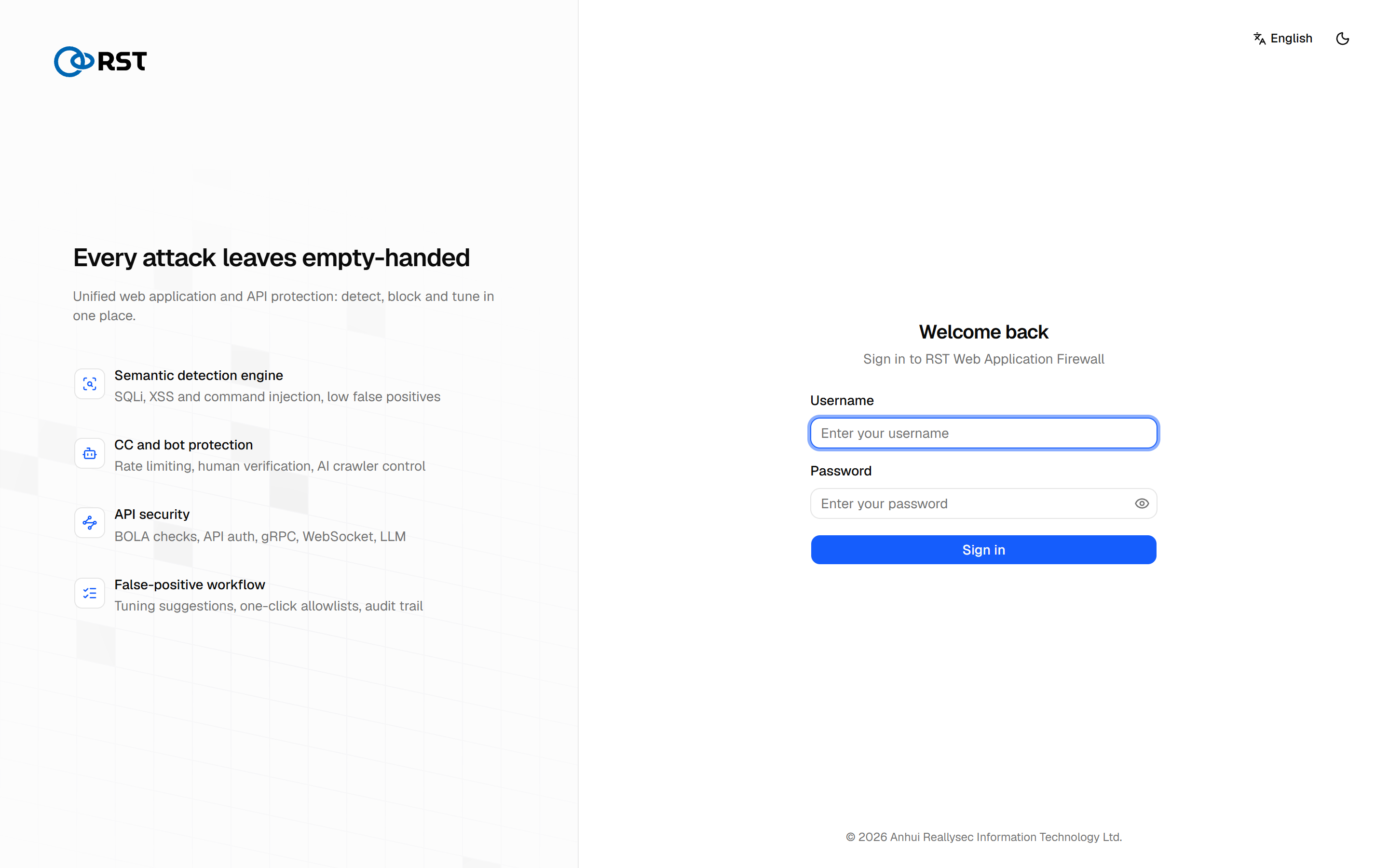
ssh -L 9443:127.0.0.1:9443 <host>Open http://127.0.0.1:9443, sign in as admin with the initial password and change the password when prompted.
Add a site
Under Sites and nodes (站点与节点), select Add site (添加站点):
- Choose Reverse proxy (反向代理), enter the domains and add listening ports. For HTTPS, choose a certificate; upload it first under Settings > Certificates, as automatic issuance is unavailable offline.
- Enter the upstream server address, for example
http://192.168.1.10:8080. - Leave the protection mode on Observe (观察) and select Add and push (添加并下发).
If there is a CDN or load balancer in front of the site, set trusted proxies and client IP headers under Global configuration (全局配置).
Switch traffic
Point the domain's DNS record, or your load balancer's back end, at the RST WAF host. Browse the site to check that pages load, then look for the requests under Monitoring > Traffic analysis.
To confirm detection works, send a test request. In observe mode it is not blocked, but it appears under Security events marked as would block:
curl -s -o /dev/null -w '%{http_code}\n' "http://<domain>/?id=1%27%20OR%20%271%27=%271"Observe, then switch to protection
New sites use the Rollout observation preset: malformed protocol, HTTP smuggling and scanners are still blocked, and everything else is logged. While observing:
- Review would-block events under Security events and use Allow false positive for false positives.
- Work through the automatic suggestions under Tuning suggestions. Allow rules enter shadow mode first.
After 7 days, the site page prompts you to open the observation period report. When the report says the site is ready, select Apply the Rollout observation preset and switch to protection. Once there are no false positives, change to the Recommended preset in the site's Protection policy. See Sites and nodes and Tuning.
Next steps
- For paid features or more sites, create an activation request and import a licence under Settings > Licence, with no reinstall. See Licence and Editions.
- Configure channels and rules under Settings > Alert notifications.
- Create accounts for other administrators under Settings > Account management and turn on one-time codes.
- Plan backups: every upgrade backs up automatically, and the control plane cold standby provides continuous protection. See Upgrade and backup.
Upgrade
Point the installed upgrade.sh at the new package directory. If any step fails, the upgrade rolls back on its own:
tar -xf rstwaf-<new-version>-linux-amd64.tar
sudo /opt/rstwaf/upgrade.sh /path/to/rstwaf-<new-version>-linux-amd64
Troubleshooting
Installation stops at preflight
install.sh checks architecture, Docker version, Compose plugin, memory, disk and ports, and prints the checks that failed. Fix them and run it again.
The console does not open
Check that the SSH tunnel is up, or that the listen address was changed as described in Console access. Run docker compose --project-directory /opt/rstwaf ps to see the service status.
The site returns 502
The upstream address cannot be reached. From the WAF host, curl the upstream address and check the firewall and the address itself.
For other symptoms, see the FAQ.
RST WAF
A self-hosted web application firewall that installs, upgrades and runs on fully air-gapped networks. Semantic detection fused with OWASP CRS, CC and bot protection, API security and false-positive tuning, managed from one console.
Editions
Site limits, node limits and features of the Free, Standard, Professional and Enterprise editions, add-ons, trials and purchasing.