

Quick start
Install RST Index on a Linux server from the offline package, set the access URL, sign in as the administrator and complete the first configuration.
A single-host installation needs one Linux server with Docker and the offline installation package. The installer loads the images, generates random passwords, installs the updater and starts the services. For AD/LDAP, single sign-on and Feishu, see Installation.
Prerequisites
- A Linux server, amd64 or arm64.
- Docker Engine and Docker Compose v2 (
docker compose versionprints a version). /etc/machine-idon the host. The licence is bound to the host, and installation stops if this file is missing.- Root access for the installer. Installation also works without root, but the updater is not installed and one-click upgrades from the admin console are unavailable.
- An address that staff will use to reach the portal, such as
http://nav.corp.local:8080.
Installation
Get the offline package
Download the package for your server architecture, rstnav-<version>-linux-amd64.tar.gz (or linux-arm64), together with the .sig signature file of the same name. Releases are published under https://updates.reallysec.com/releases/rst-index/<version>/, or you can obtain them from Reallysec.
The package contains the portal and MySQL images, docker-compose.yml, config.yaml, install.sh and the updater. No internet access is needed during installation.
Extract the package and run the installer
tar xzf rstnav-<version>-linux-amd64.tar.gz
cd rstnav-<version>-linux-amd64
sudo ./install.sh
The installer:
- Checks for Docker, the Compose plugin and
/etc/machine-id. - Loads the images.
- Creates
.envfrom.env.example(mode 600) with random values for the database passwords, the session secret and the initial password of theadminaccount. - Installs and starts the updater.
- Checks whether the port (8080 by default) is free, then starts the services.
The extracted directory is the installation directory. All later upgrades run from it, so do not delete it.
Set the access URL
Edit .env and set RSTNAV_BASE_URL to the address staff use to reach the portal, such as http://nav.corp.local:8080. Callback URLs for single sign-on and Feishu are built from it. Then recreate the containers:
vi .env
docker compose up -d
If the port is already in use, the installer stops before starting anything and says so. Change RSTNAV_PORT in .env, update the port in the access URL to match, and run docker compose up -d.
Verify
curl http://nav.corp.local:8080/healthz # {"status":"ok","version":"<version>"}Sign in
Open the access URL in a browser, choose the local account and sign in as admin. The initial password is RSTNAV_ADMIN_PASSWORD in .env. After signing in, change the password under Account and sign-in in the user menu.
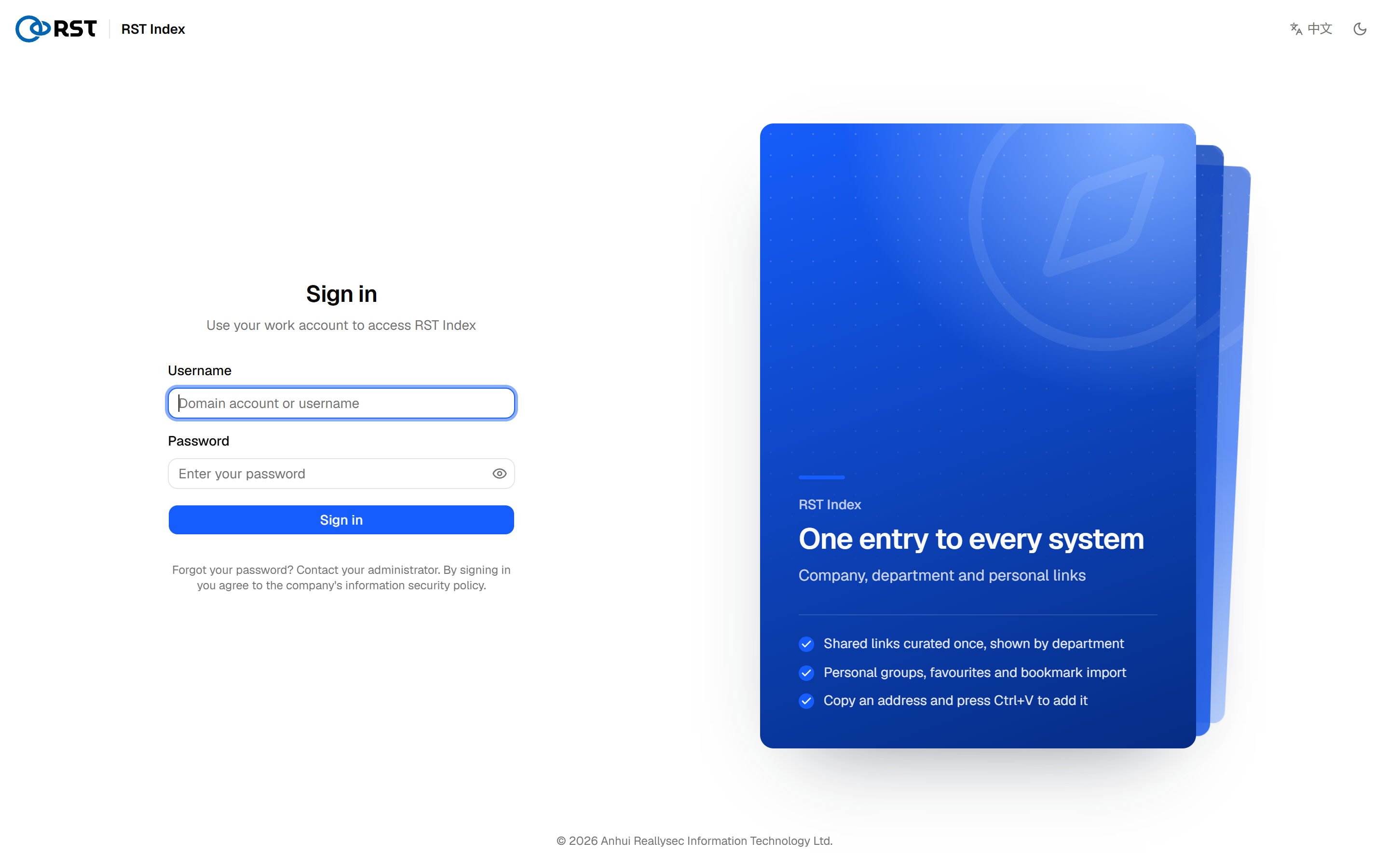
You land on the home page. See Interface overview.
First configuration
Open Admin console in the header and choose General > Quick setup. The wizard creates departments and directory groups, business zones and a token for your AI ops assistant in turn. You can also configure each part separately, in this order:
- Organisation and accounts > Departments: build the department tree. Set the external key to an AD group DN, CN or OU, or a value from the single sign-on groups claim, and staff join the matching department when they sign in. See Organisation and accounts.
- In each department's members, make the department lead a department admin. They maintain the department navigation and review links submitted to it.
- Connect company accounts: AD/LDAP, Feishu and, with Enterprise, single sign-on.
- Asset register > Business zones and Applications: enter the address ranges and domain rules of your production and office zones, and your main business systems. See Asset register.
- AI access > API tokens: create a token for your AI ops assistant. See API tokens and AI review.
Next steps
- To serve the portal over HTTPS, put a reverse proxy in front of it and adjust
config.yaml. See Configuration reference. - To use Enterprise features, activate a licence under System > Licence. No reinstall is needed. See Licence.
- Back up the database and the installation directory regularly. See Upgrade and backup.
Do not delete the installation directory or run docker compose down -v. The database lives in a Docker volume, and removing the volume loses all data.
RST Index
A self-hosted intranet portal. Staff sign in with their company account and find the systems they use through company, department and personal navigation, and AI ops assistants read the same entries over REST and MCP.
Editions
Capabilities of the Standard and Enterprise editions, how users are counted, how each feature behaves when a licence lapses, and how to trial and buy.