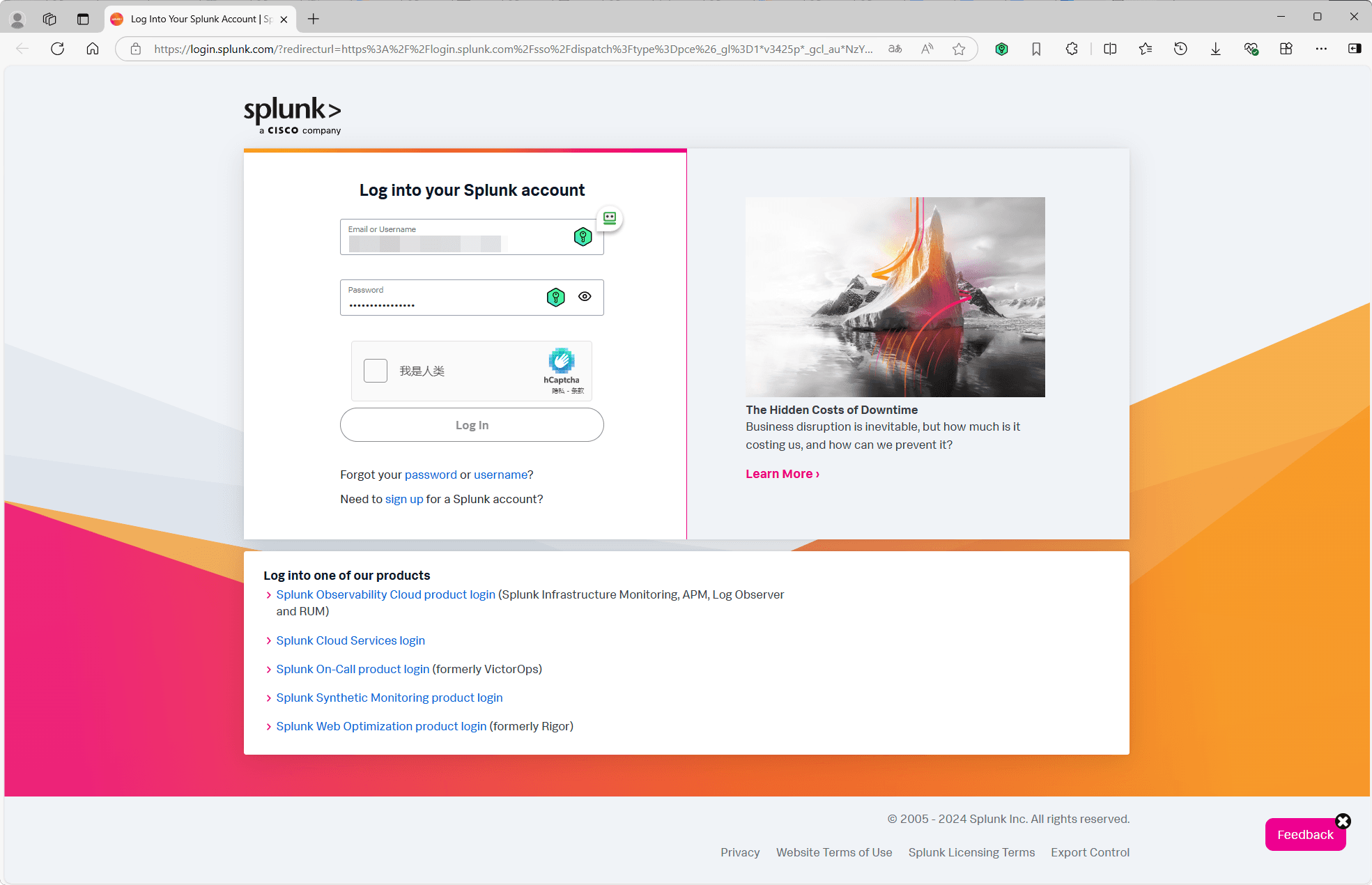
2025 Splunk Partner Registration Guide
A detailed guide on how to register a Splunk Partner account, including visiting the official website, accessing the Partner Portal, creating an account, email verification, and login.
Published: 2025-02-08
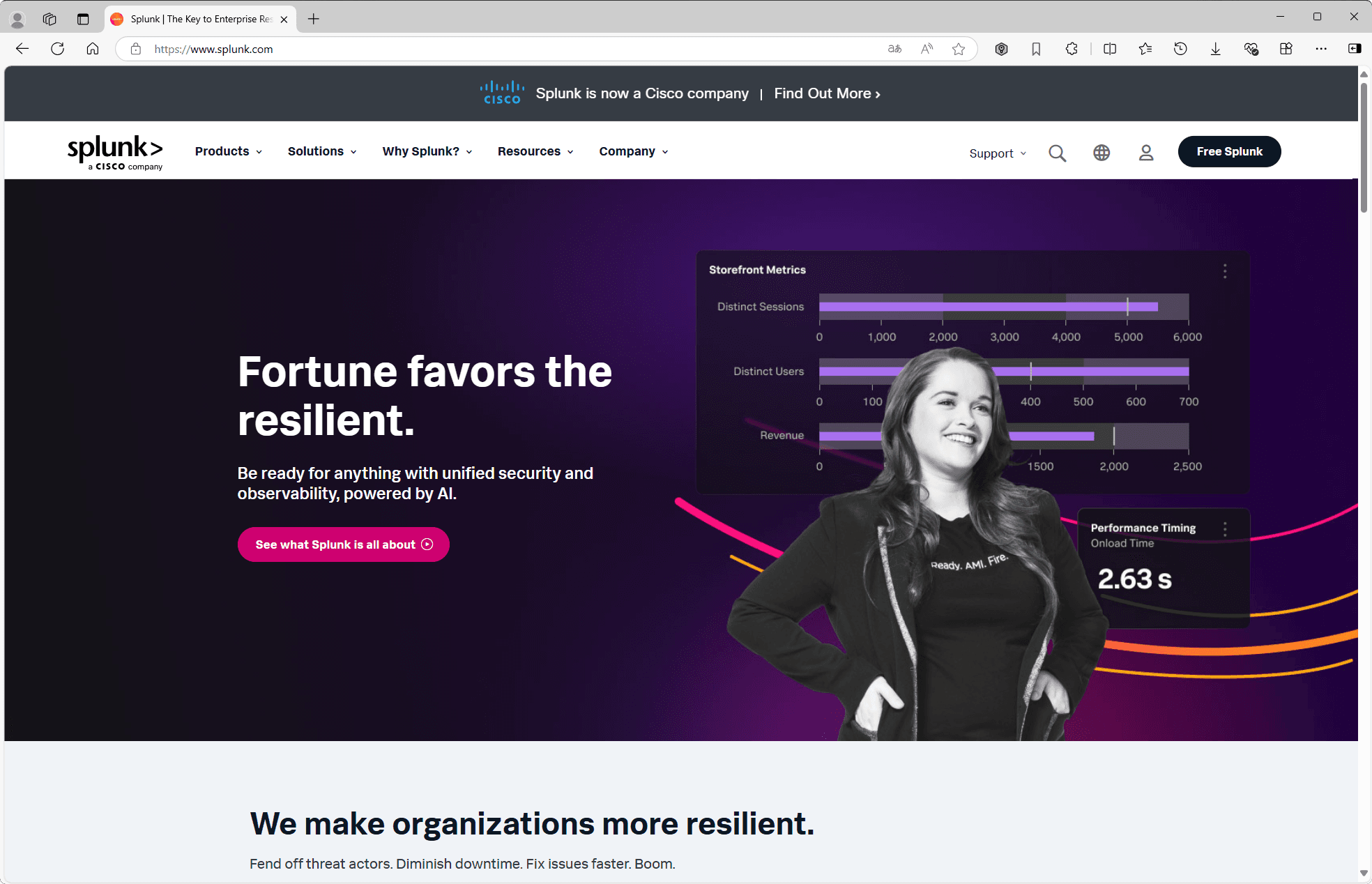
1. Visit the Splunk Website
Open your browser and navigate to https://www.splunk.com.
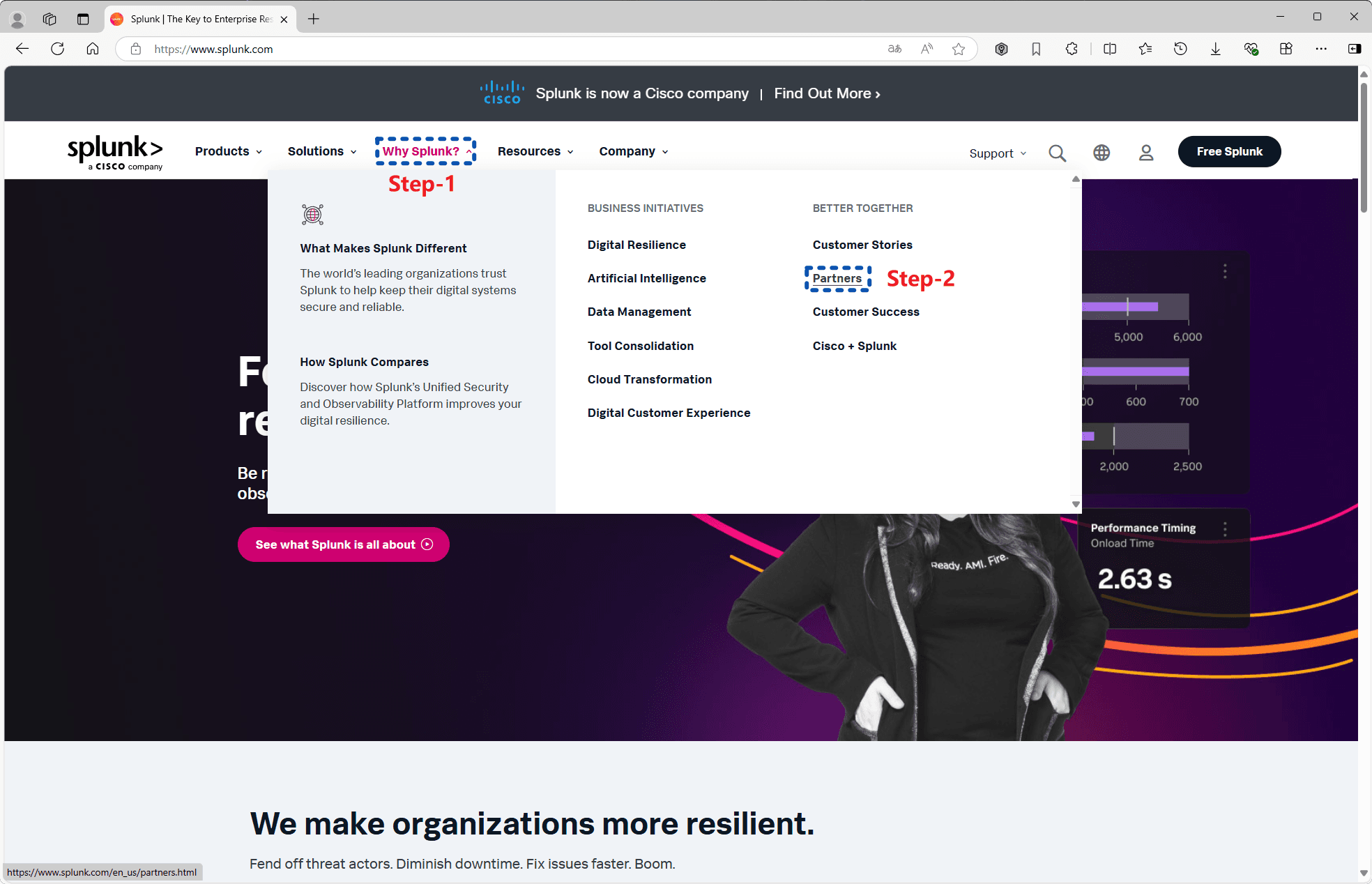
2. Find the Partners Option
In the top menu bar, find the 'Why Splunk?' section and select the 'Partners' option.
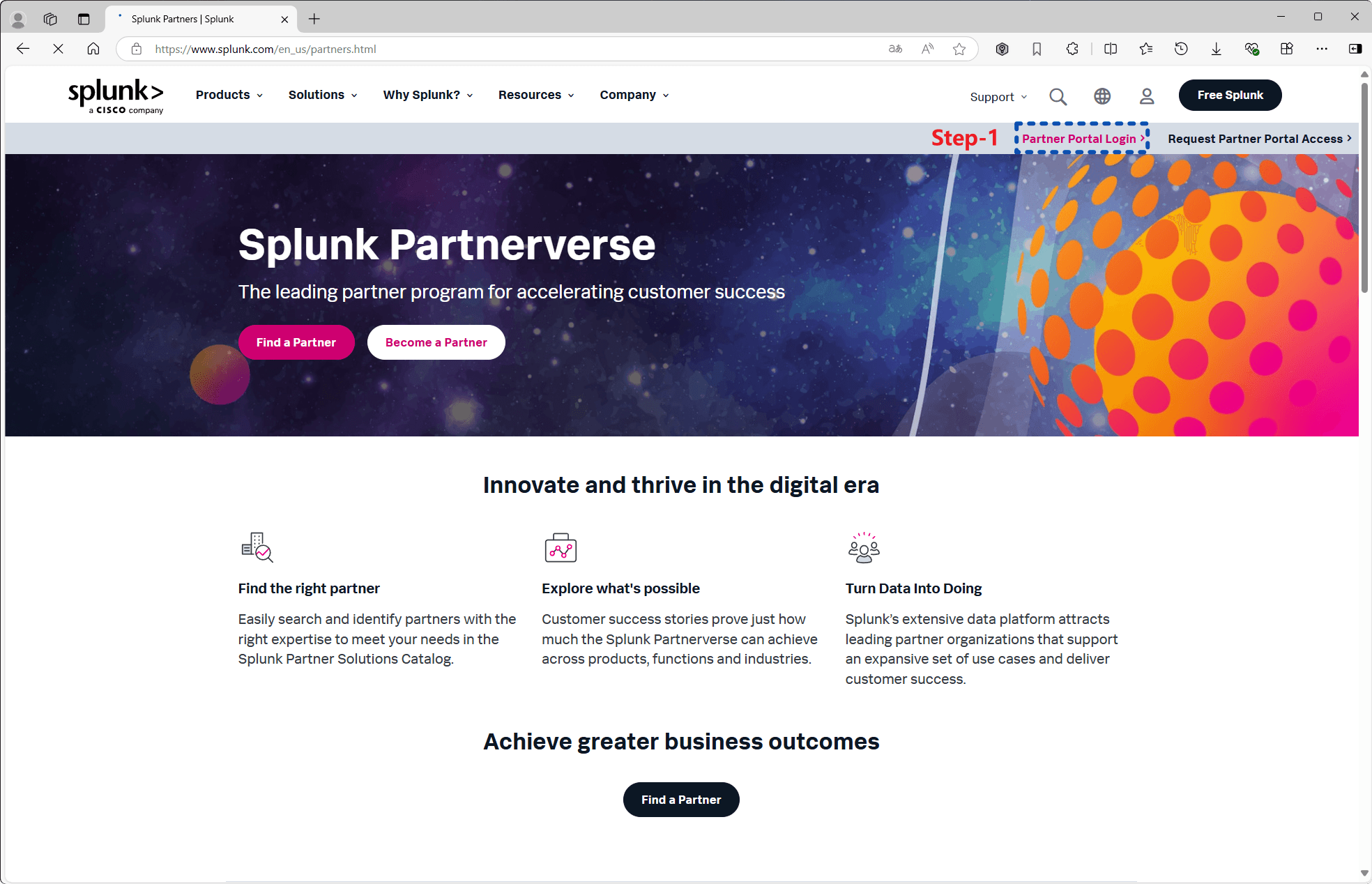
3. Access the Partner Portal
Select 'Partner Portal Login' and click to enter.
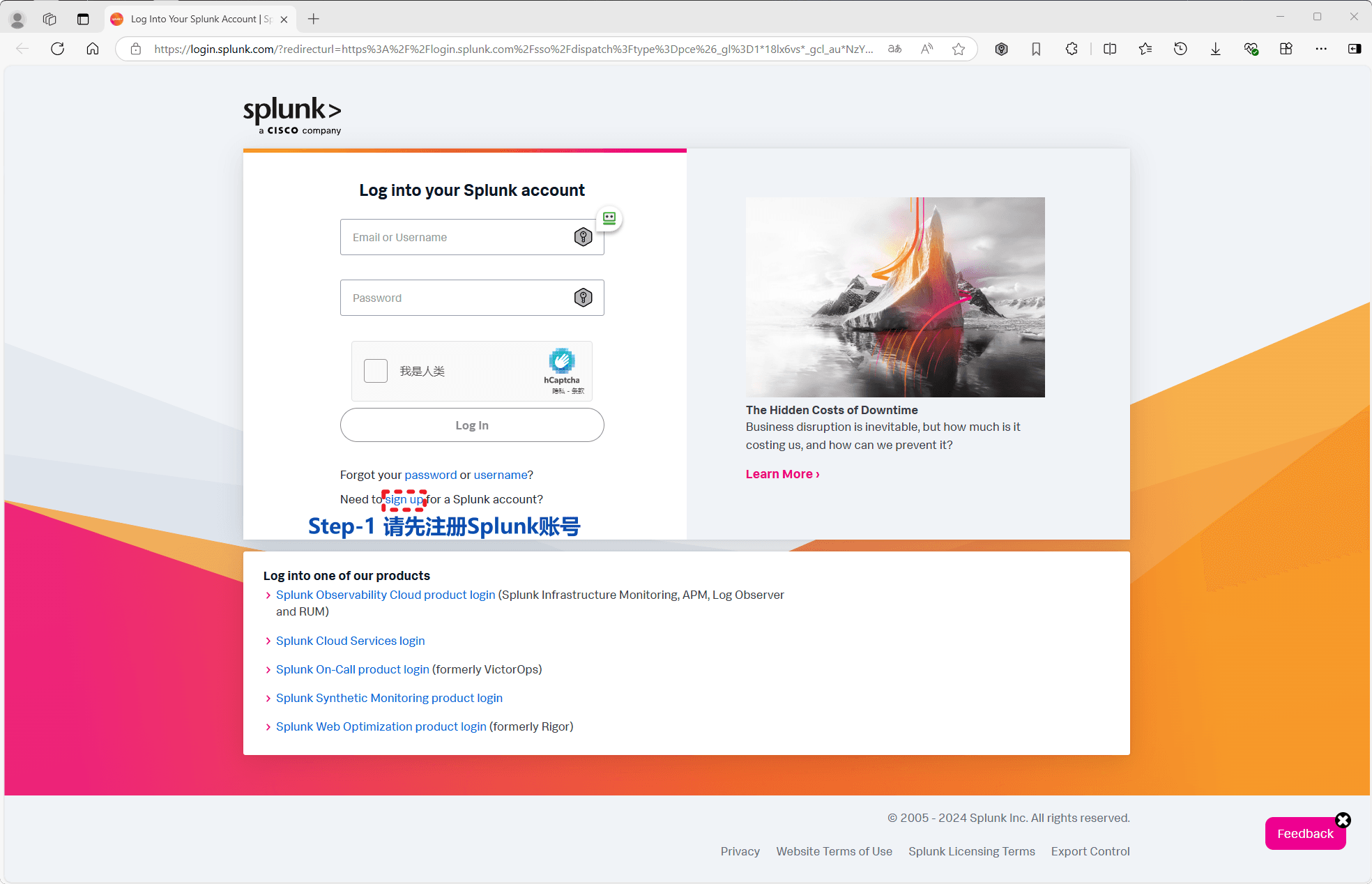
4. Register a Splunk Account
For first-time users, register a Splunk account by clicking 'Sign up'.
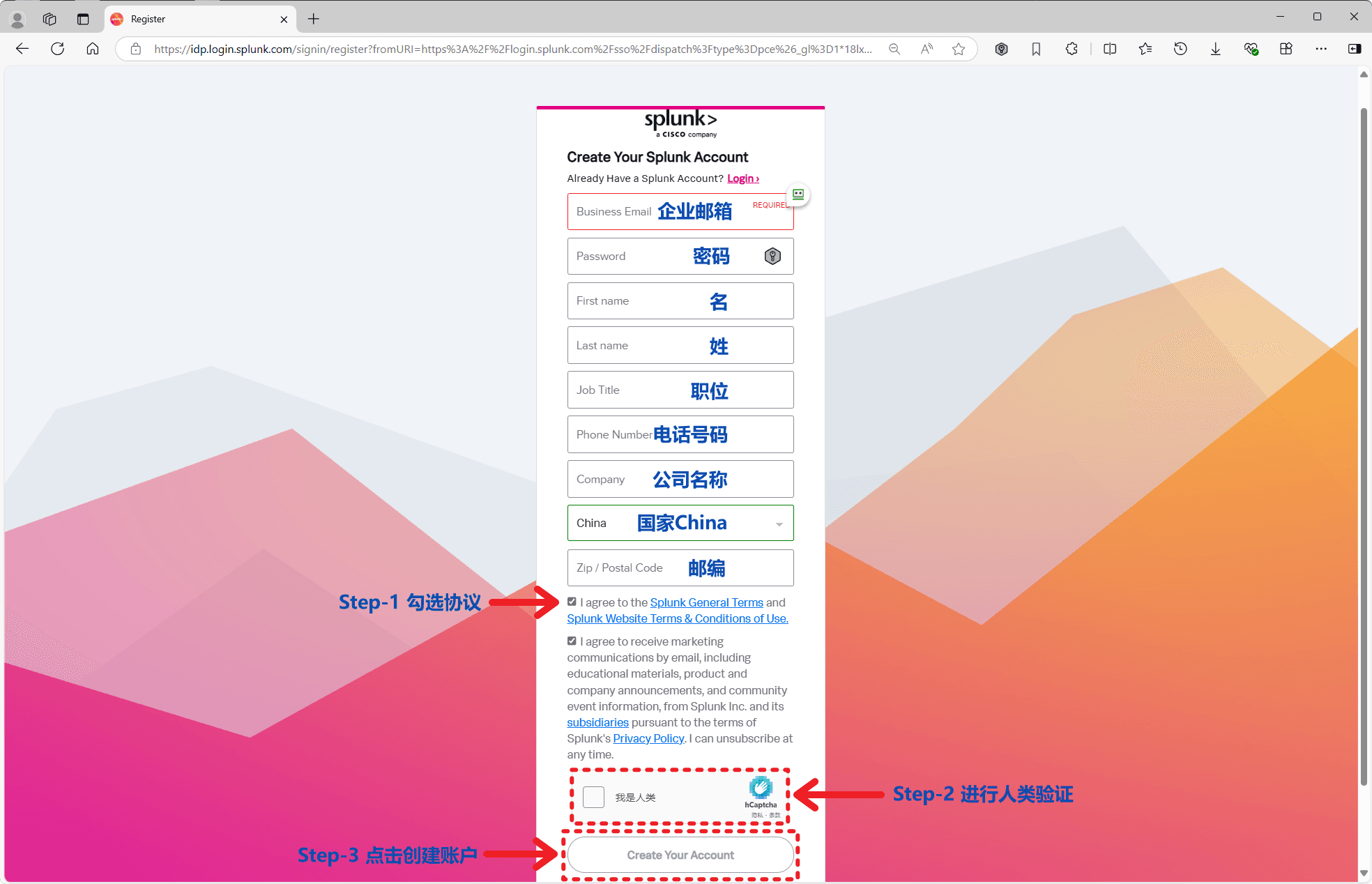
5. Fill in Account Information
Fill in your account details, check the agreement and complete the CAPTCHA verification (may not always be required), then register. Note: Password has complexity requirements (use uppercase + lowercase + symbols + numbers).
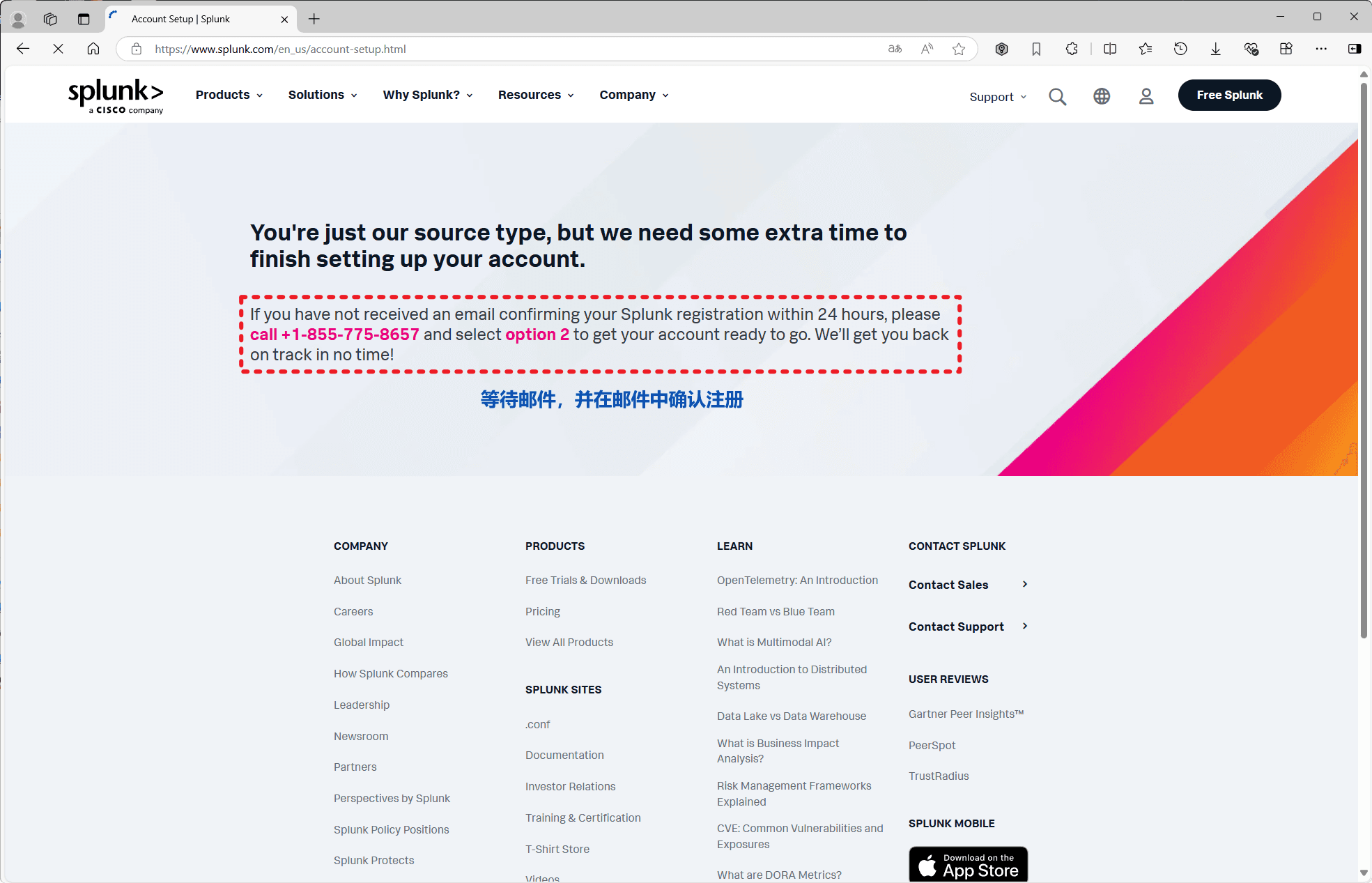
6. Email Verification
After successful registration, you'll be redirected. Splunk will ask you to check your email and confirm your registration.
7. Return to Login
After successful registration, revisit the login link from step 4 to log in.
8. Complete Login
Enter your registered credentials and complete the CAPTCHA to log in.