2025 Splunk Partner Certification Guide
A complete guide to the Splunk Partner certification process, covering application, exam preparation, certification steps, and important notes to help you pass the Partner certification.
Published: 2025-03-06
1. Open the Partner Portal certification dashboard
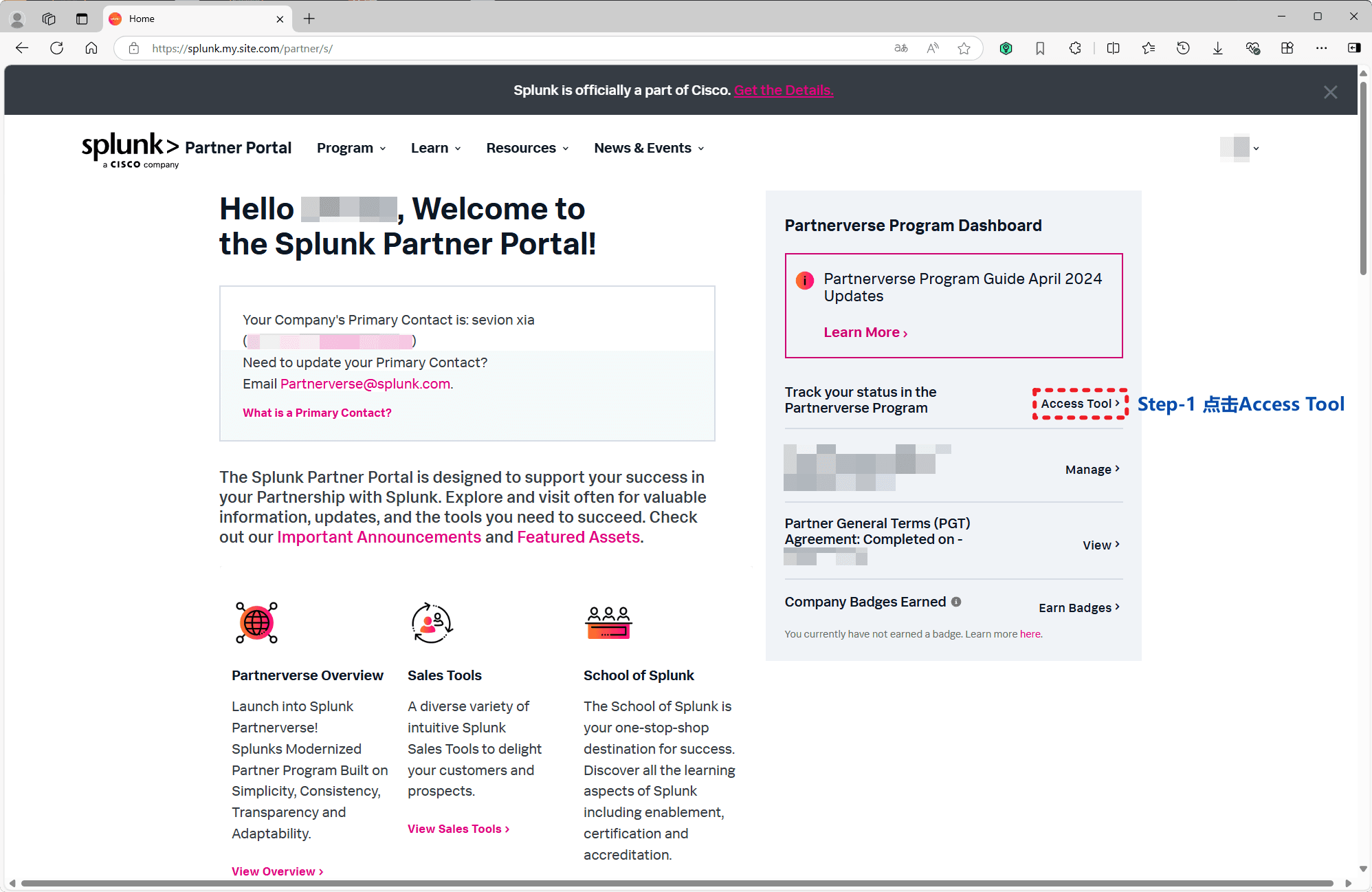
Sign in to the Splunk Partner Portal and click Access Tool in the Partnerverse Program Dashboard to open the certification progress tracker.
2. Sign the Partner General Terms (PGT)
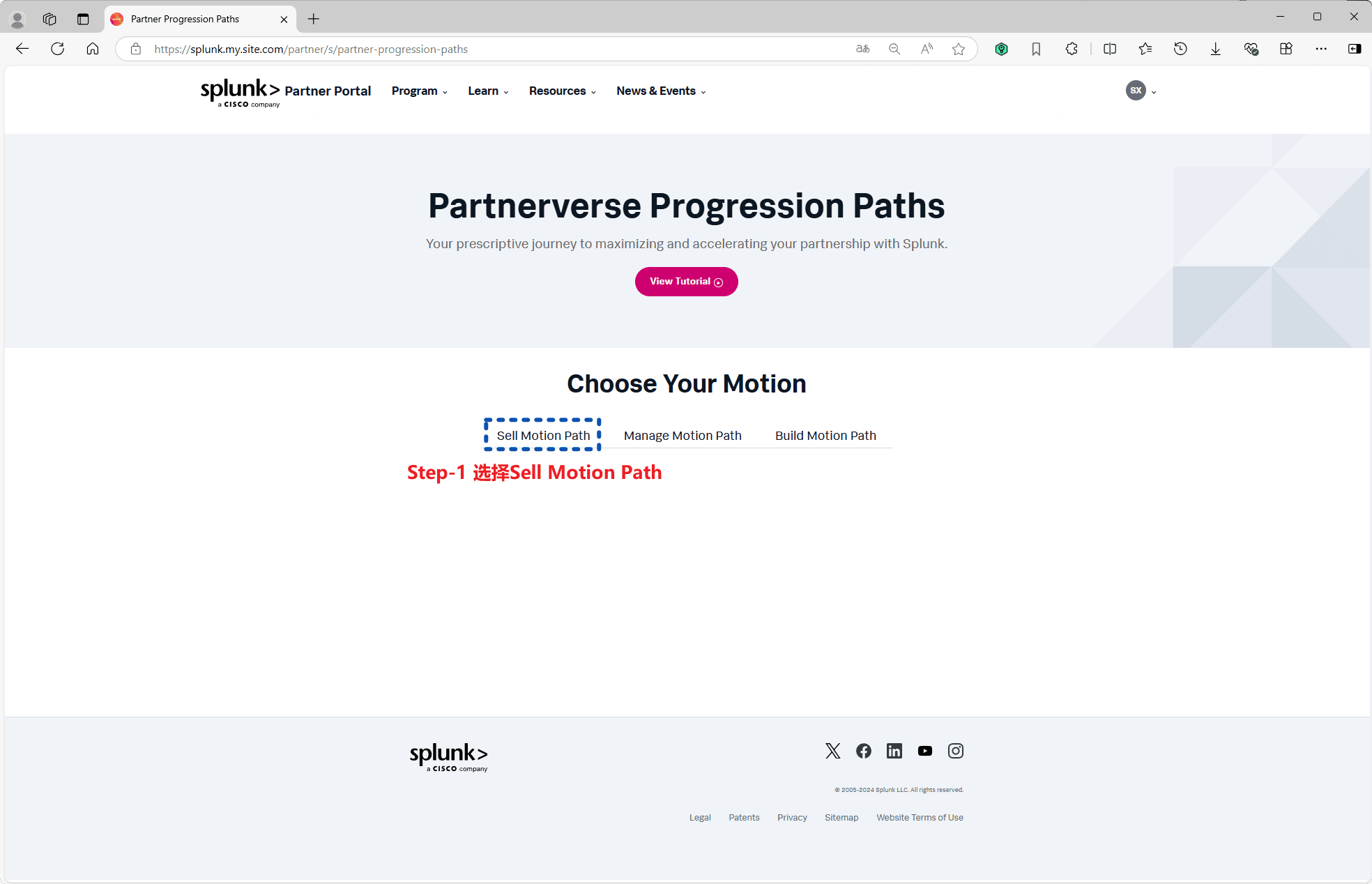
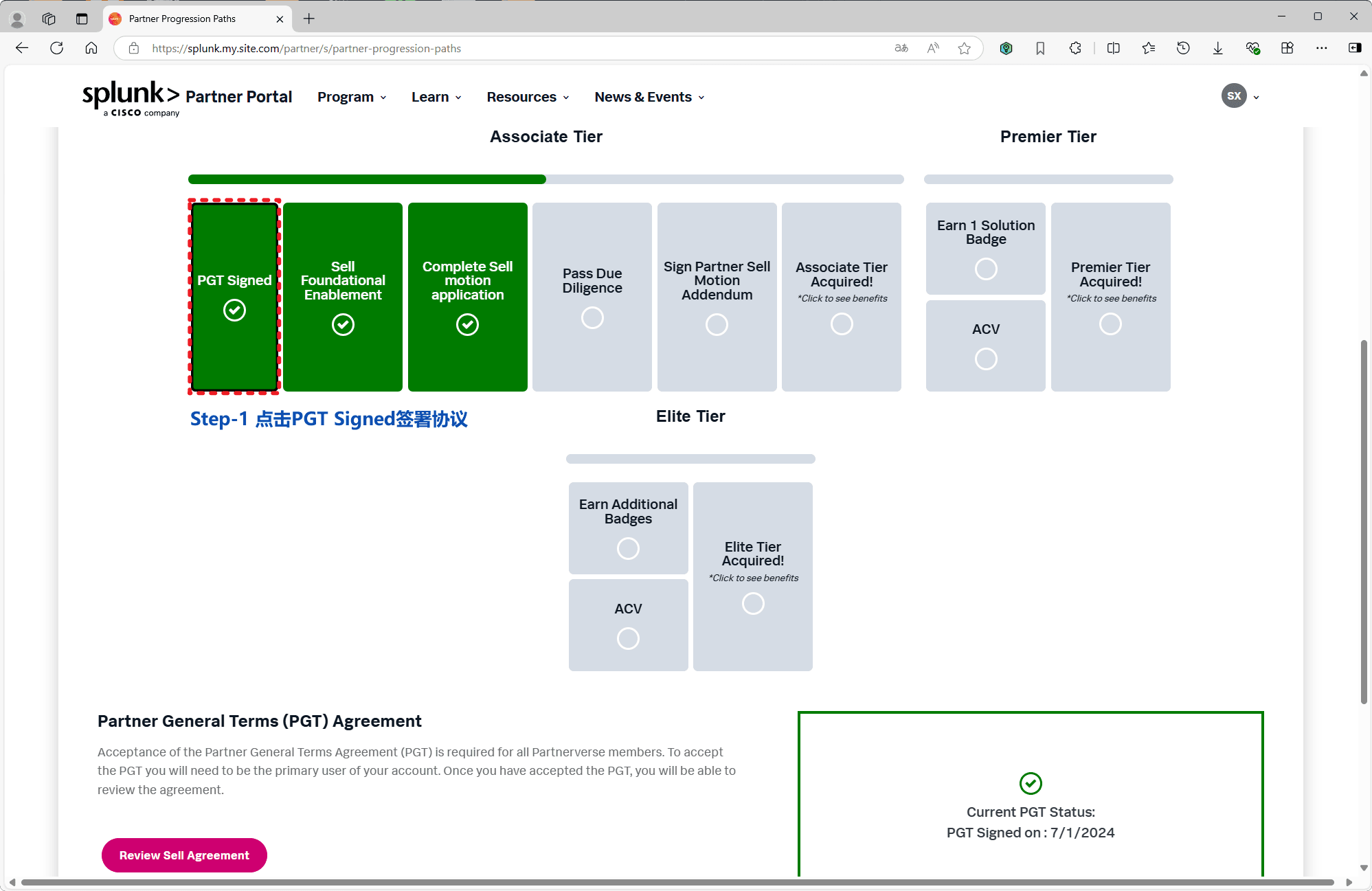
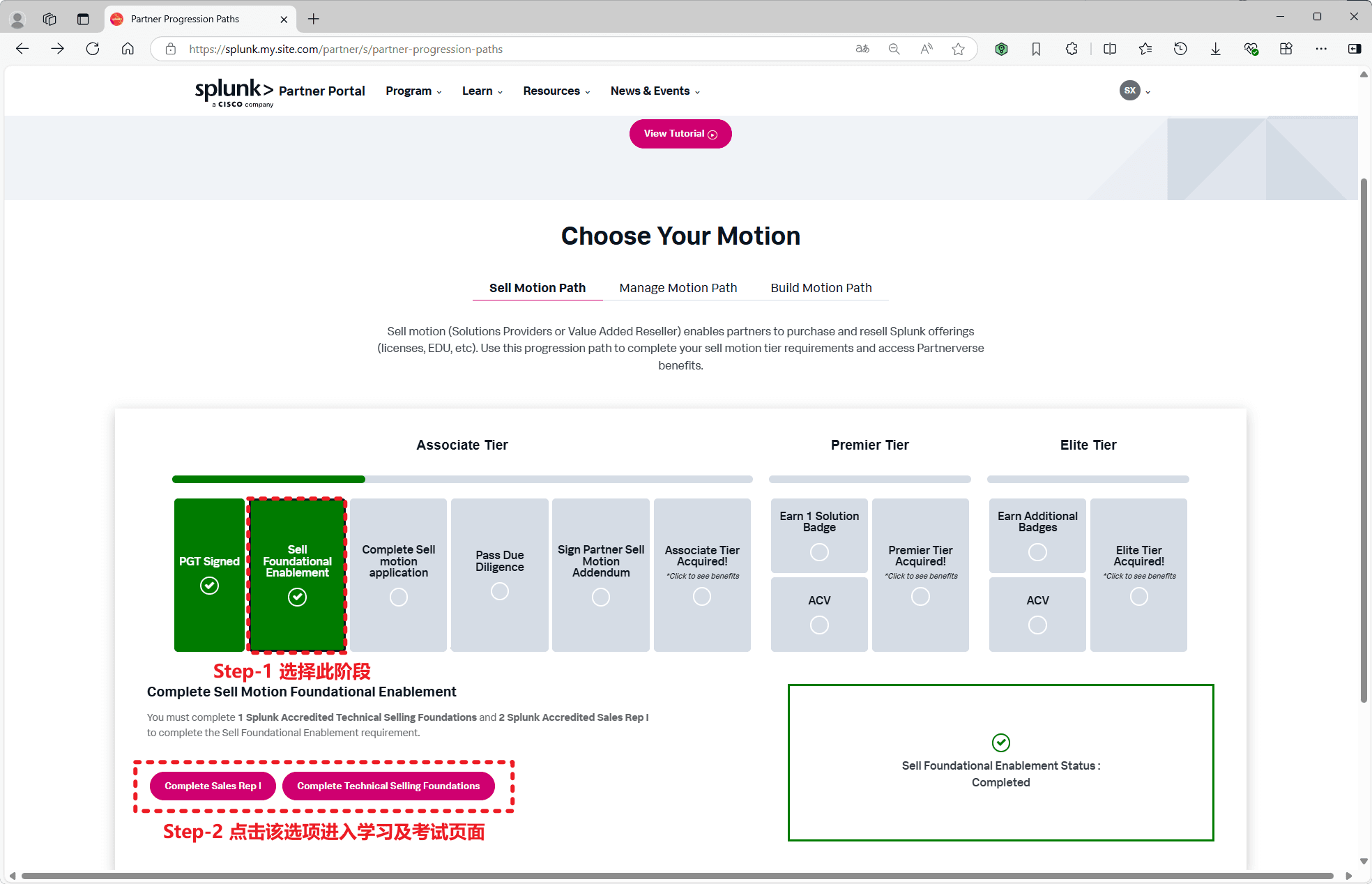
On the Partner Progression Paths (Choose Your Motion) page, click PGT Signed to accept and sign the Partner General Terms (PGT) agreement.
3. Submit the Sell Motion application
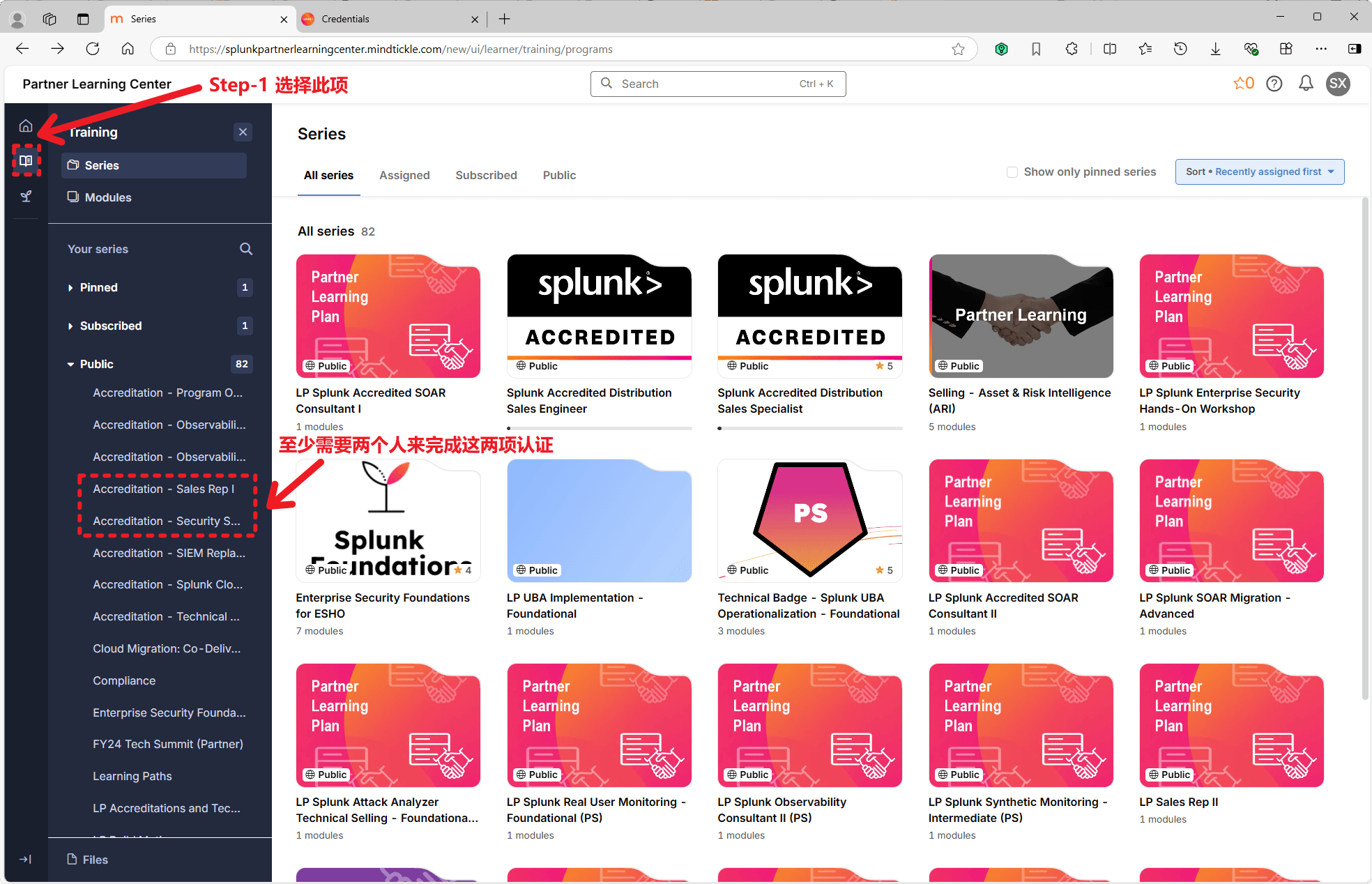
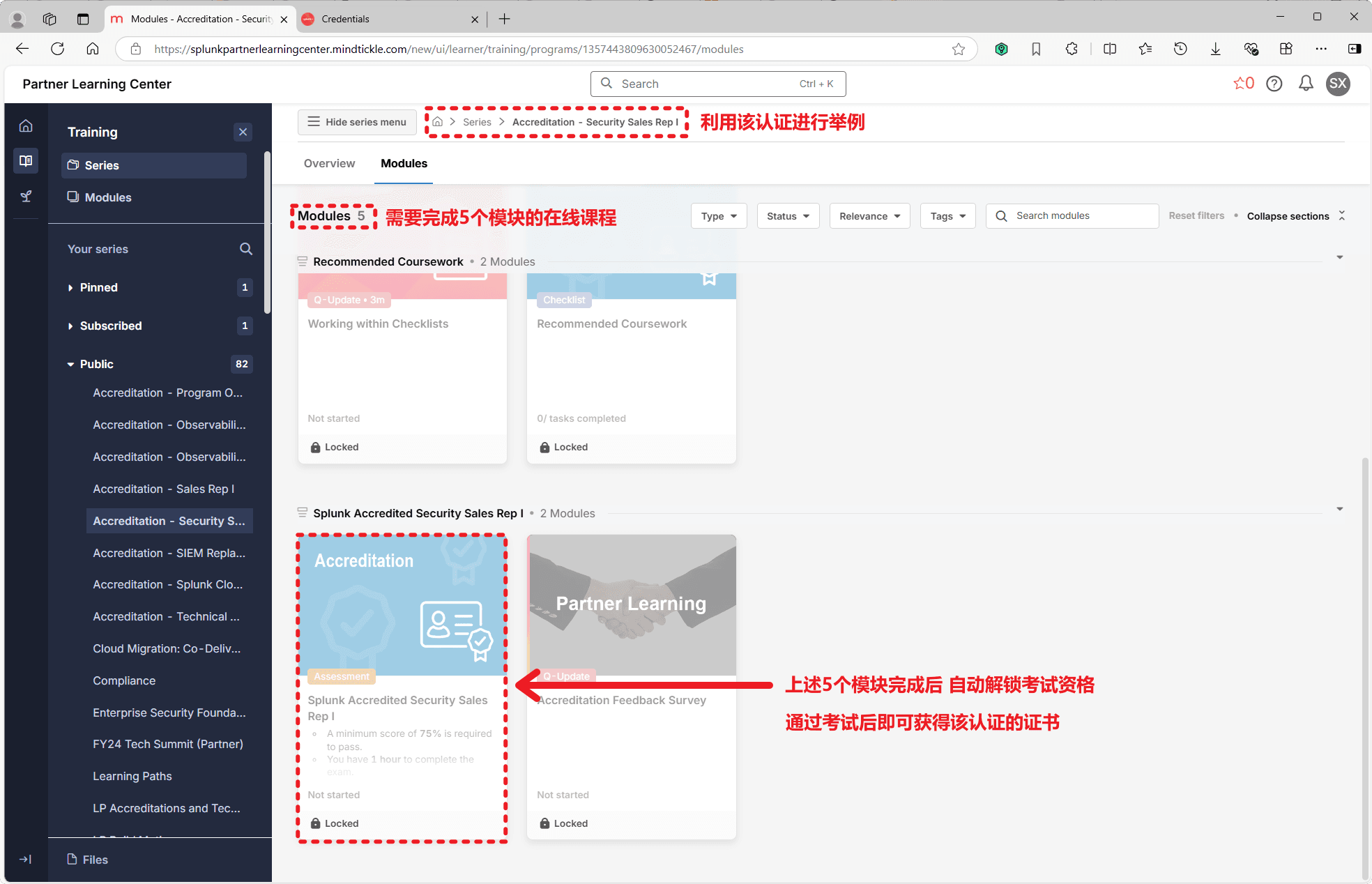
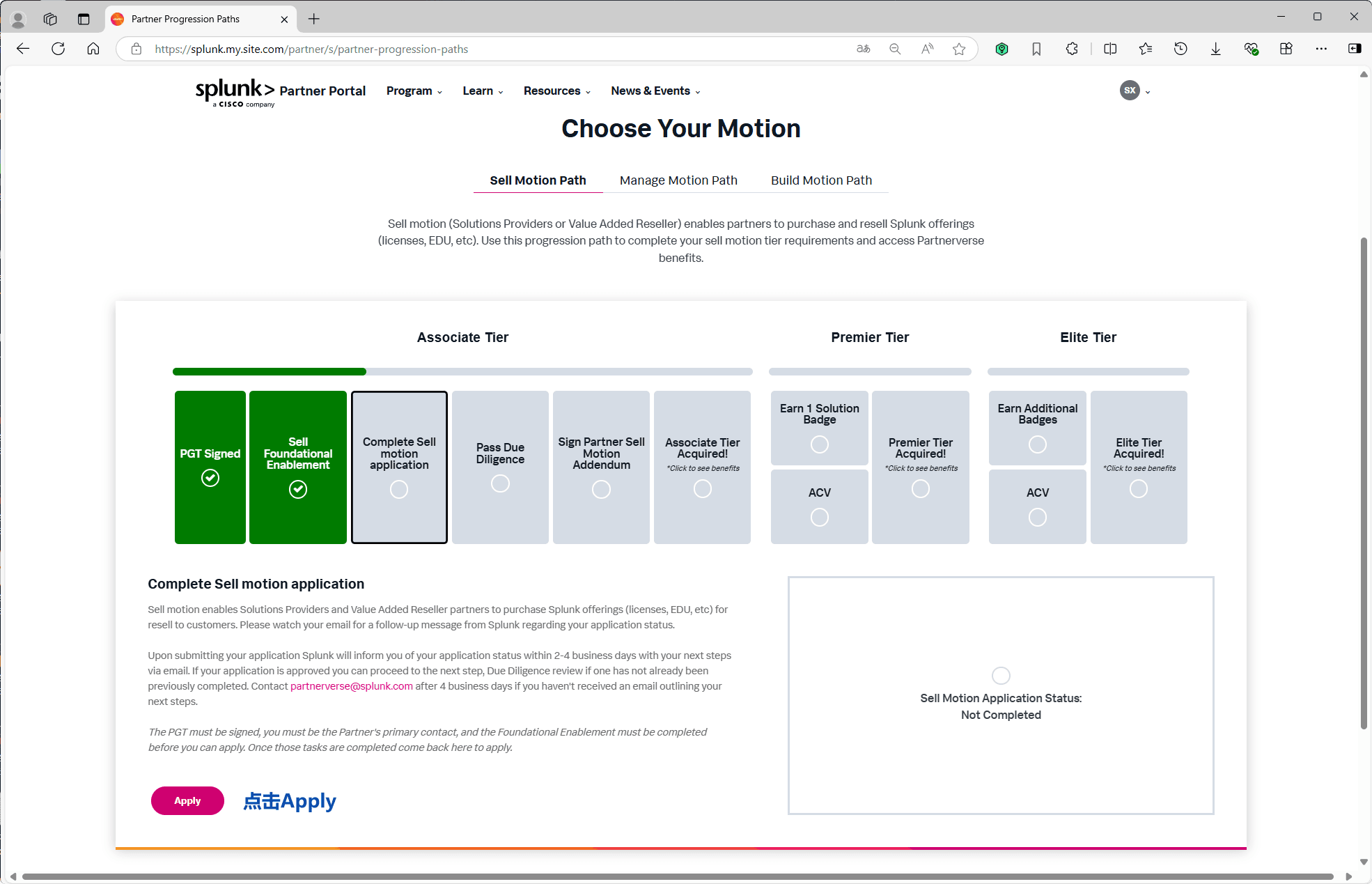
After completing Sell Foundational Enablement, open Complete Sell Motion Application and click Apply to submit your sell motion application.
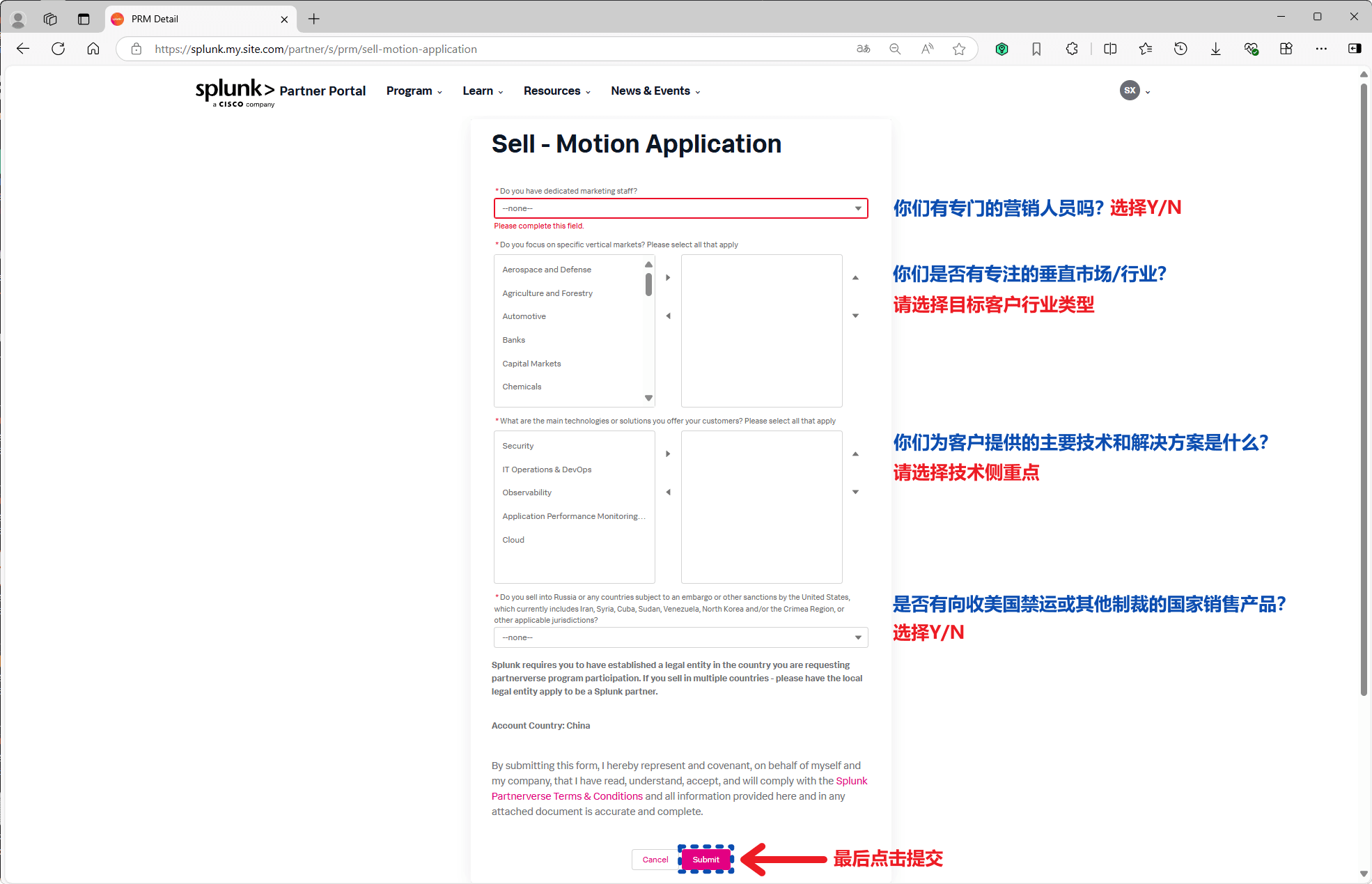
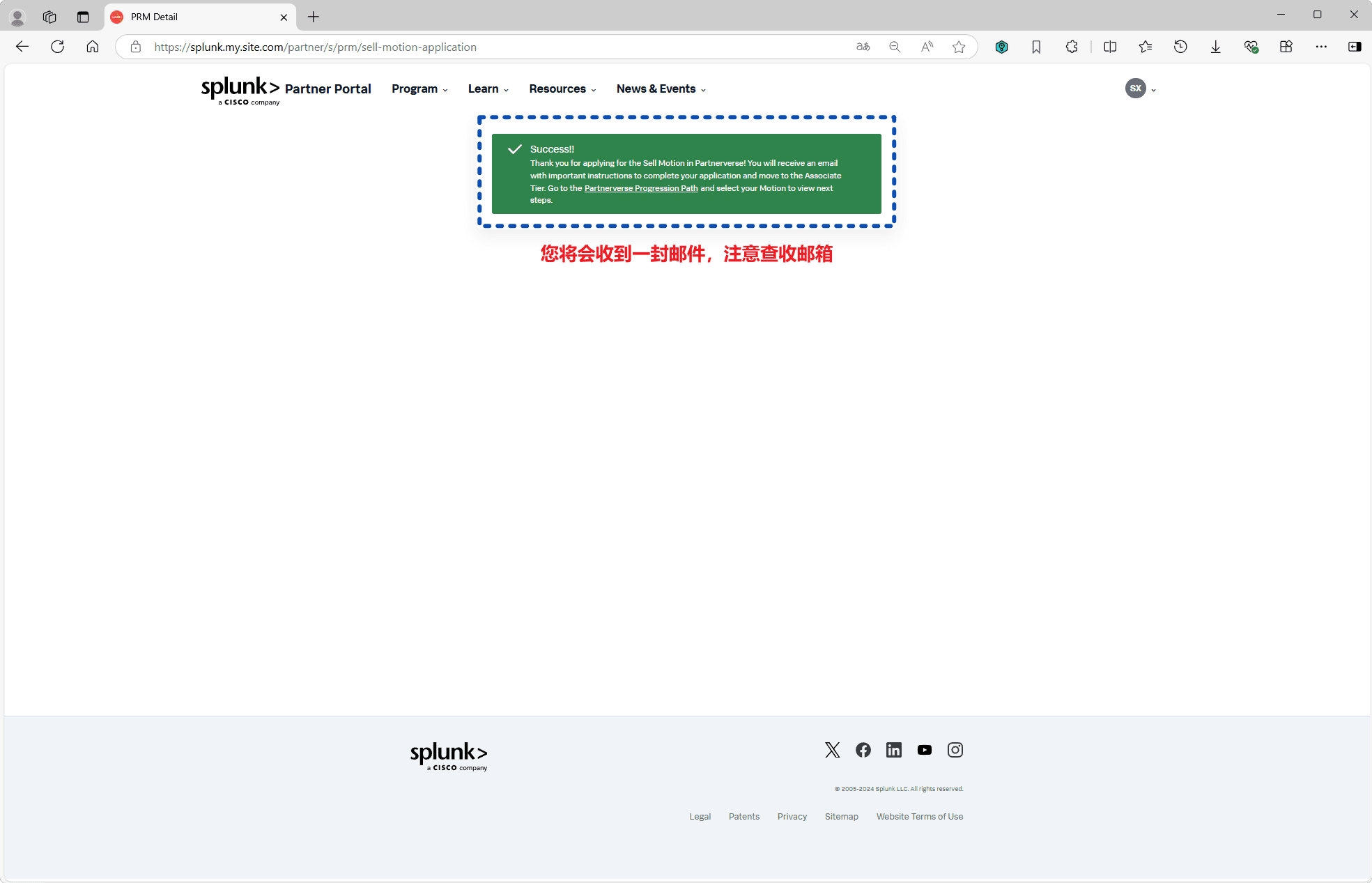
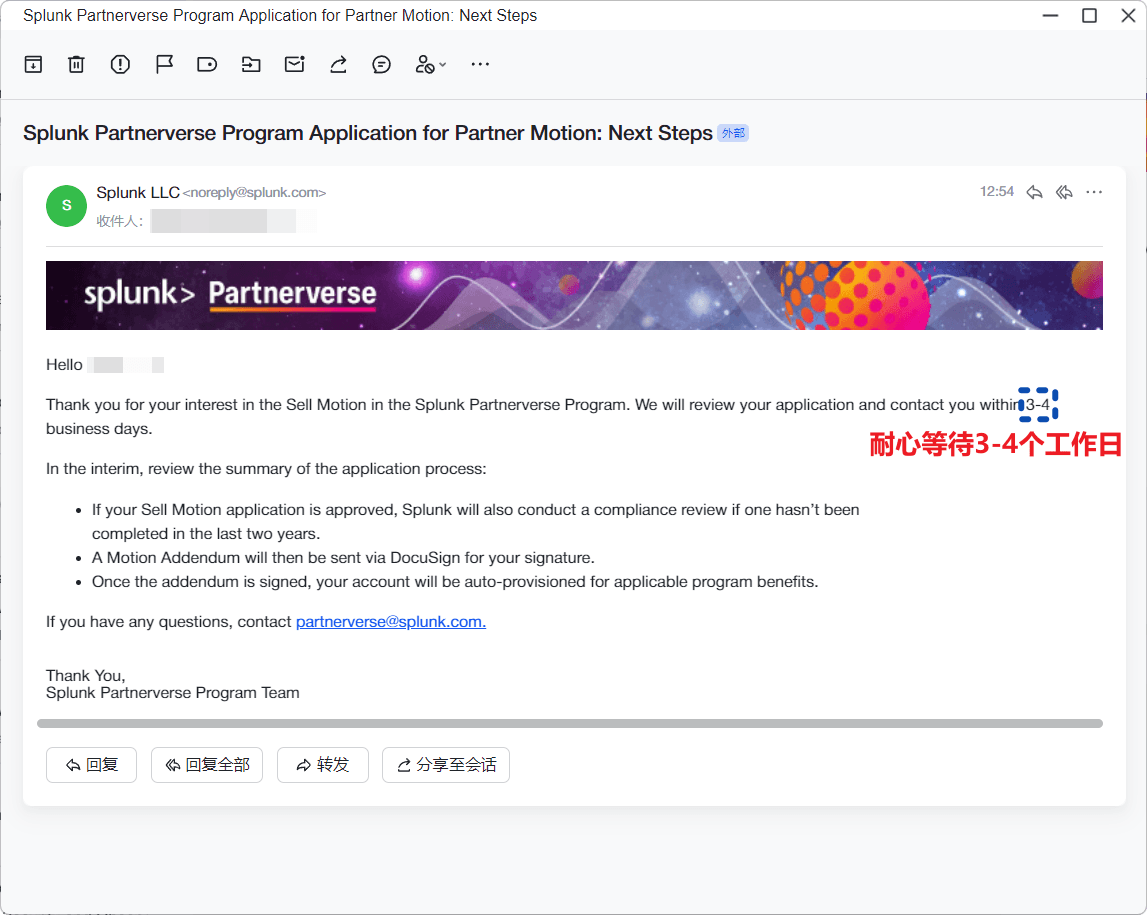
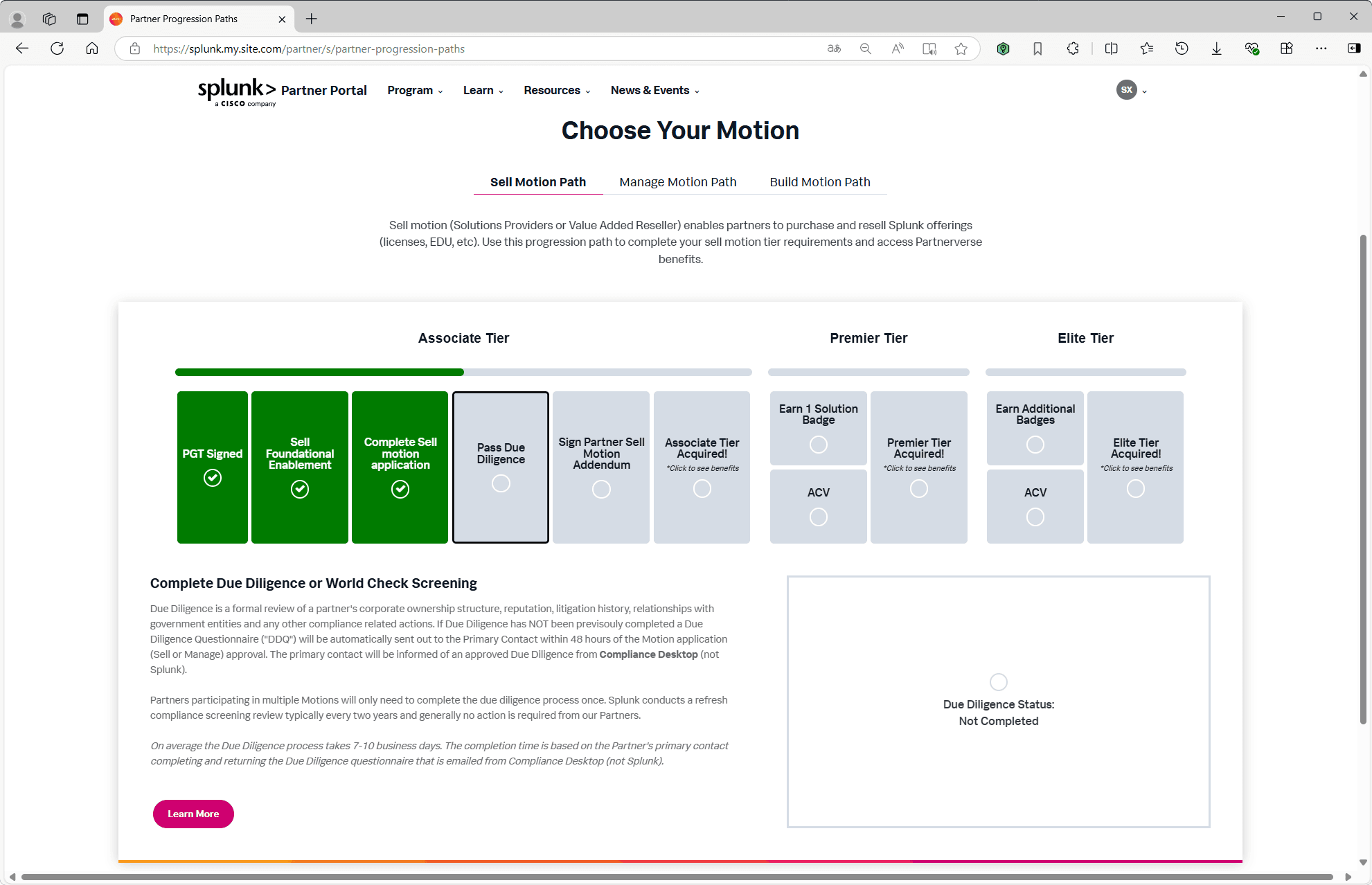
4. Complete Due Diligence
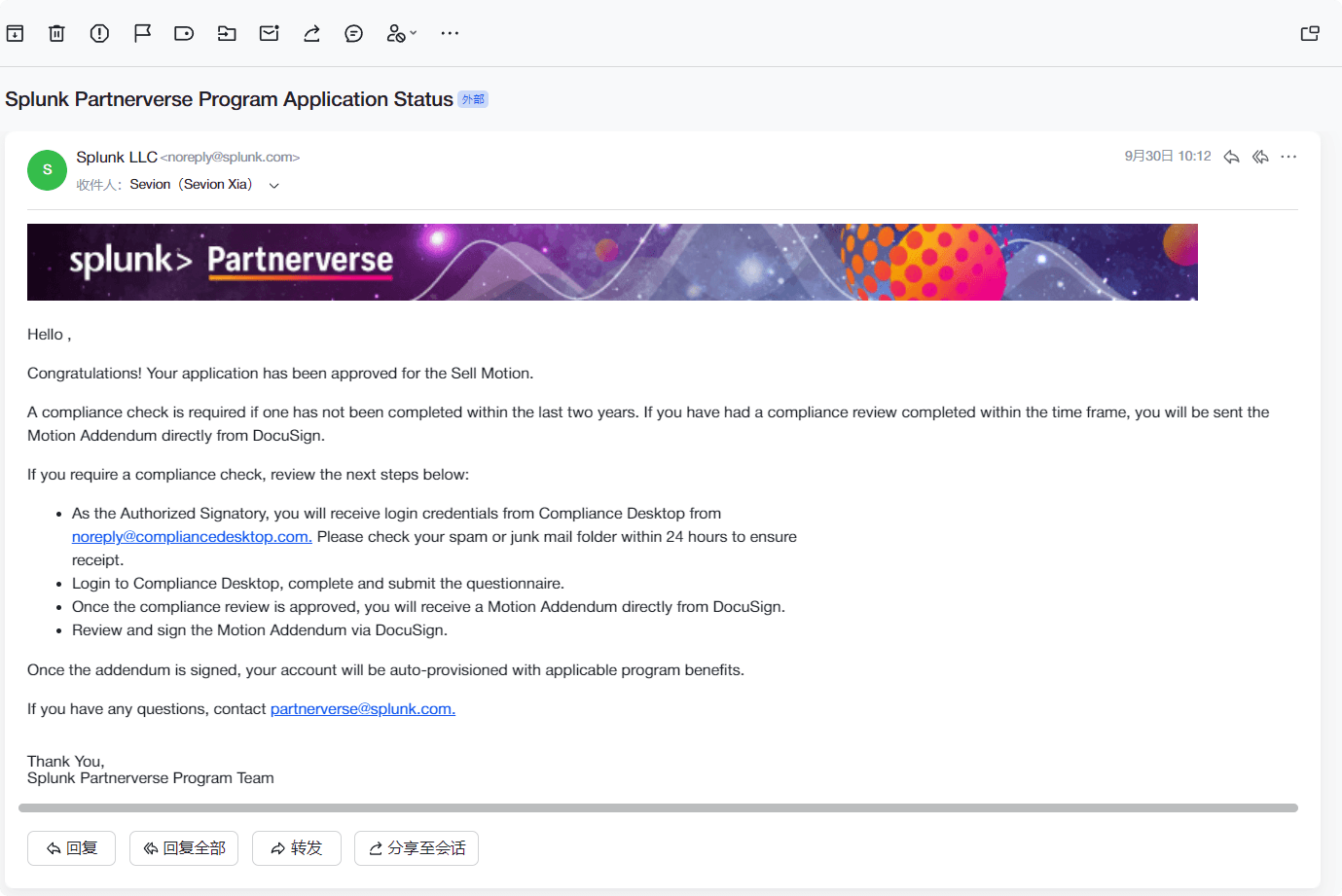
Enter the Pass Due Diligence stage and click Learn More to begin the Due Diligence / World Check compliance screening process.
5. Log in to Compliance Desktop
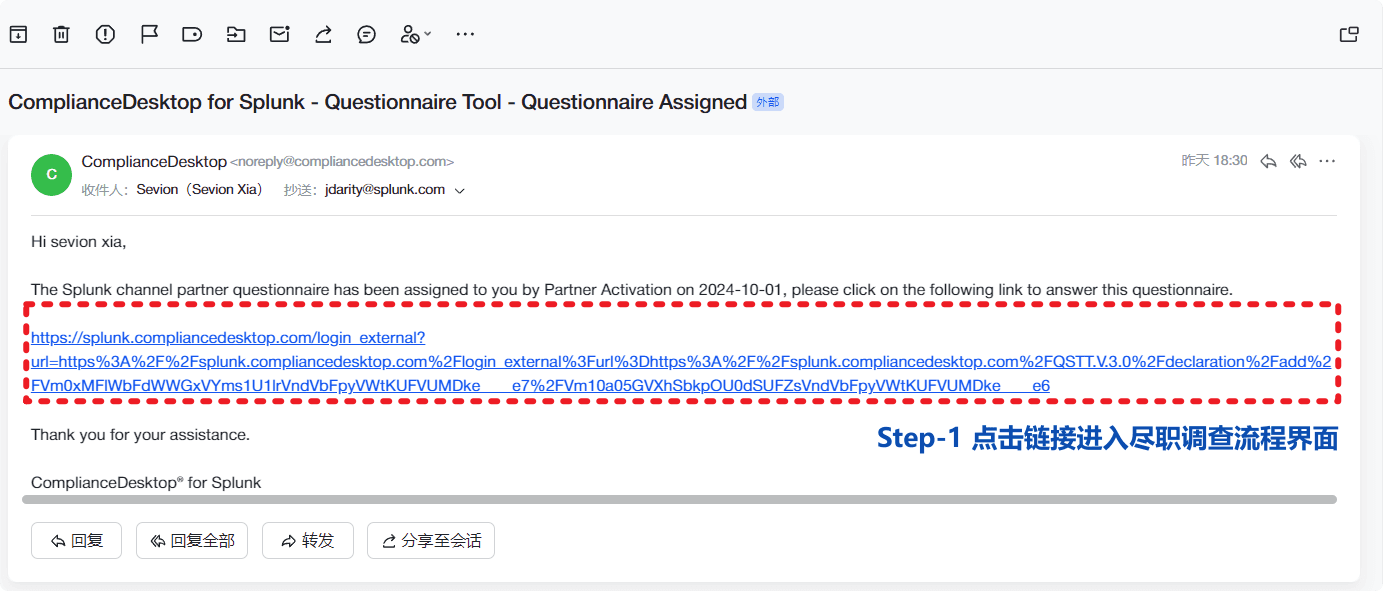
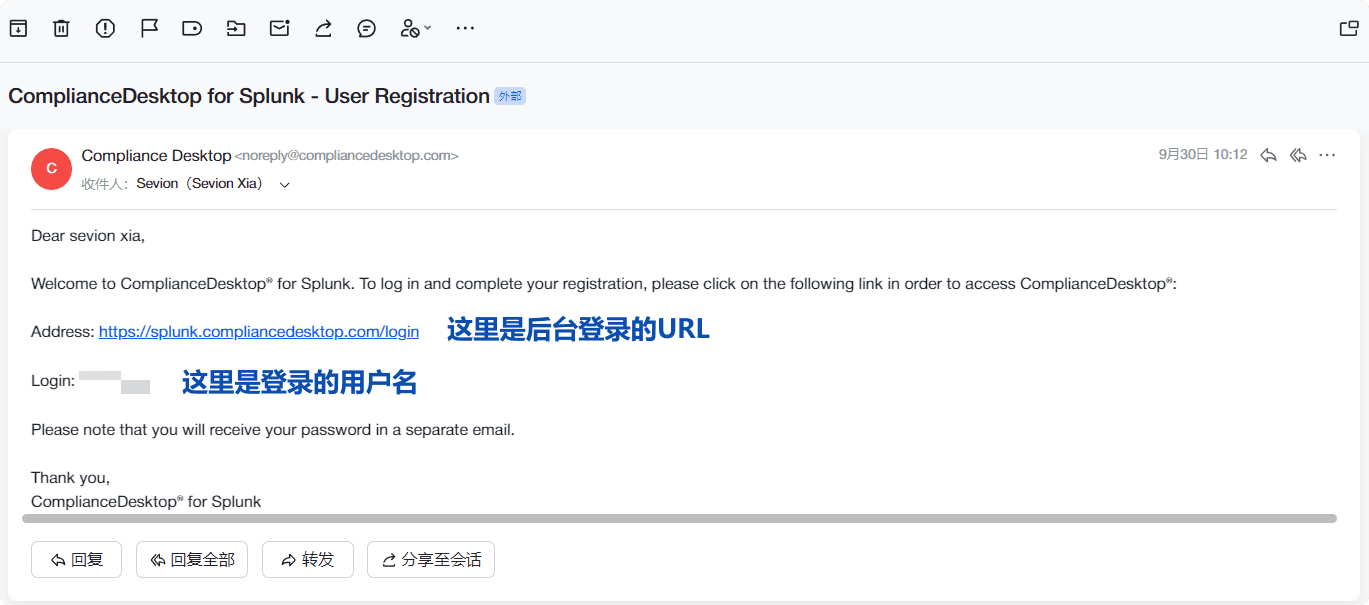
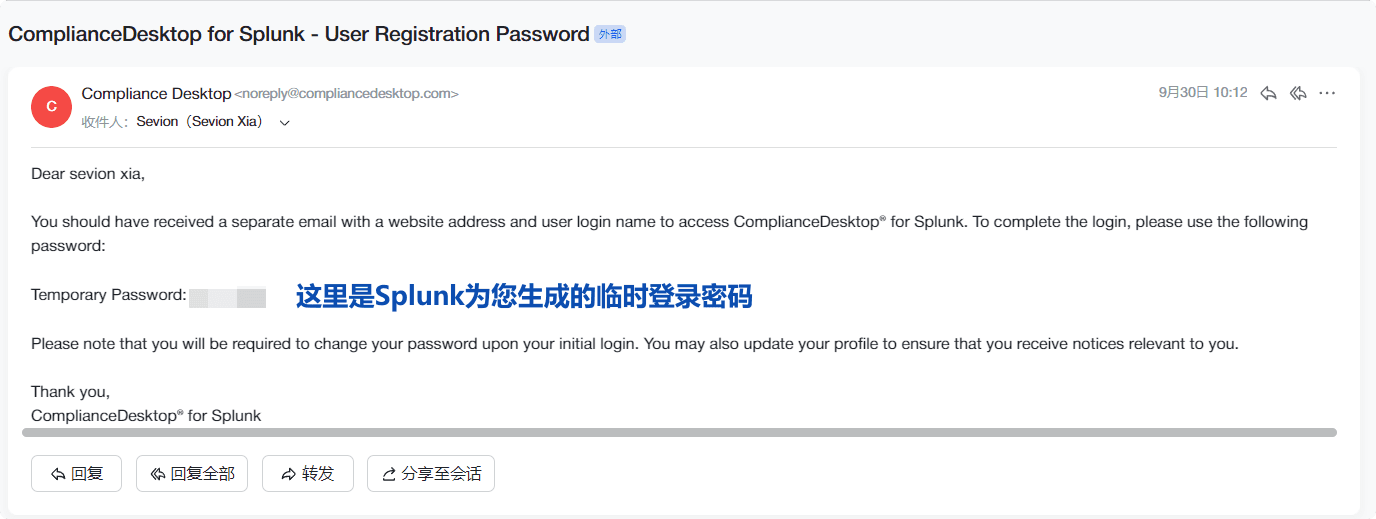
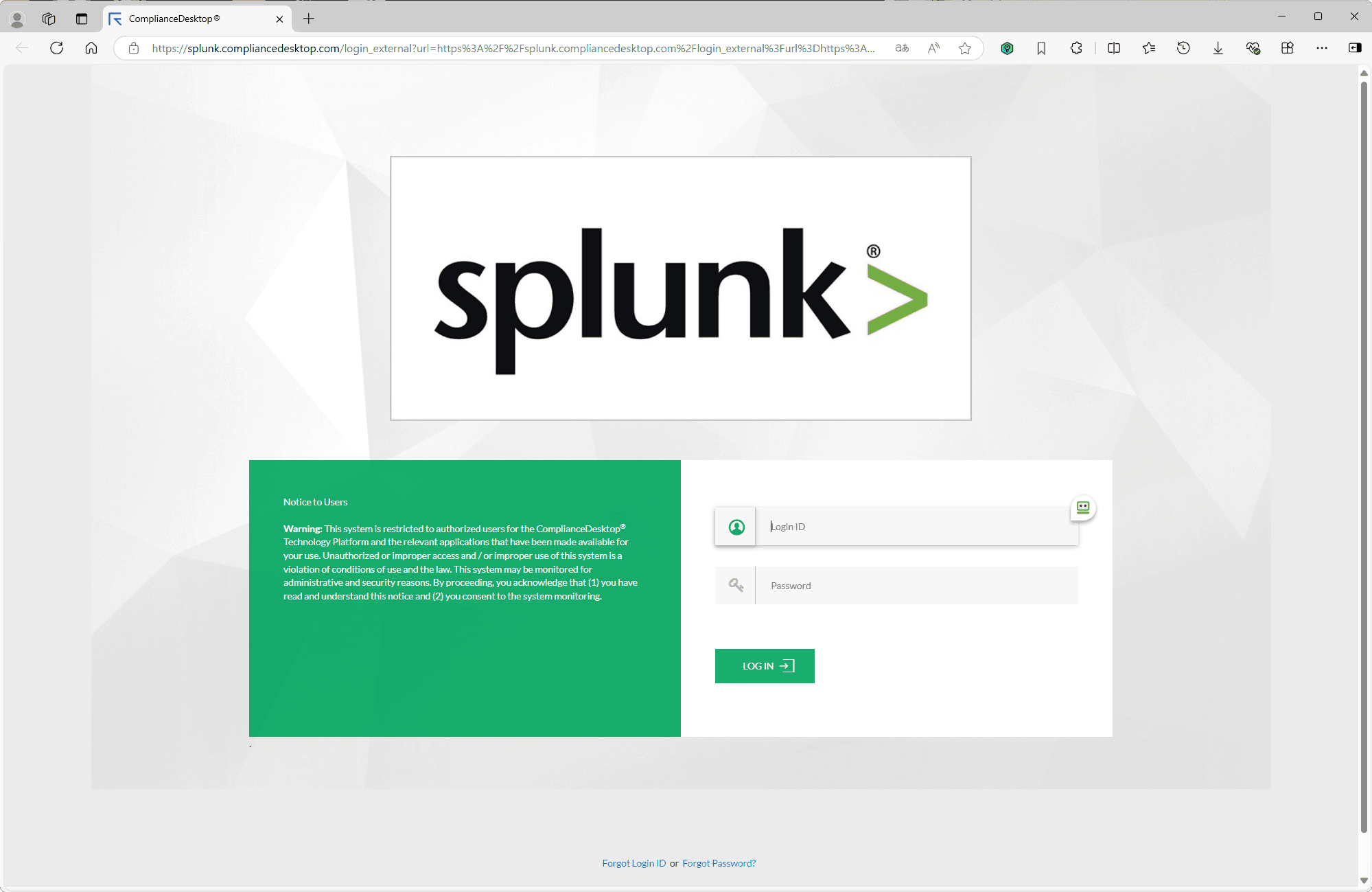
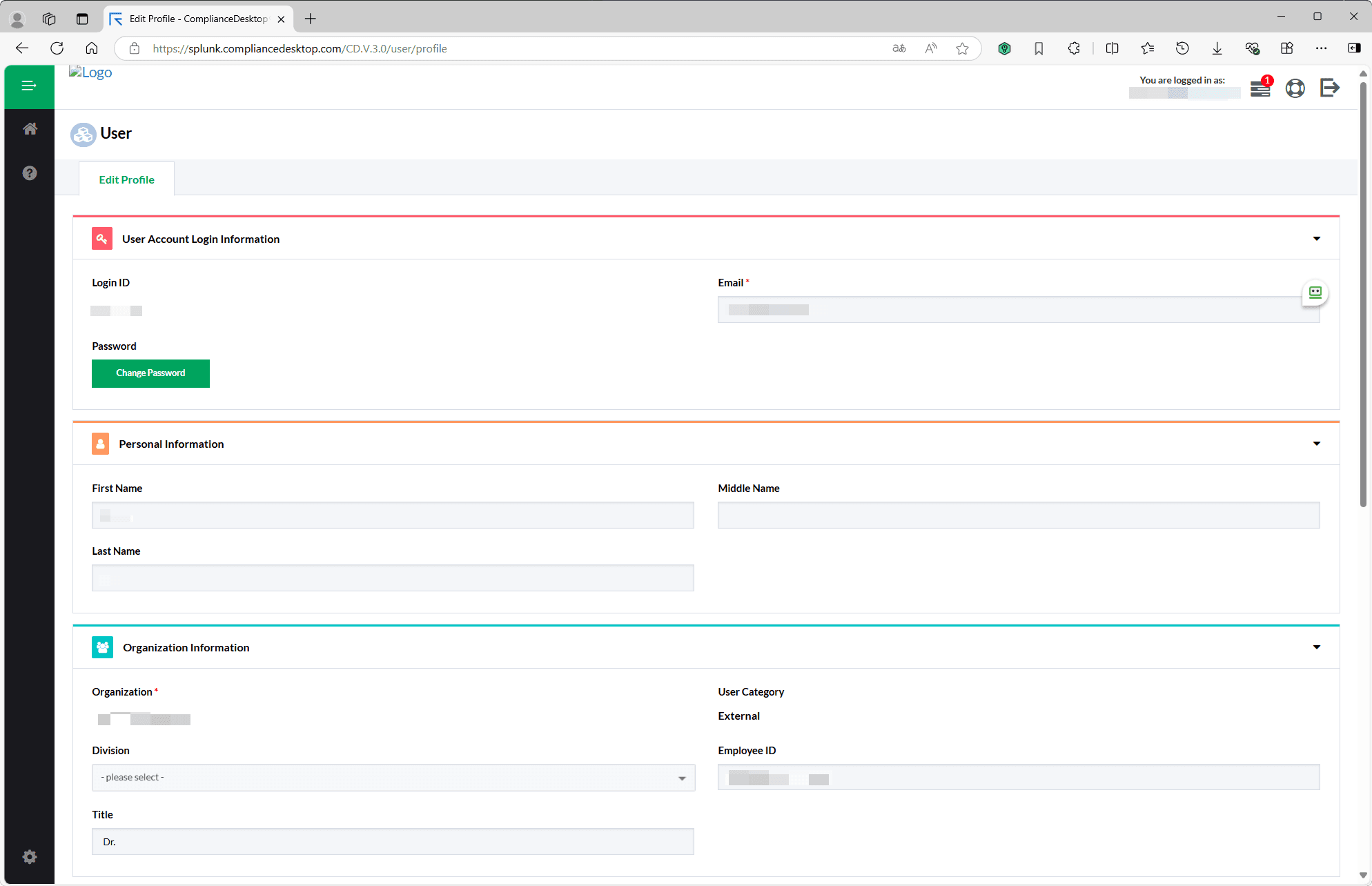
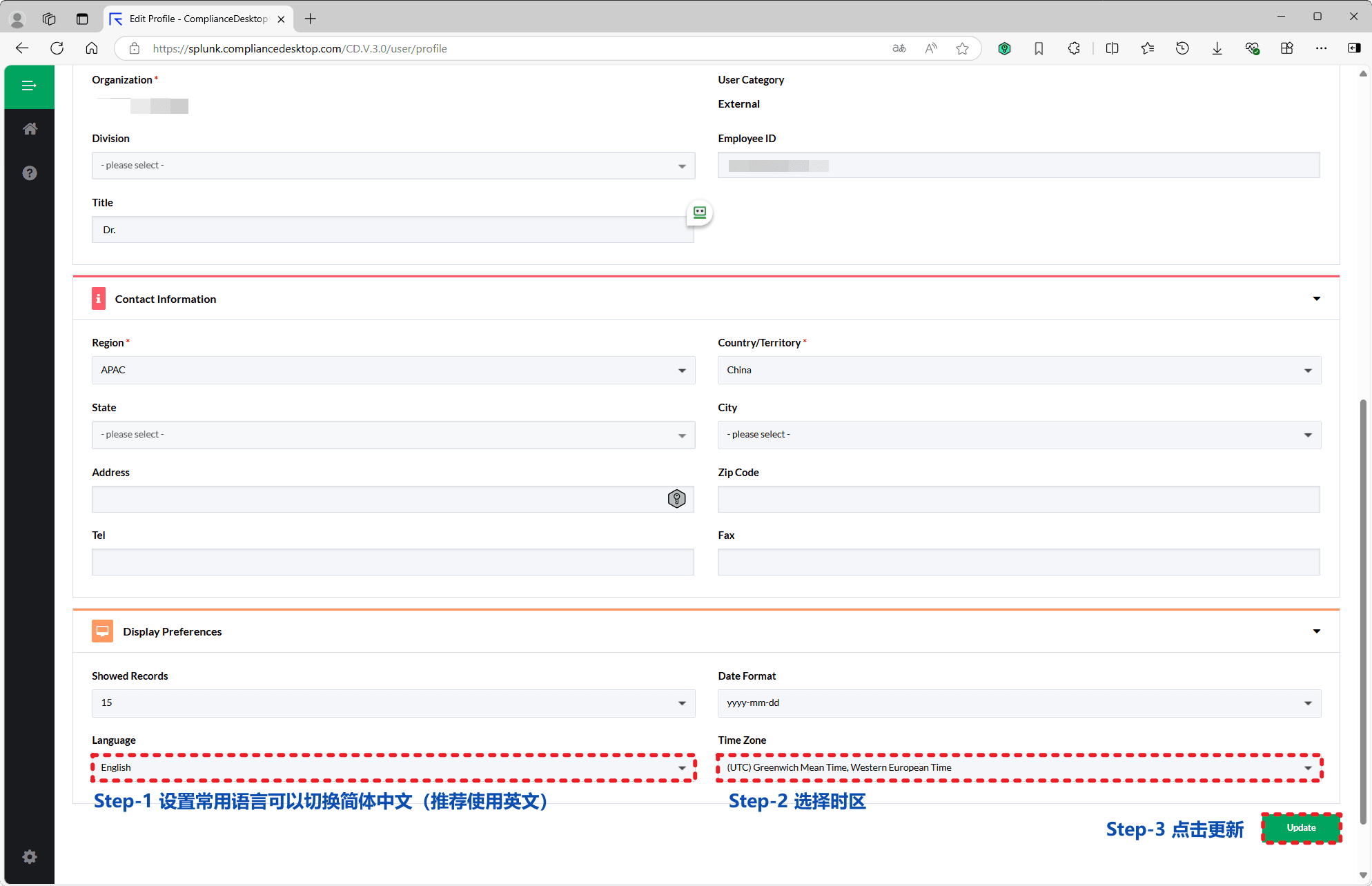
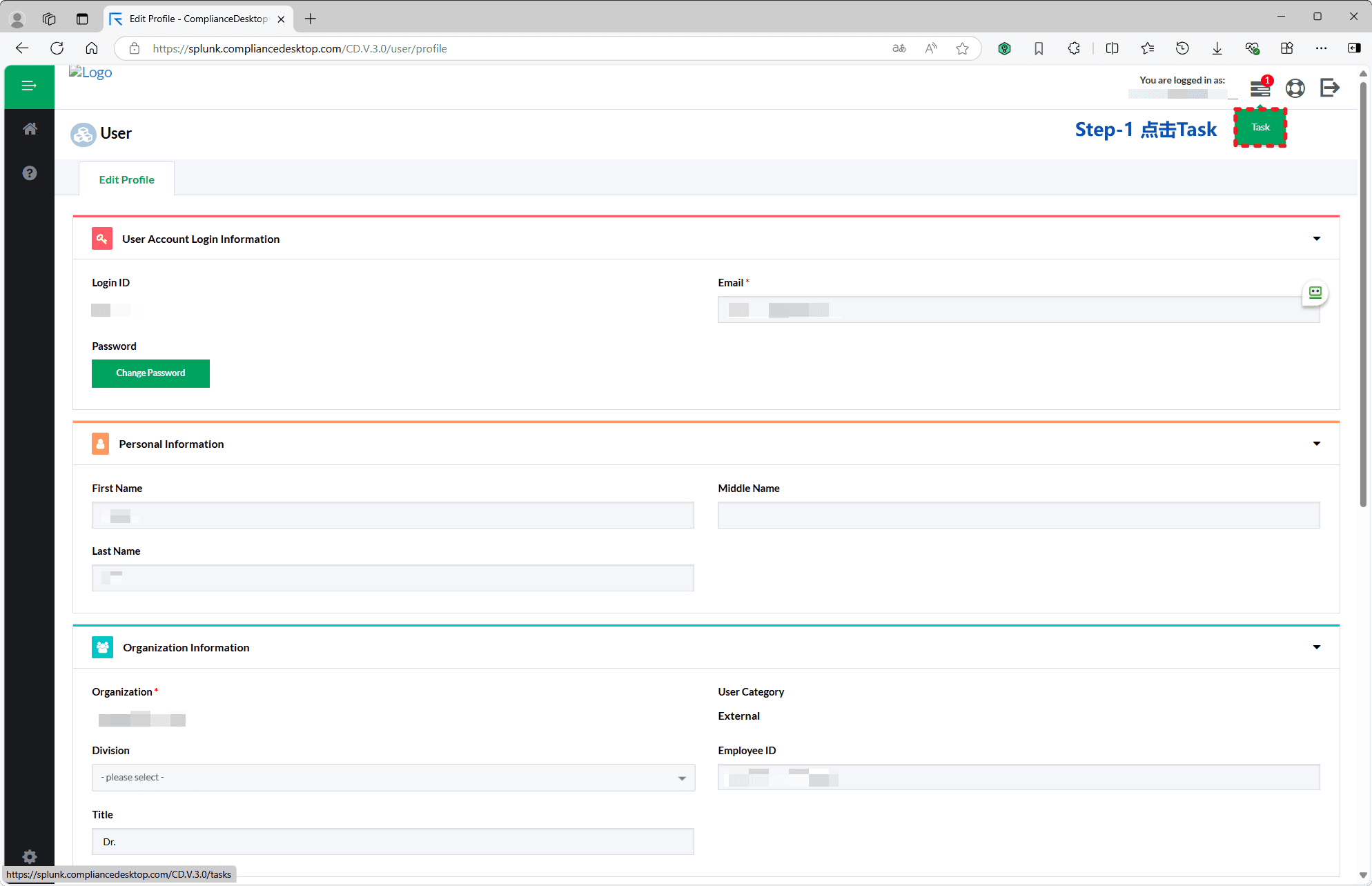
You are redirected to Splunk Compliance Desktop; sign in with your assigned login ID and password to access the compliance system.
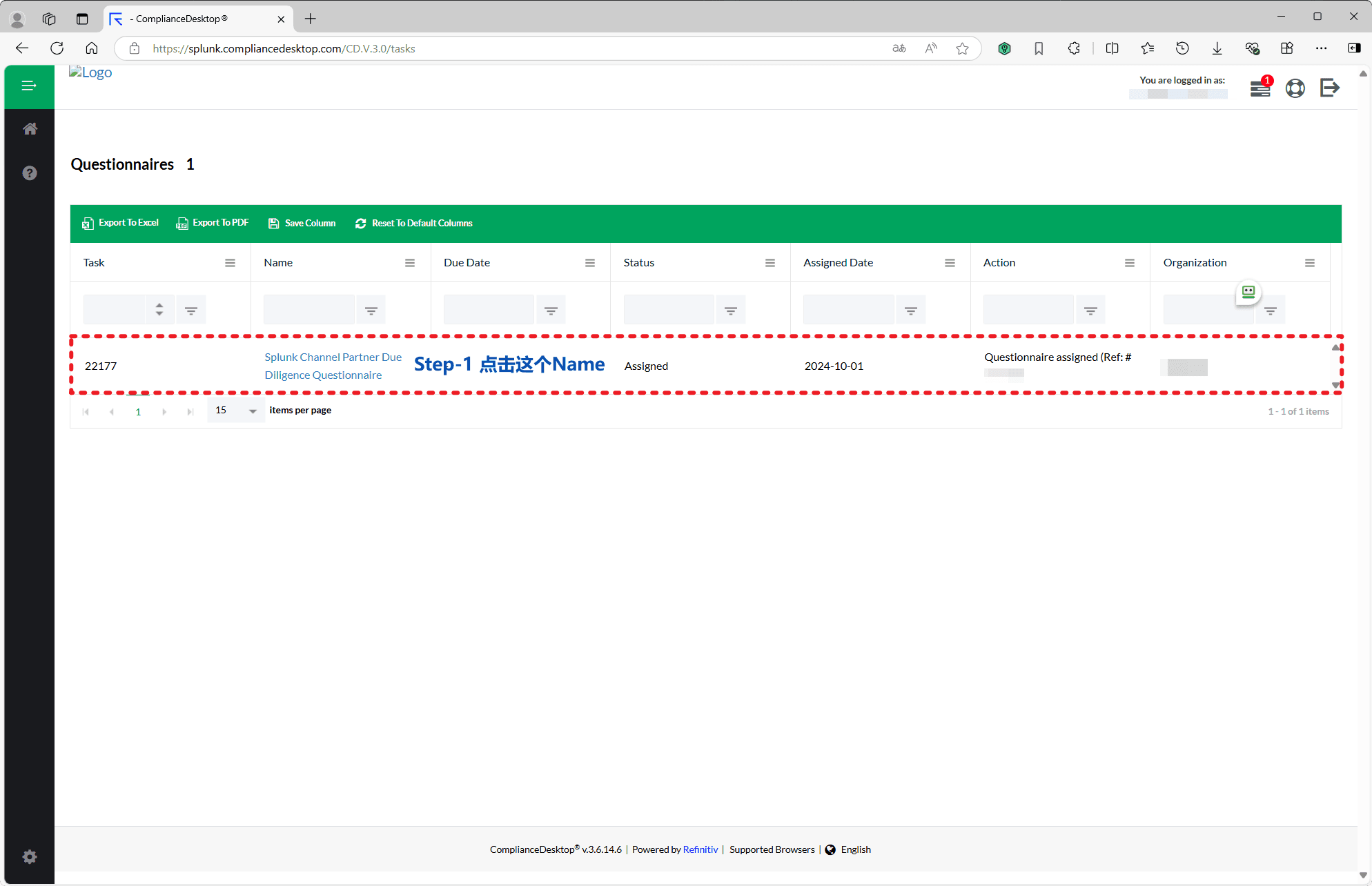
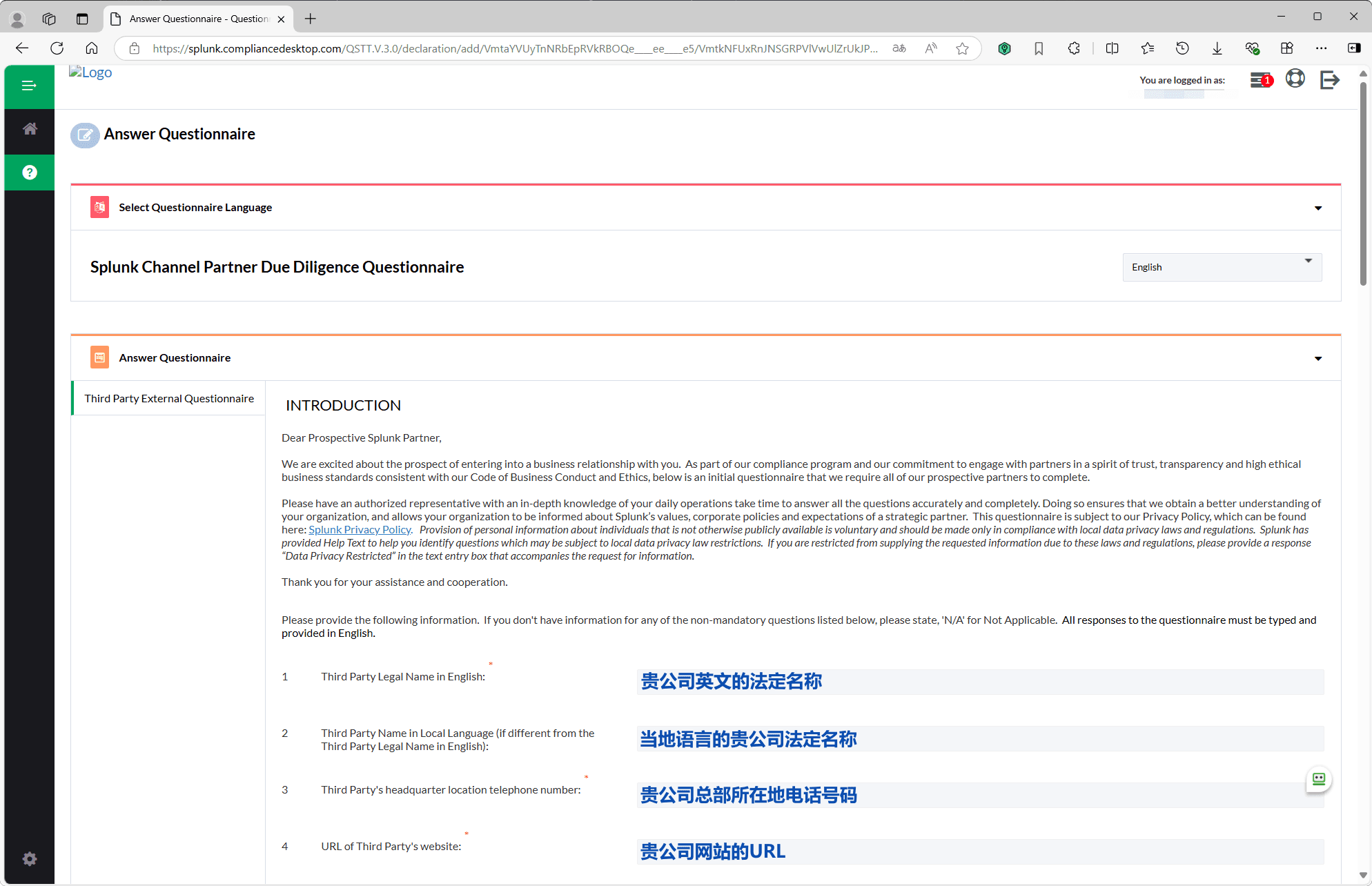
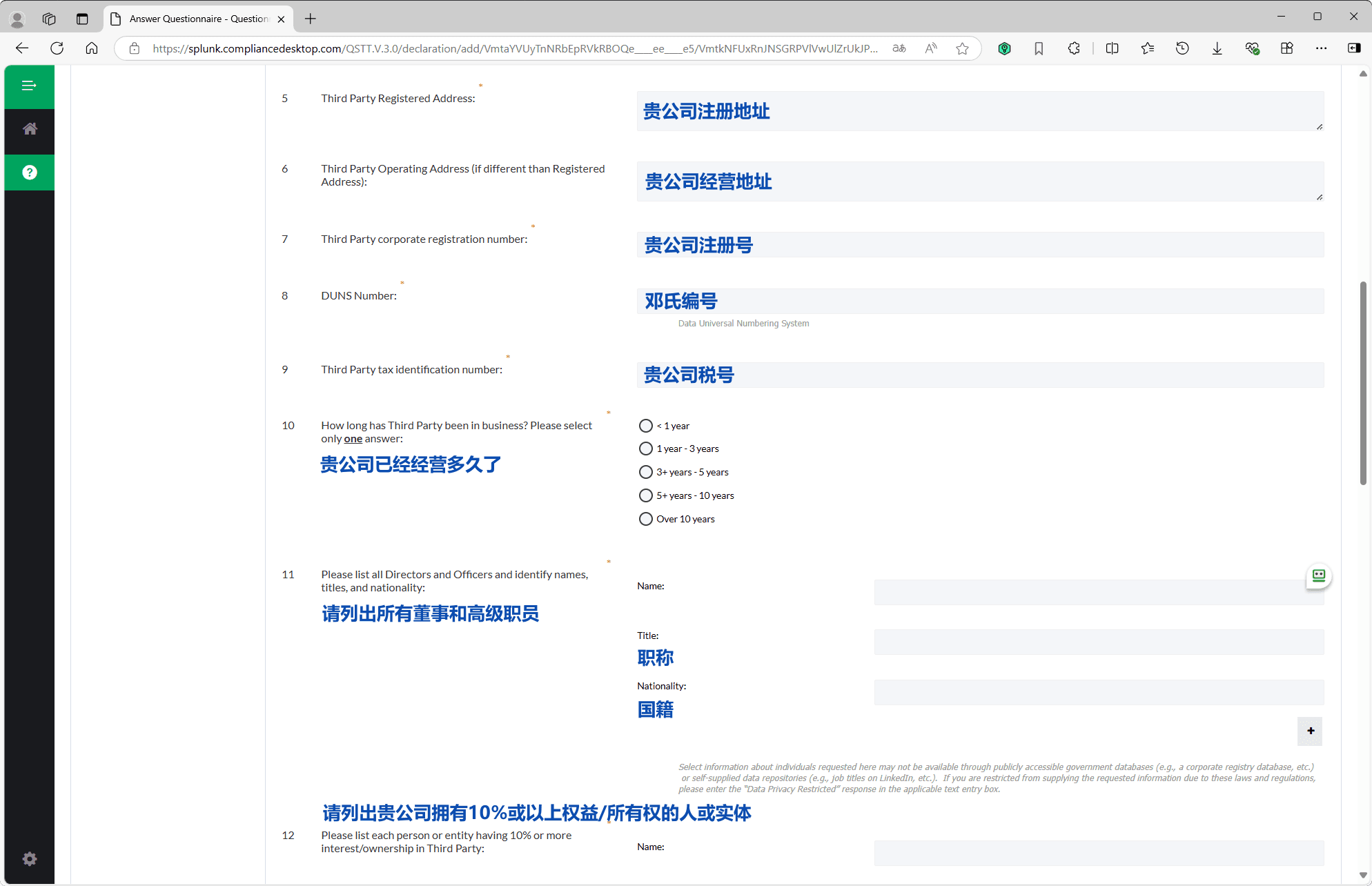
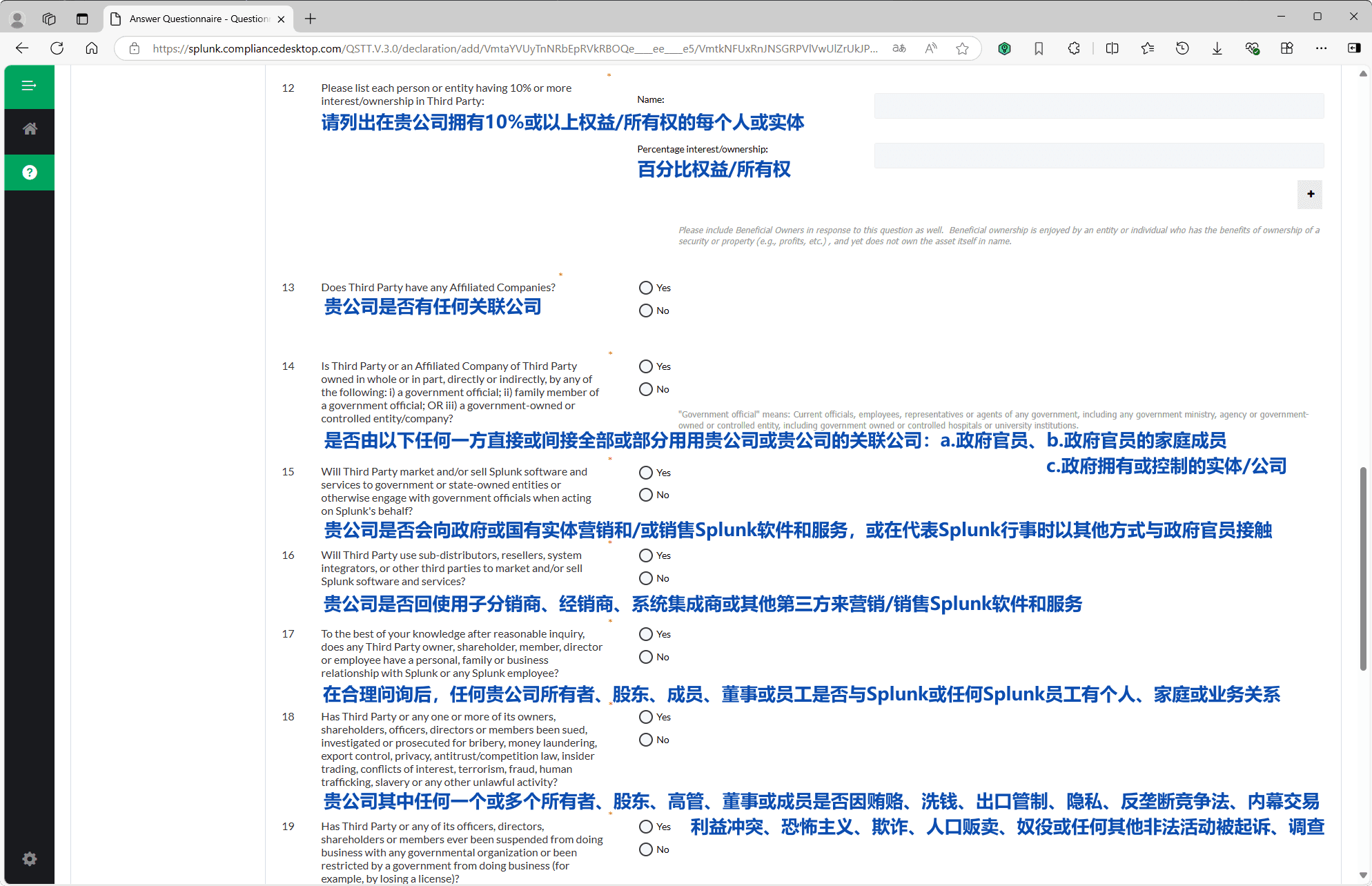
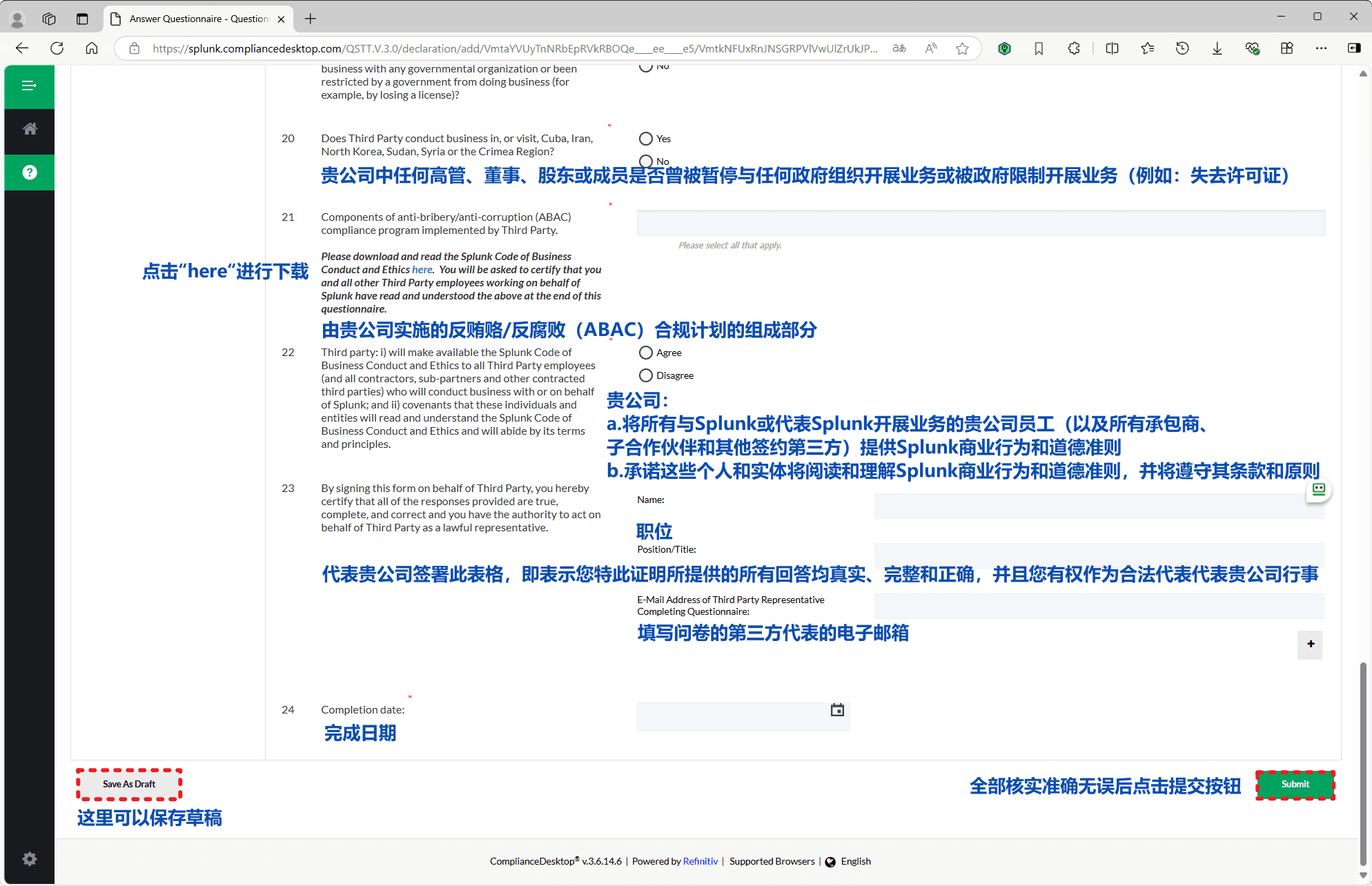
6. Complete the due diligence questionnaire
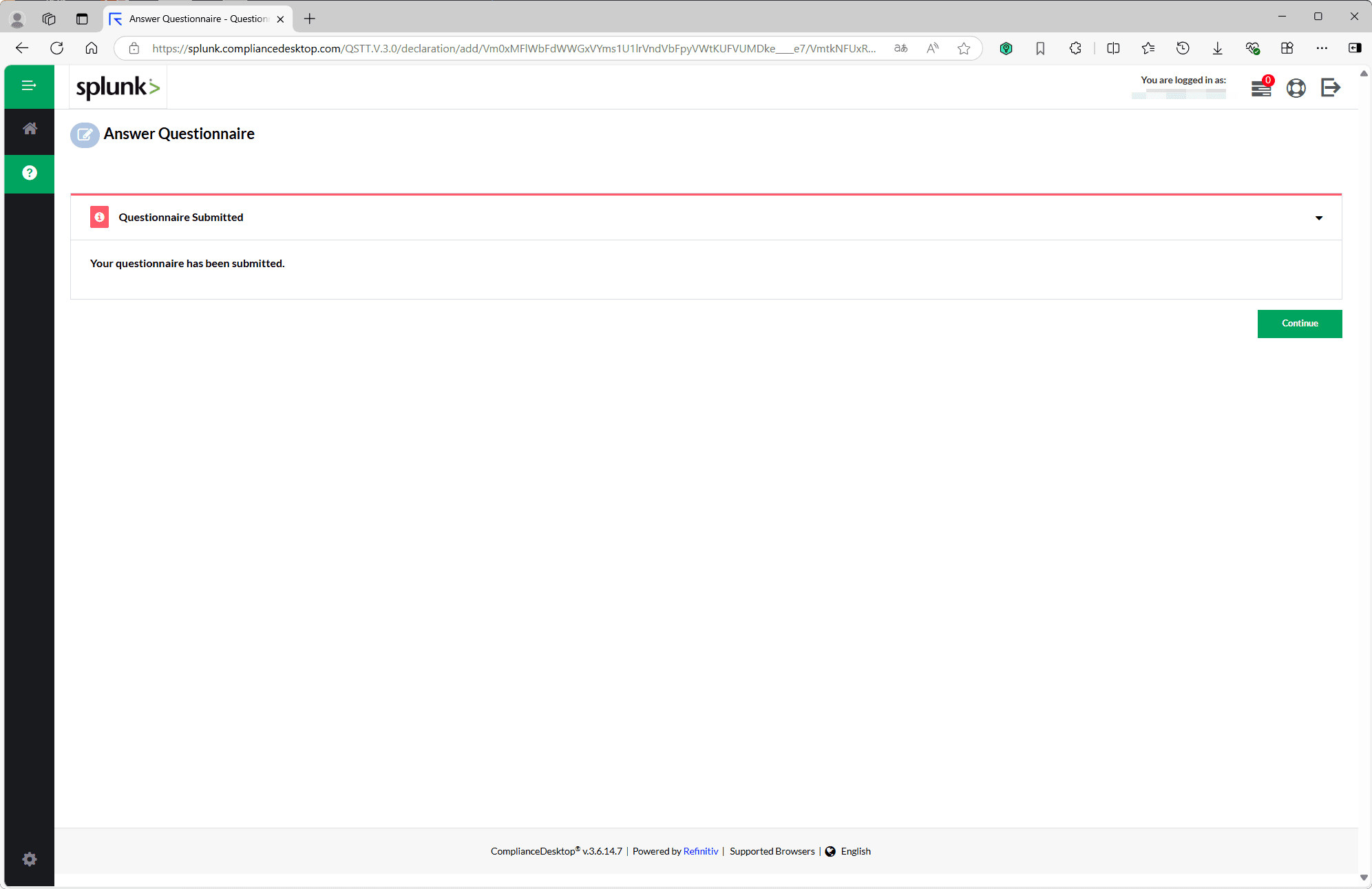
Open the Answer Questionnaire page, fill in the Splunk Channel Partner Due Diligence Questionnaire as required, and submit it to finish your certification application.